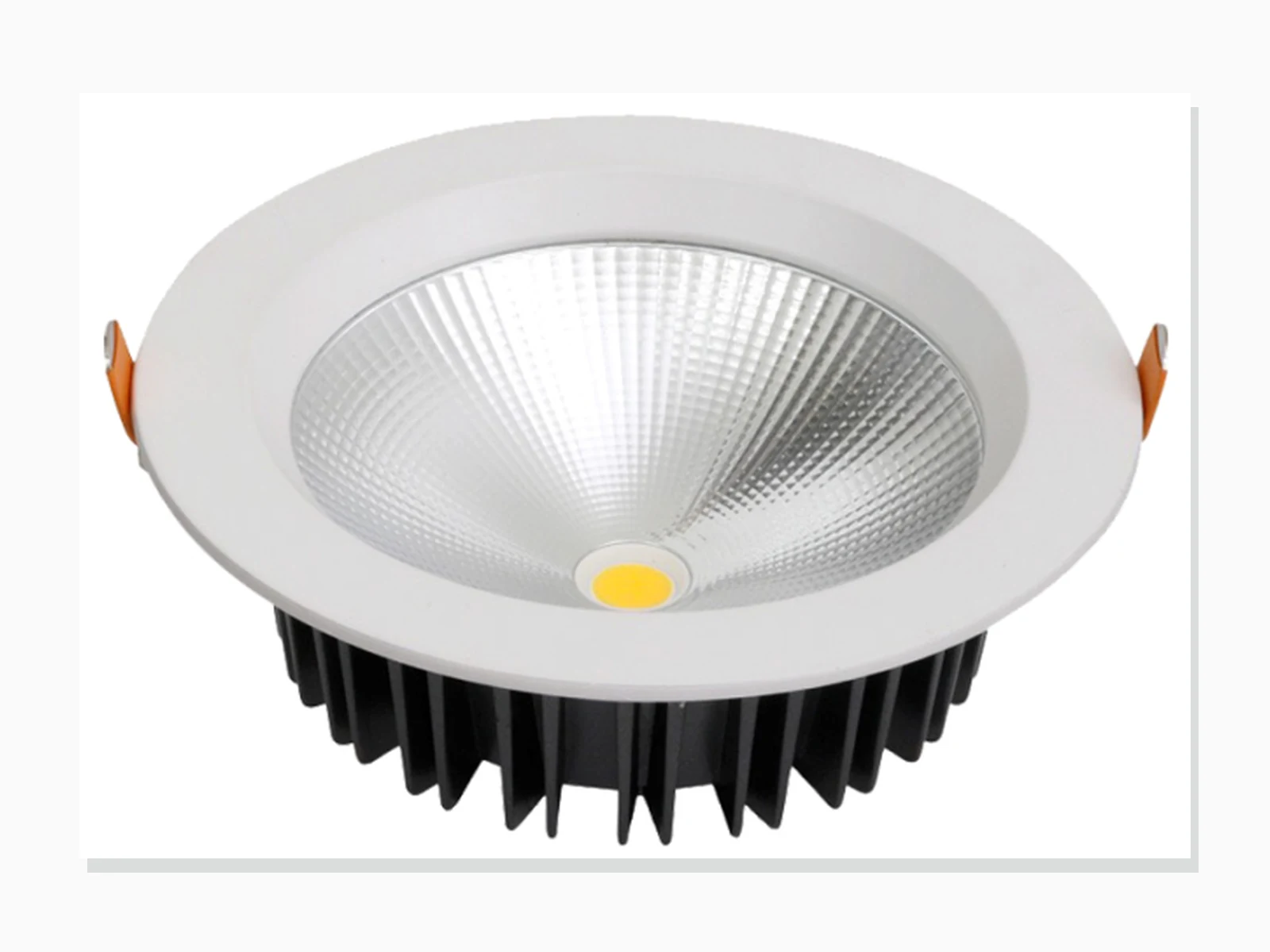
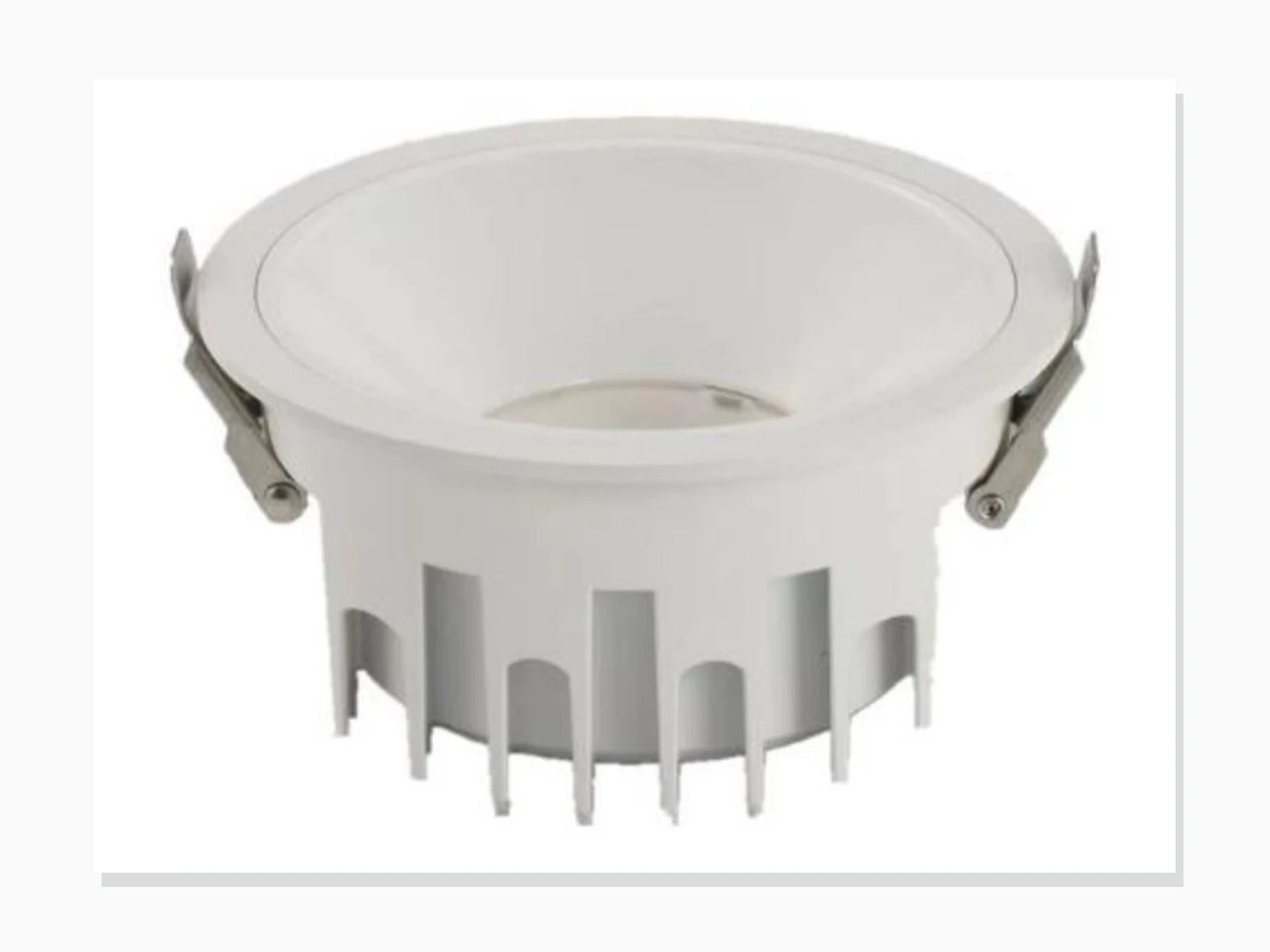
MET-TD701
Engineering Die-Cast COB Downlight
- Published power
- 12W, 14W, 20W, 24W, 30W, 36W, 40W
- Beam
- 60° / 90°

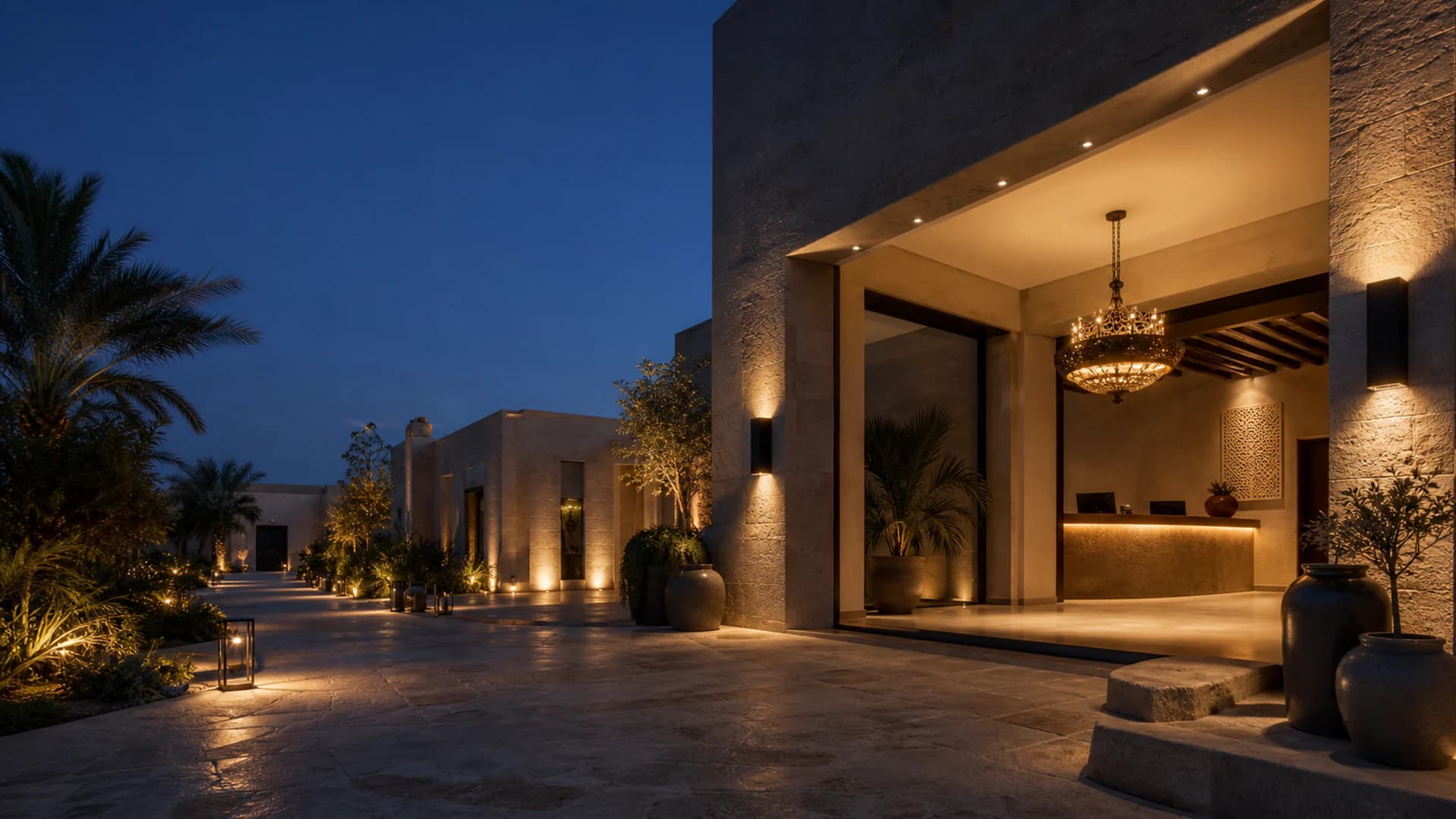
Illustrative concept — not project evidence
Products / architectural lighting
Explore indoor architectural lighting, custom villa pieces, outdoor systems and OEM light-engine support from one project supplier.
Published product catalogues
Preview twelve products from each catalogue, then open the complete category to compare every published model.
40 indoor models
MET-TD701
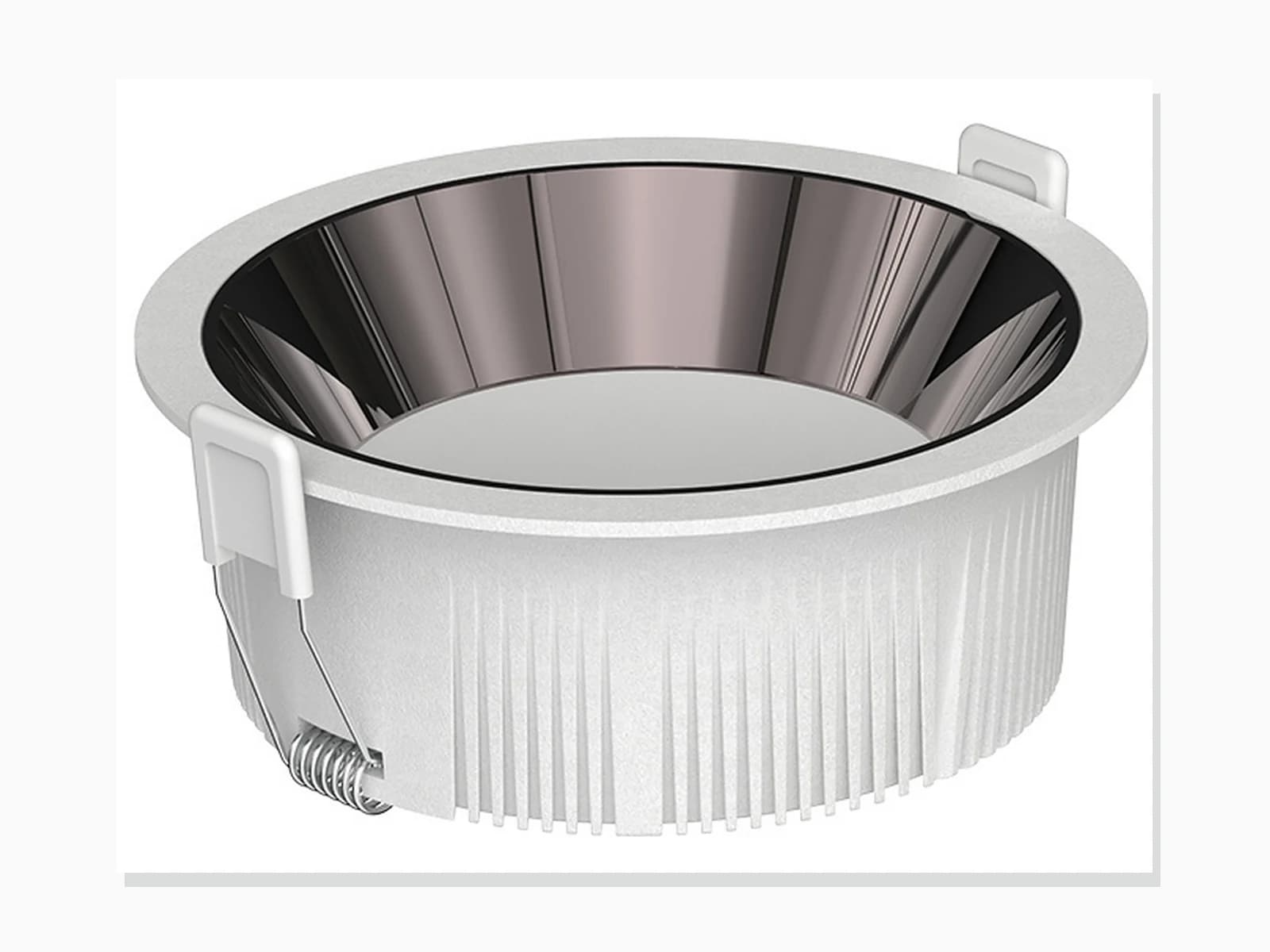
MET-TD711
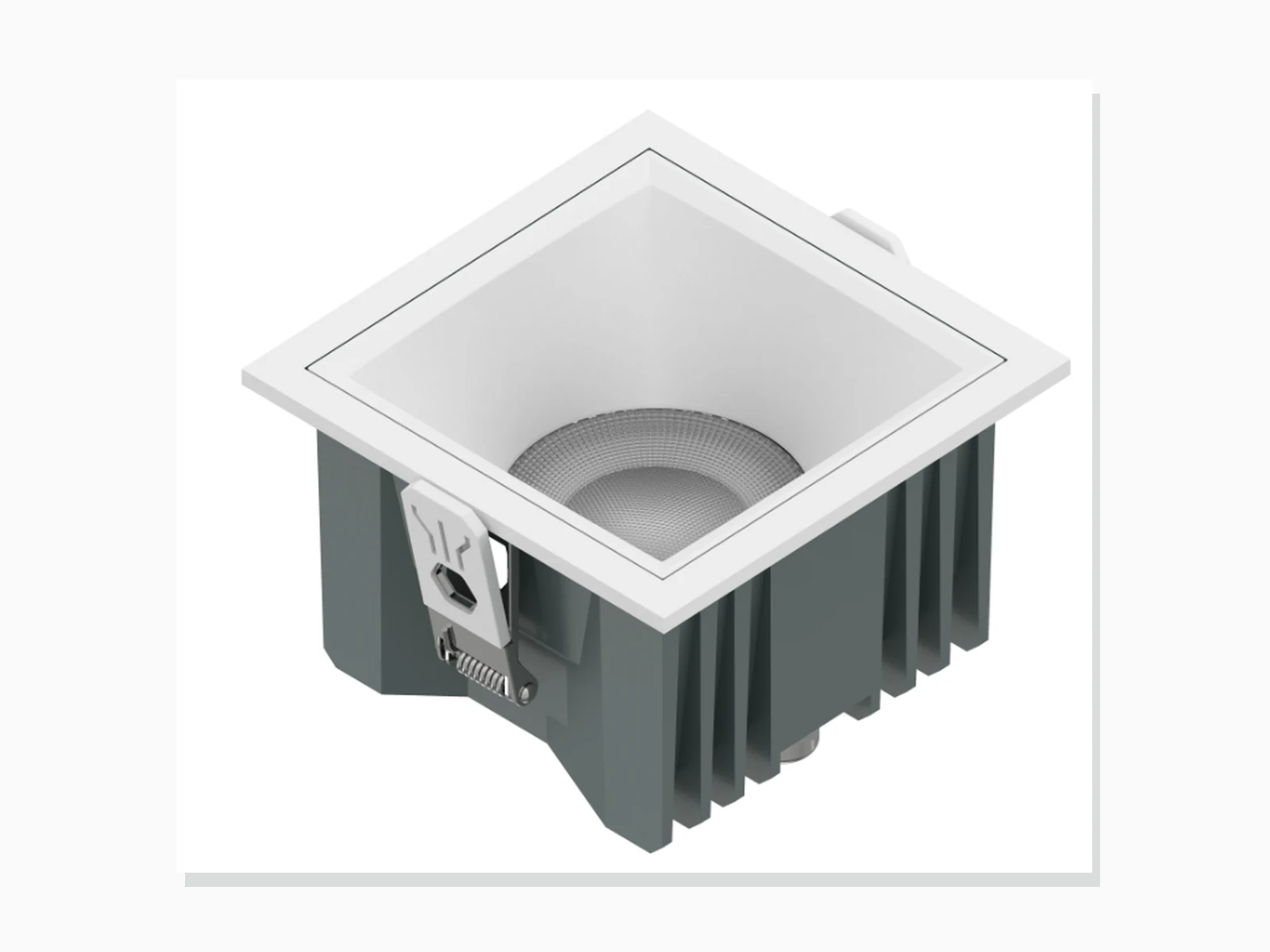
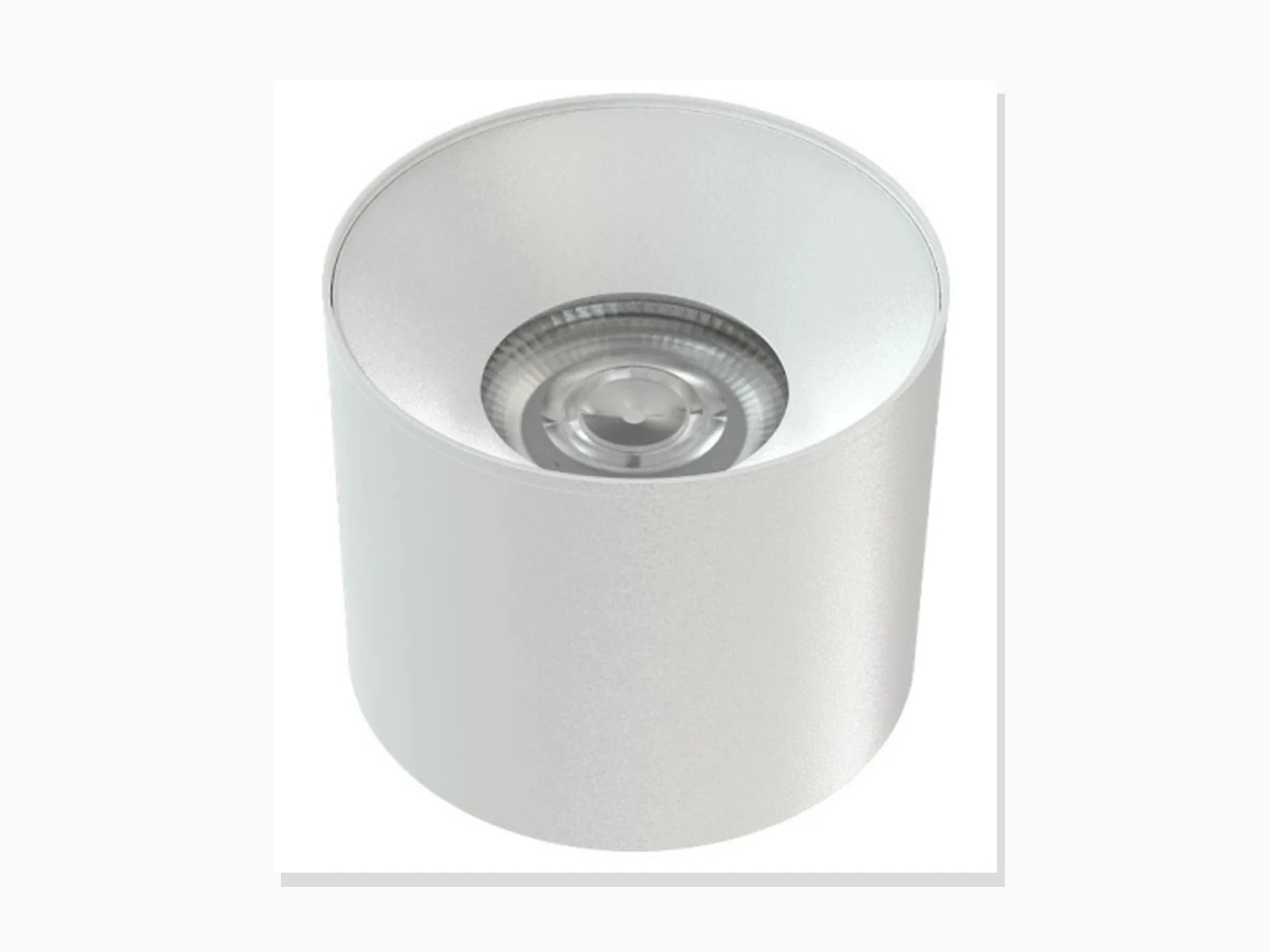
MET-MTD207A
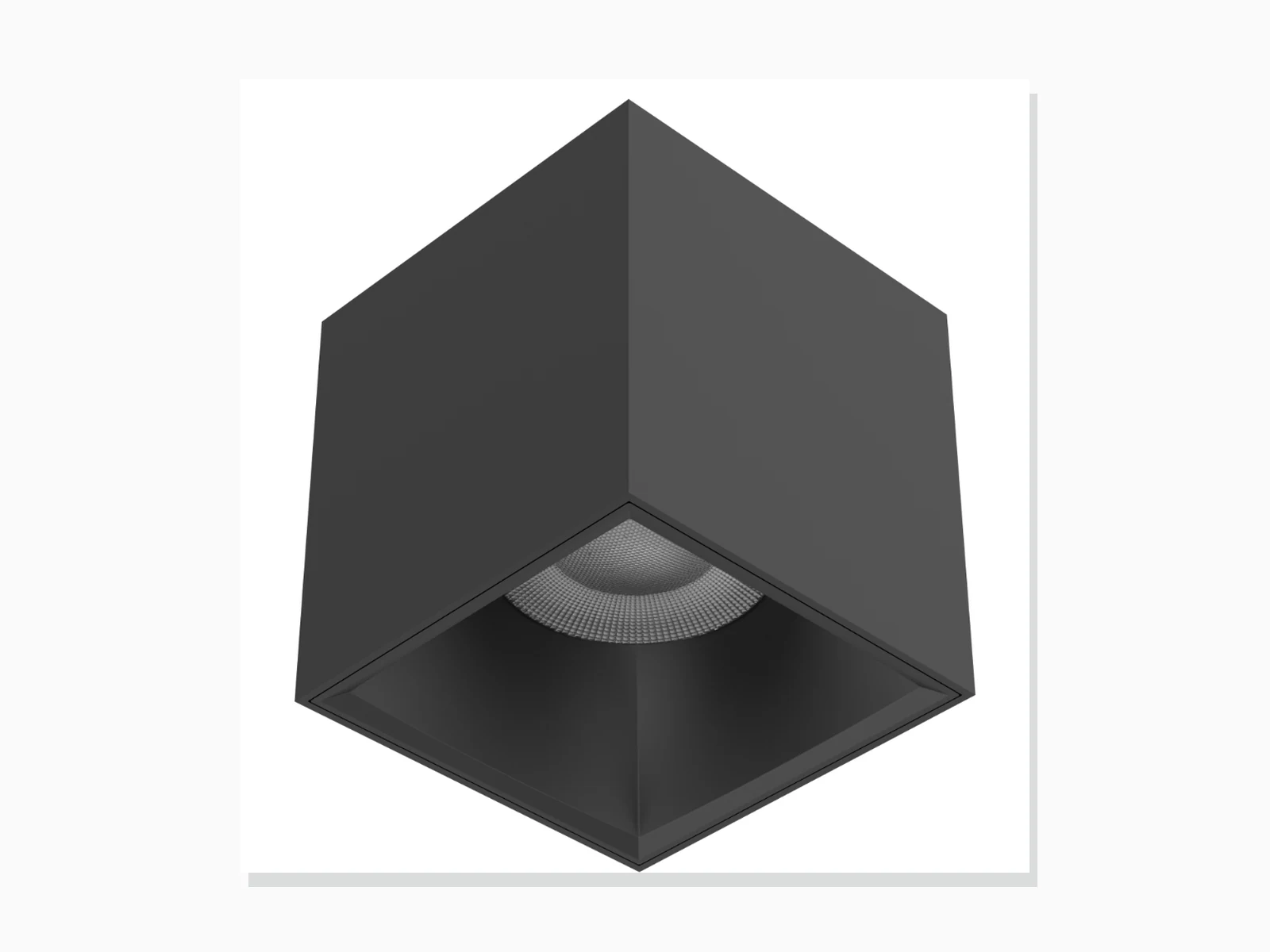
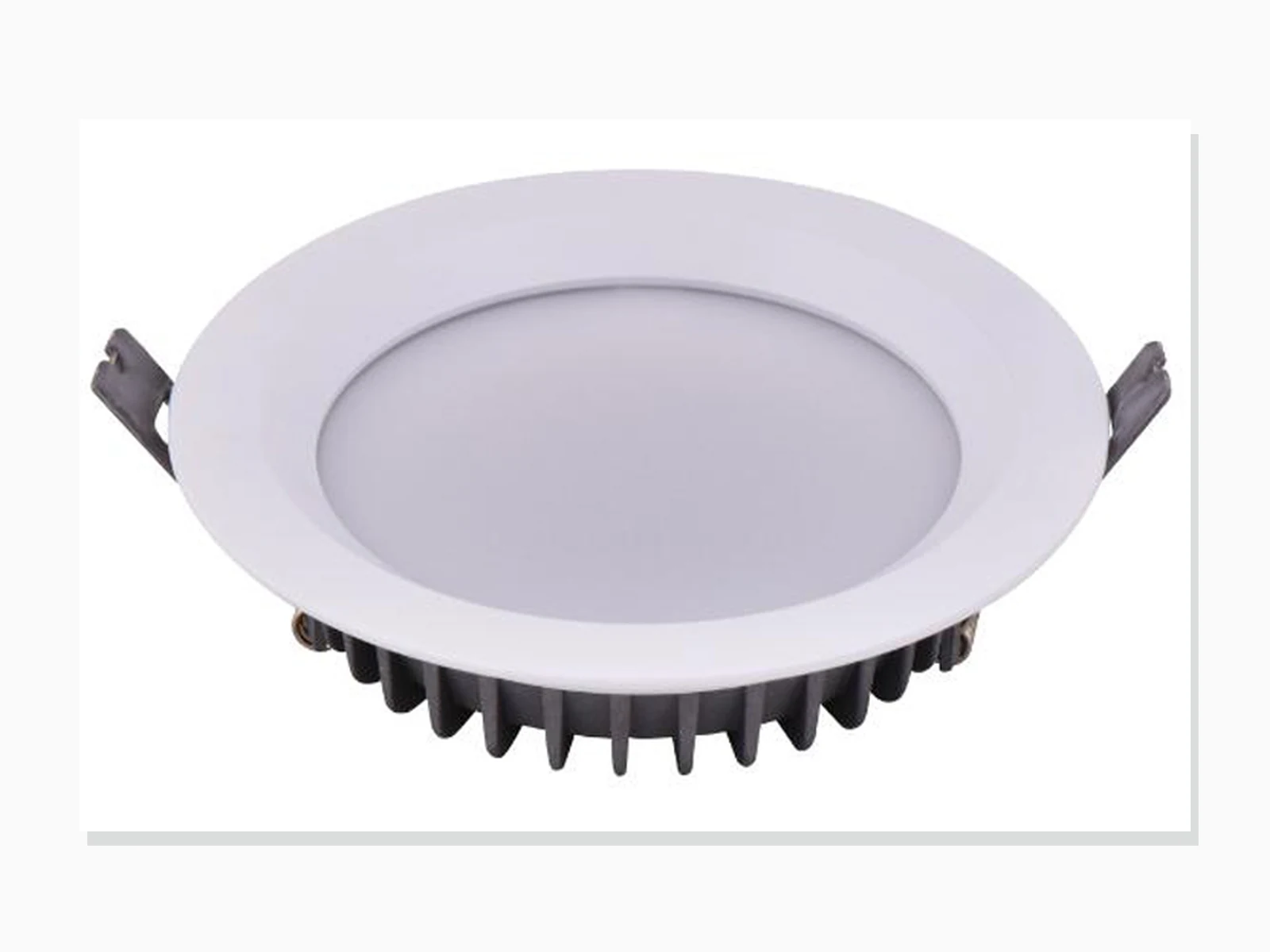
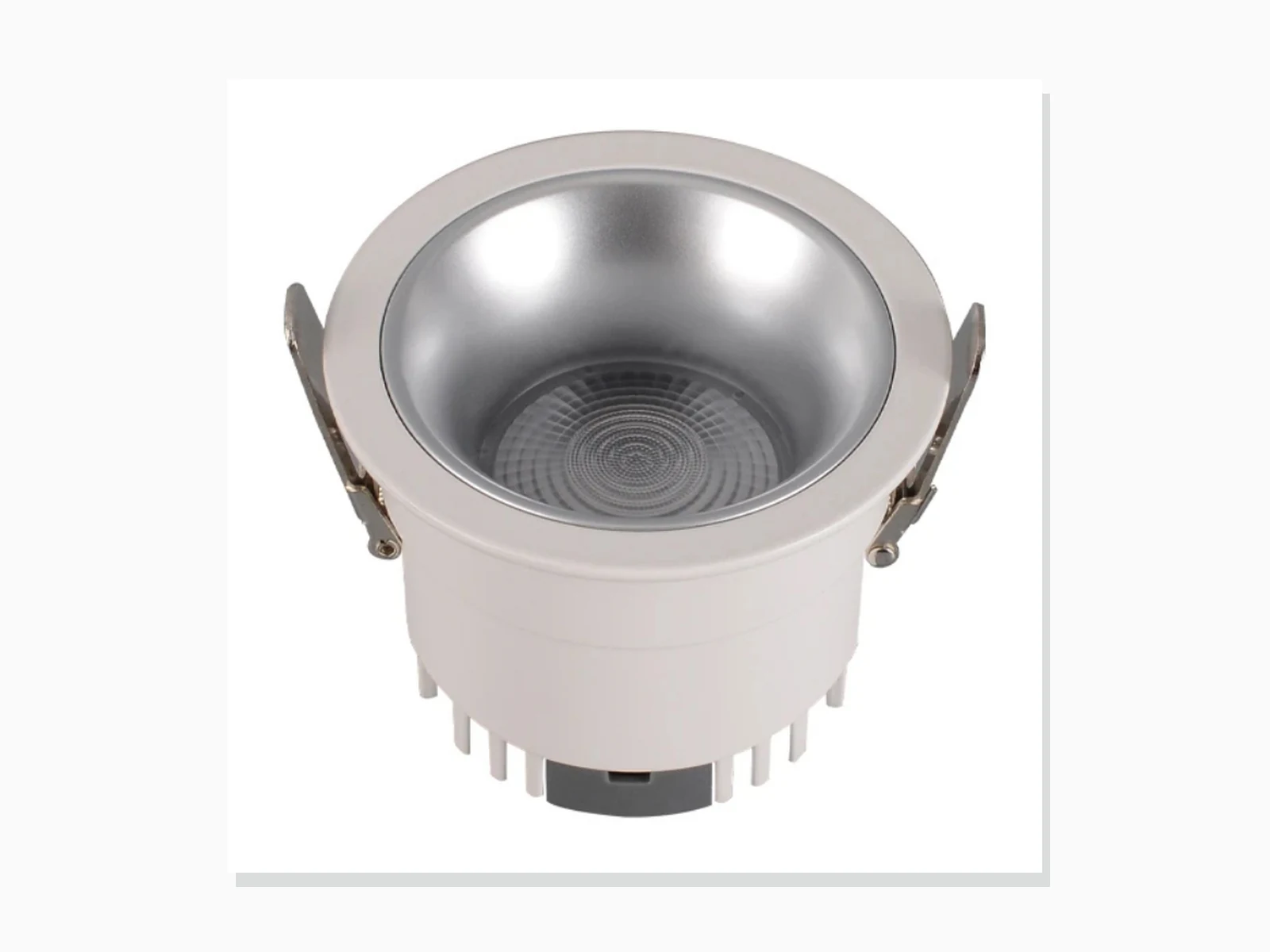
MET-TD804
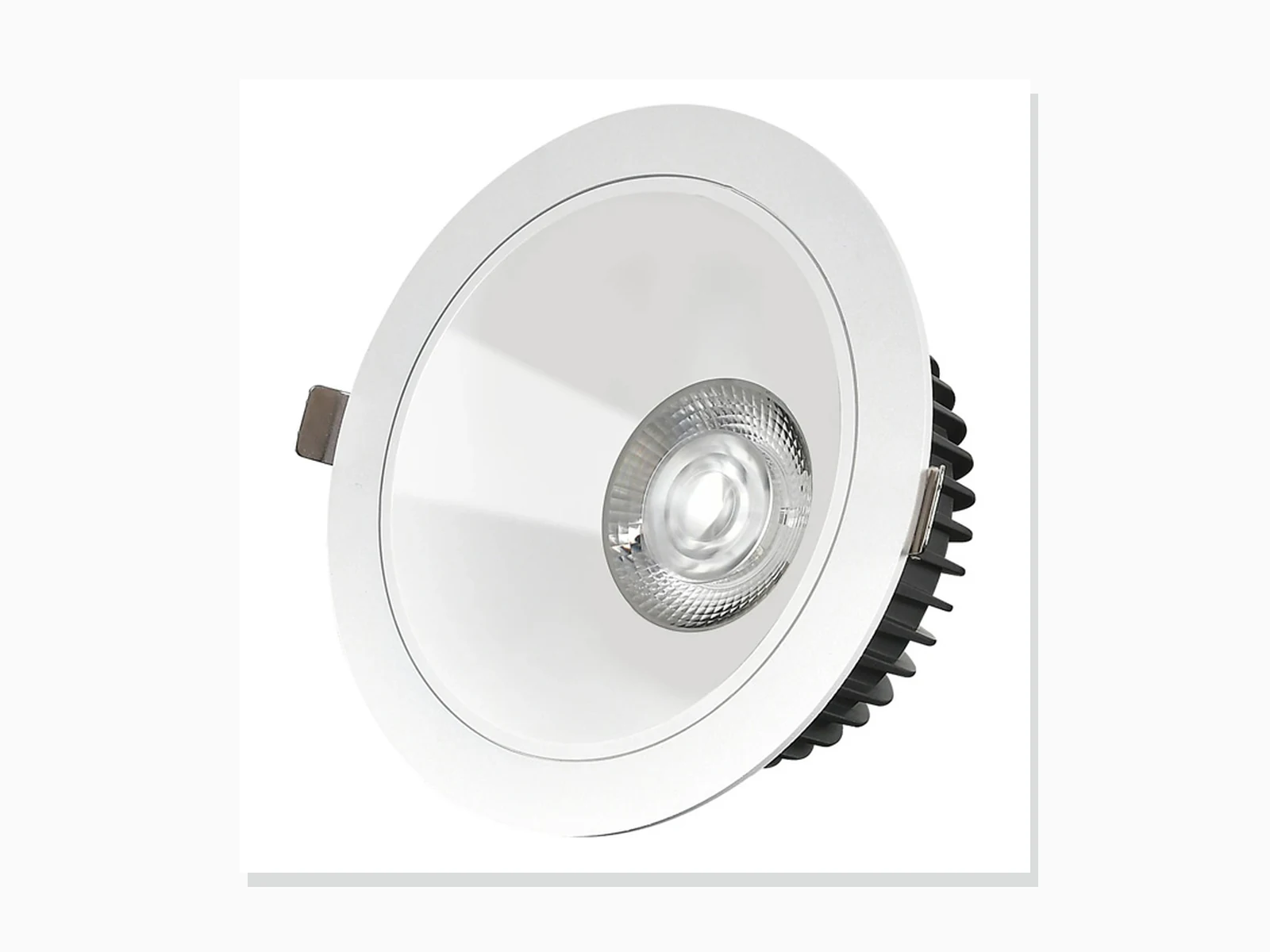
MET-TD805
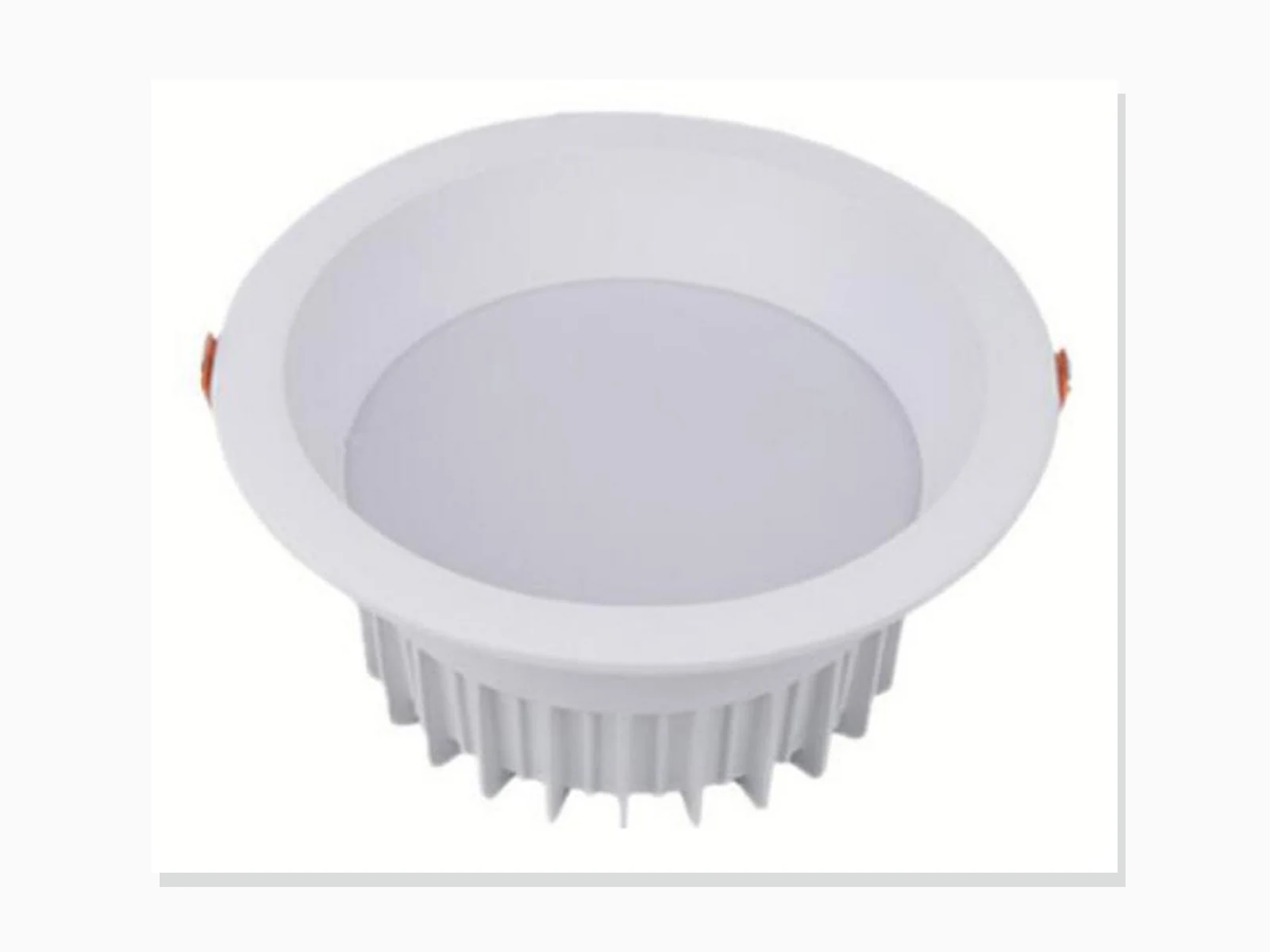
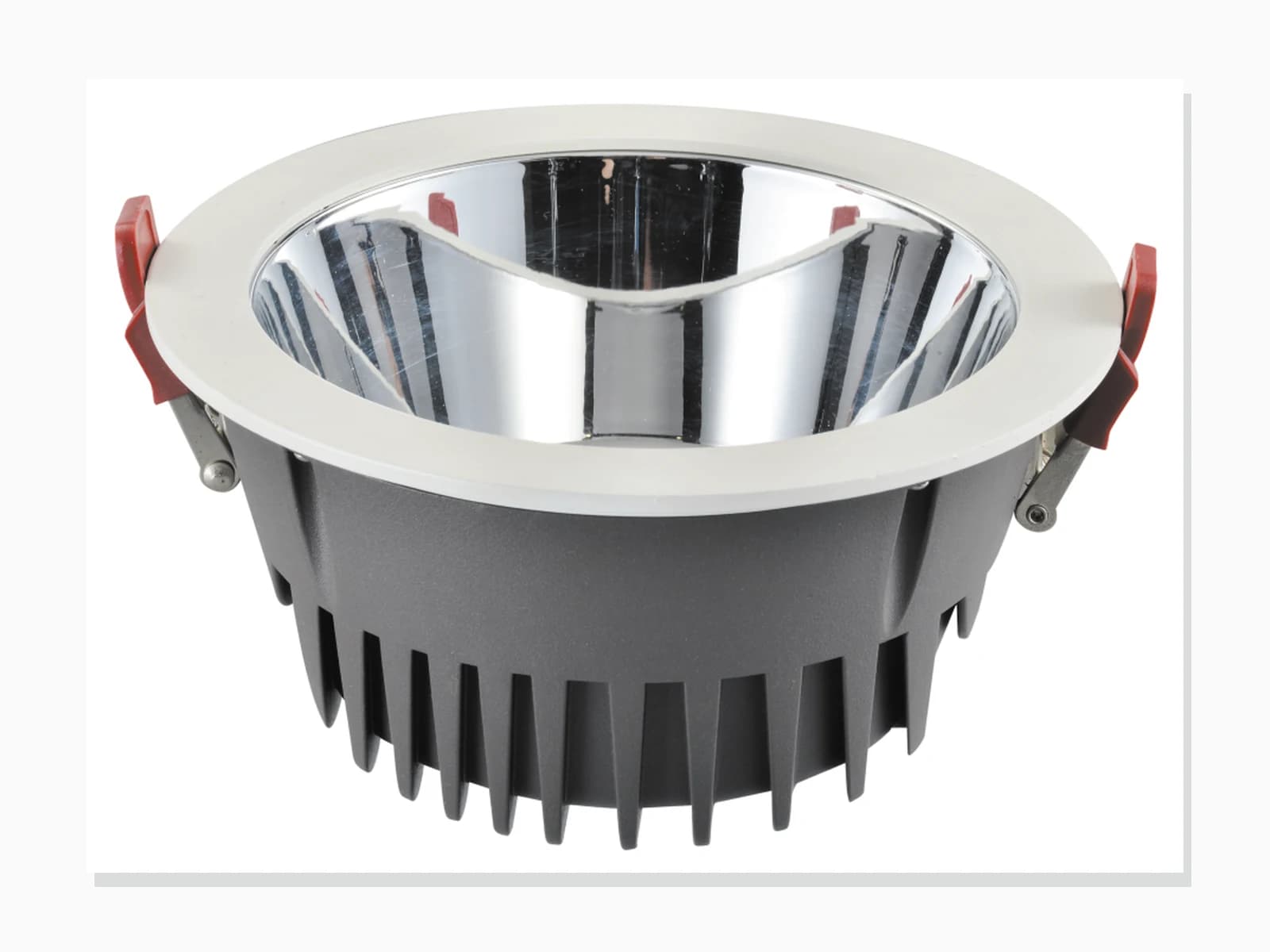
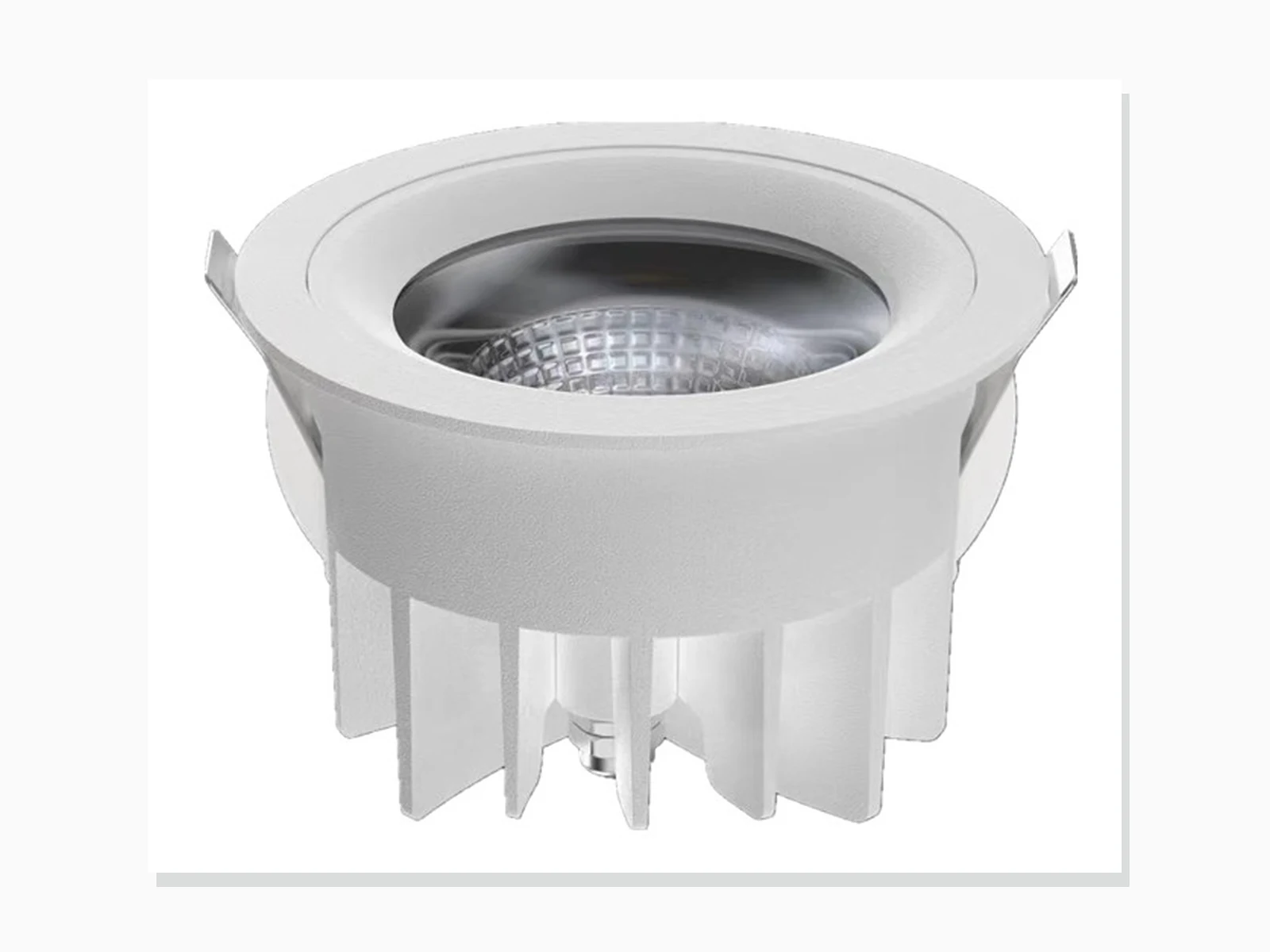
41 outdoor models
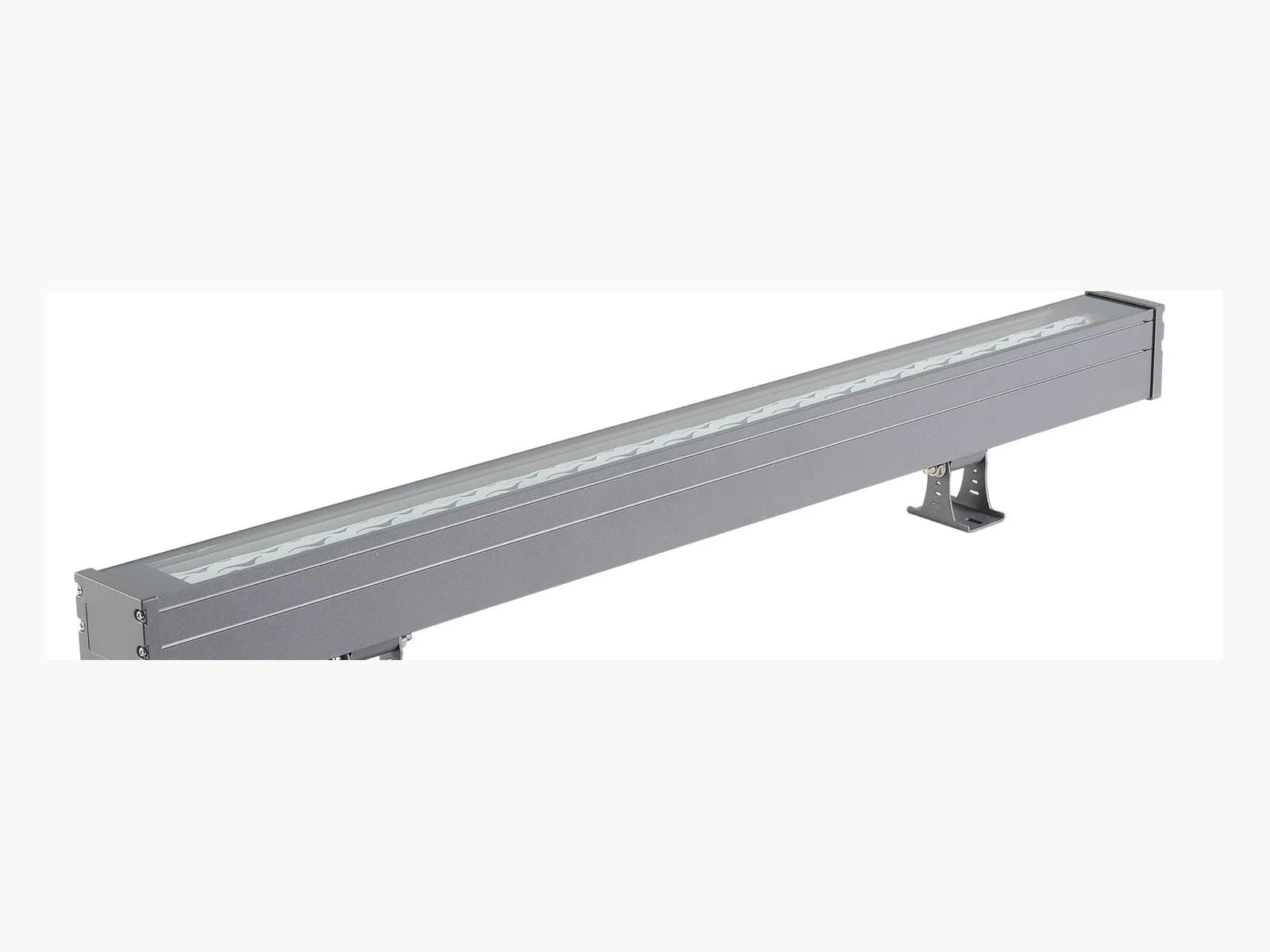
YY-SWD-001
Facade & Linear LightingAuthorized architectural facade-lighting model for project-based configuration review.
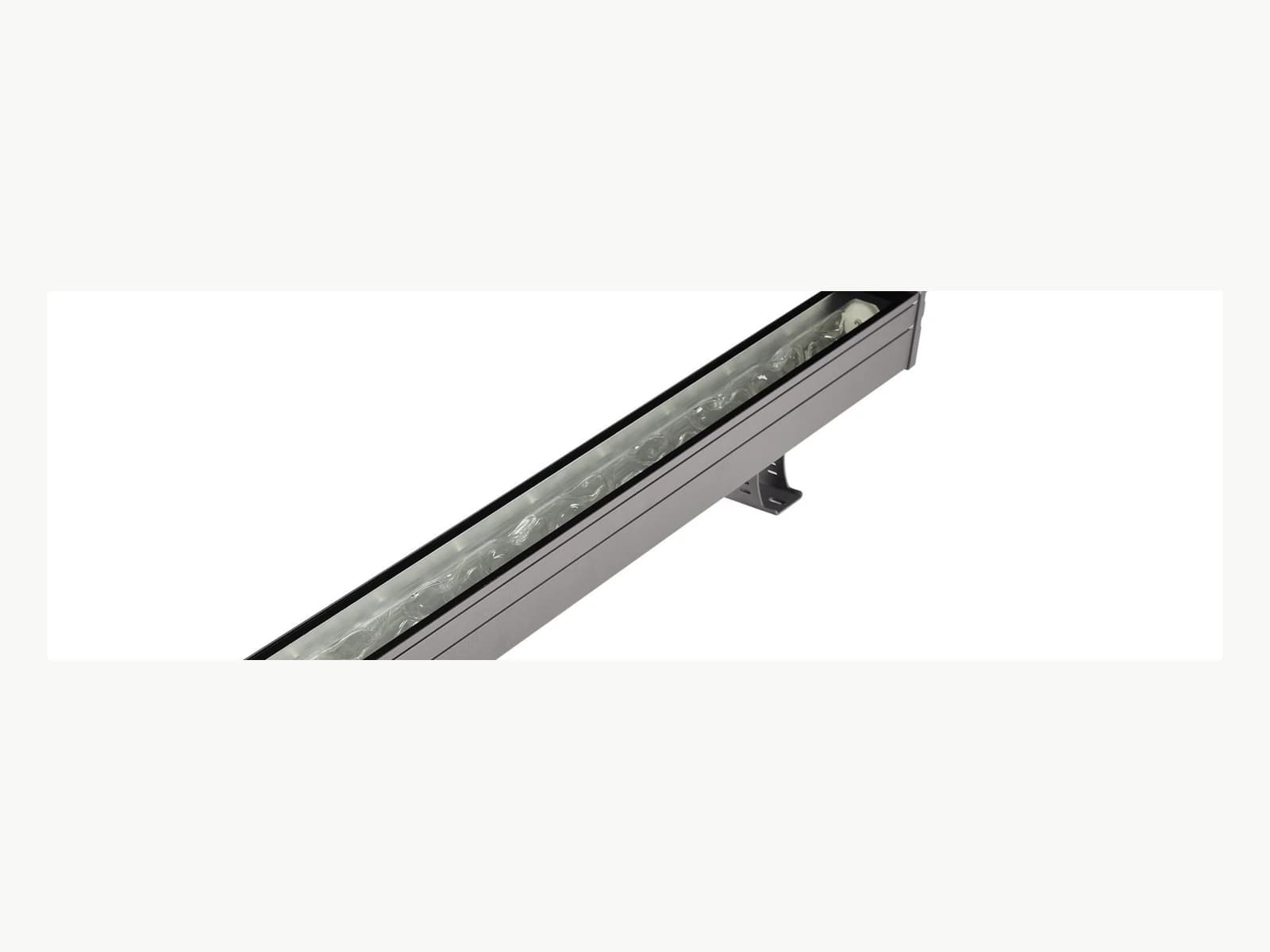
YY-SWD-002
Facade & Linear LightingAuthorized architectural facade-lighting model for project-based configuration review.
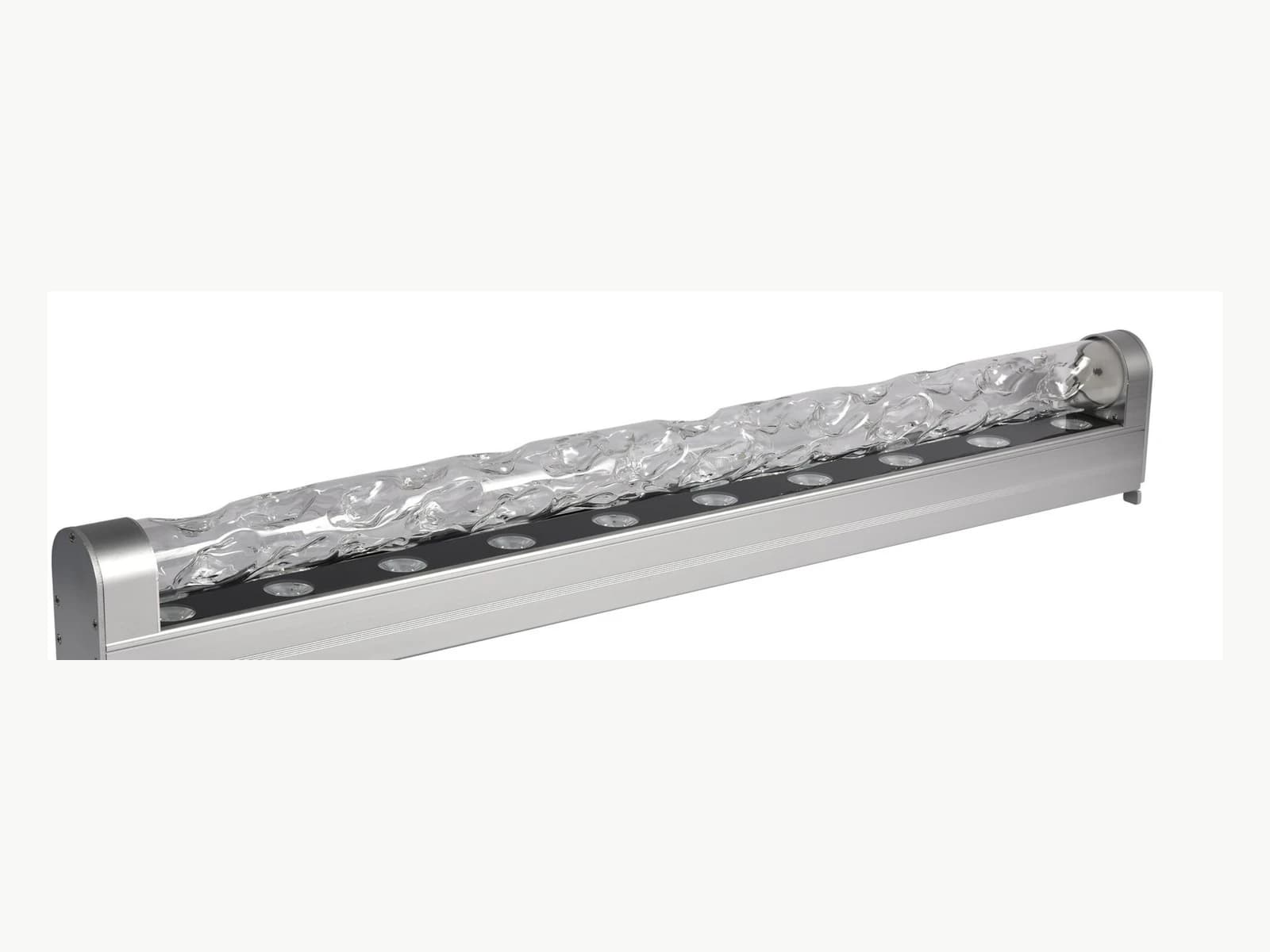
YY-SWD-003
Facade & Linear LightingAuthorized architectural facade-lighting model for project-based configuration review.
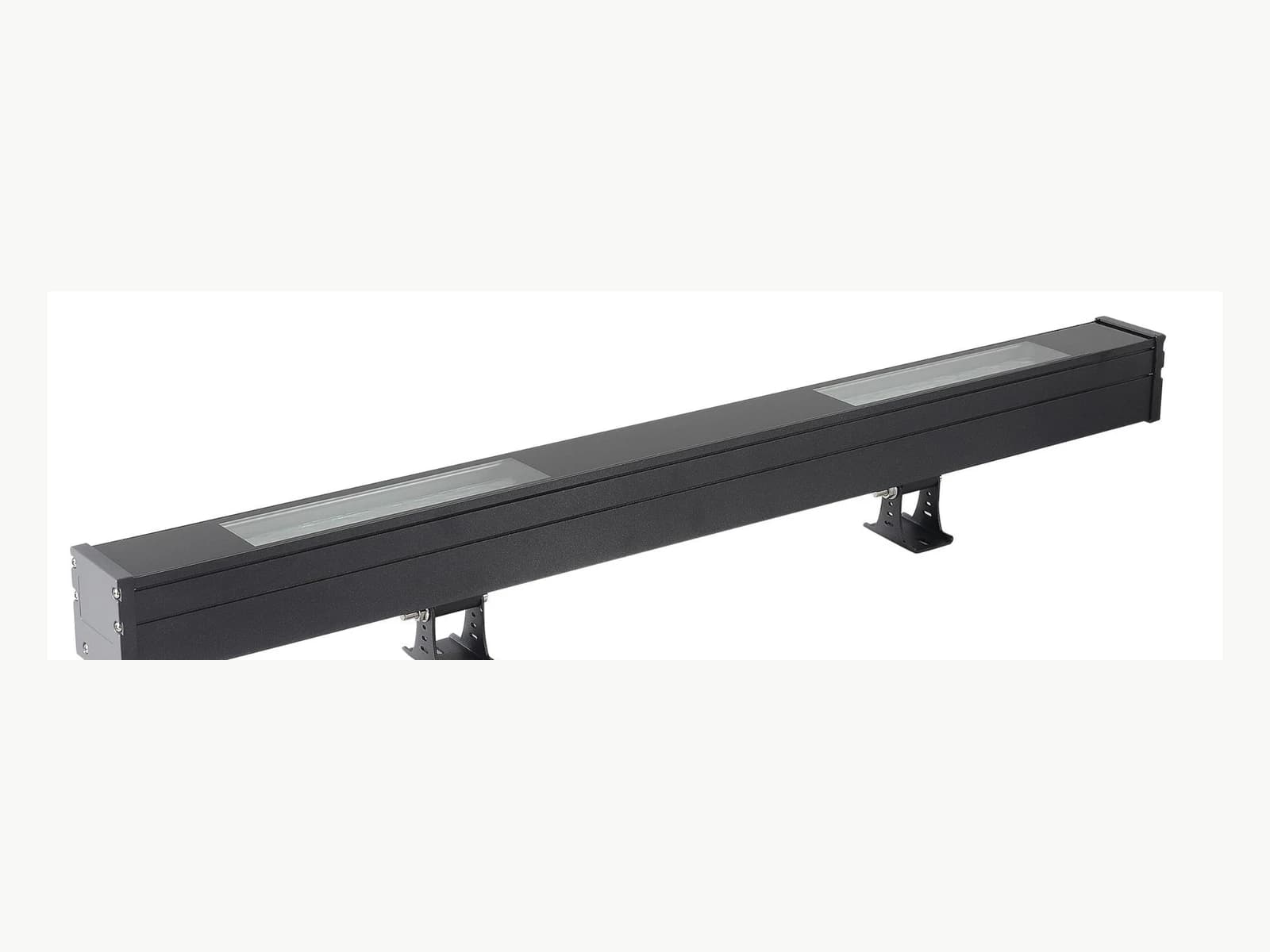
YY-SWD-004
Facade & Linear LightingAuthorized architectural facade-lighting model for project-based configuration review.
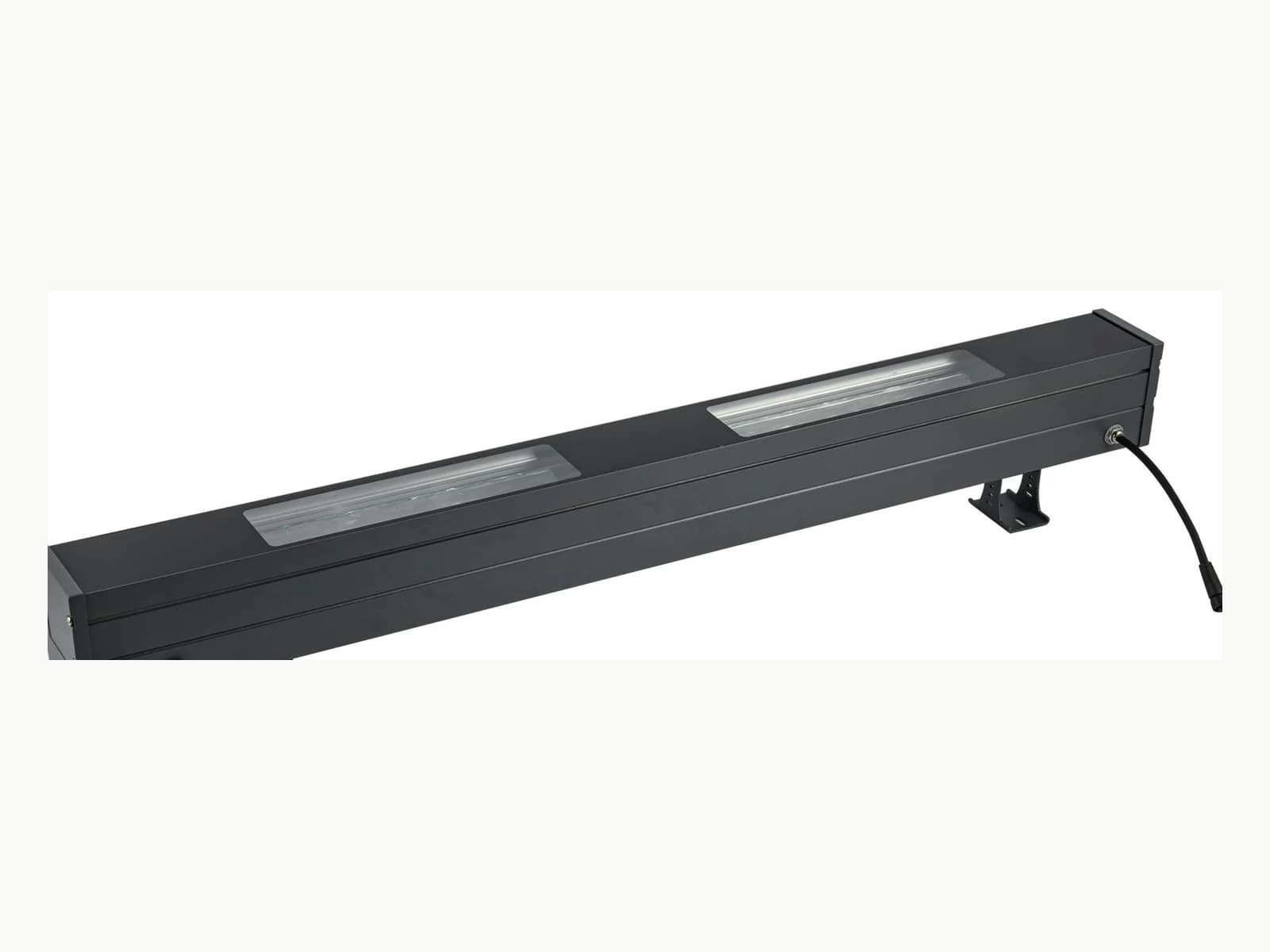
YY-SWD-007
Facade & Linear LightingAuthorized architectural facade-lighting model for project-based configuration review.
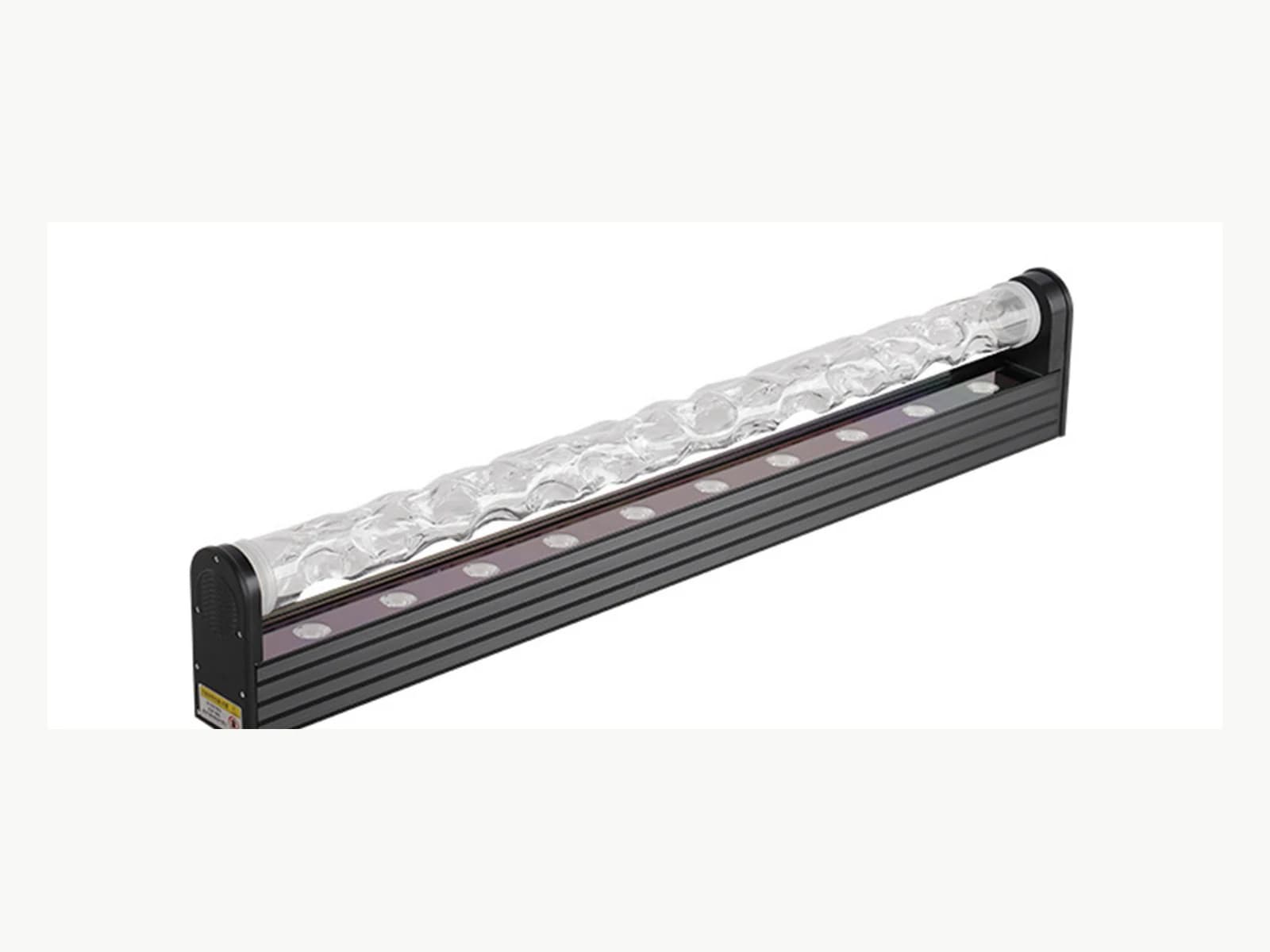
YY-SWD-008
Facade & Linear LightingAuthorized architectural facade-lighting model for project-based configuration review.
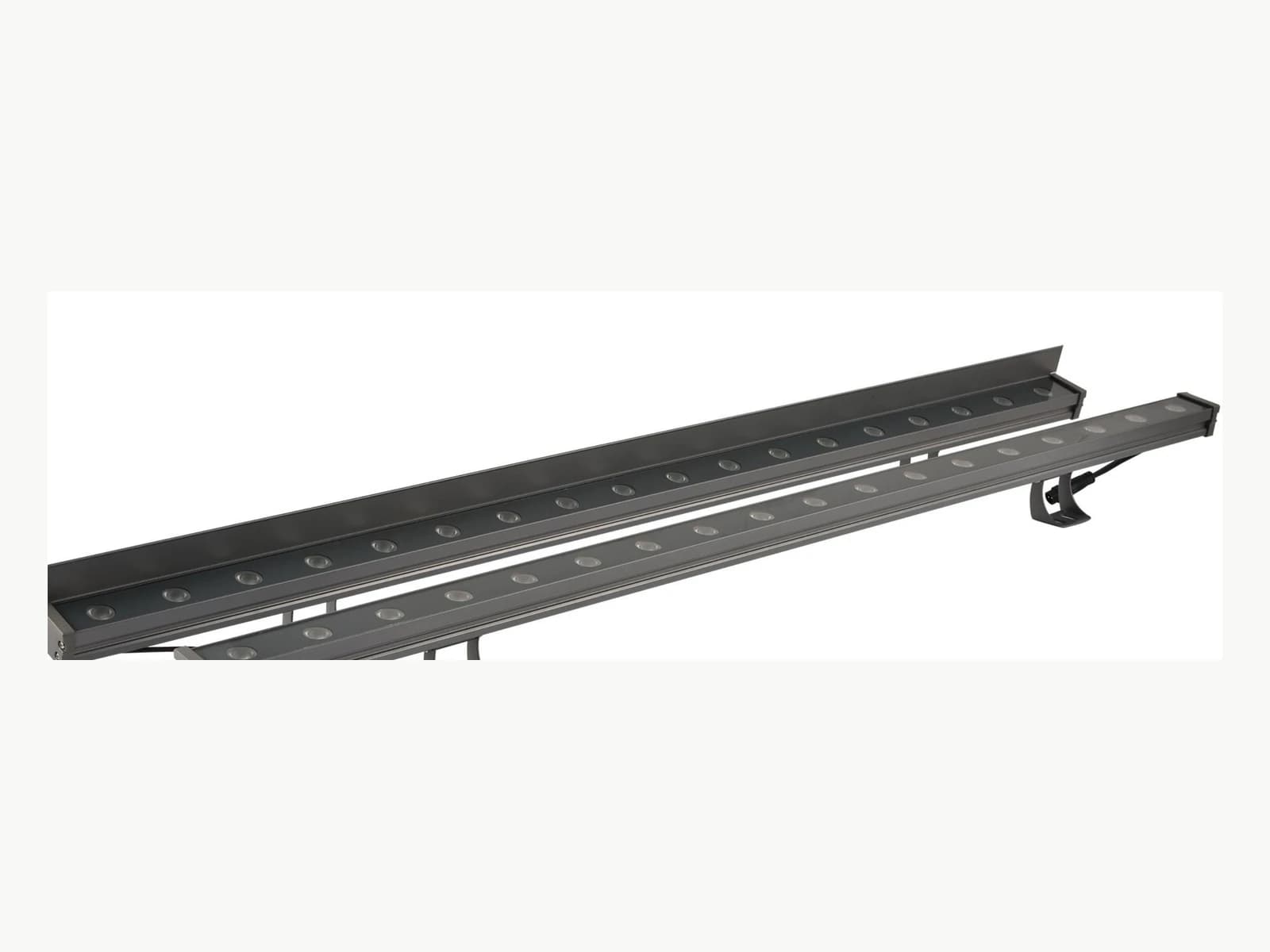
YY-XQD-3828
Facade & Linear LightingAuthorized architectural facade-lighting model for project-based configuration review.
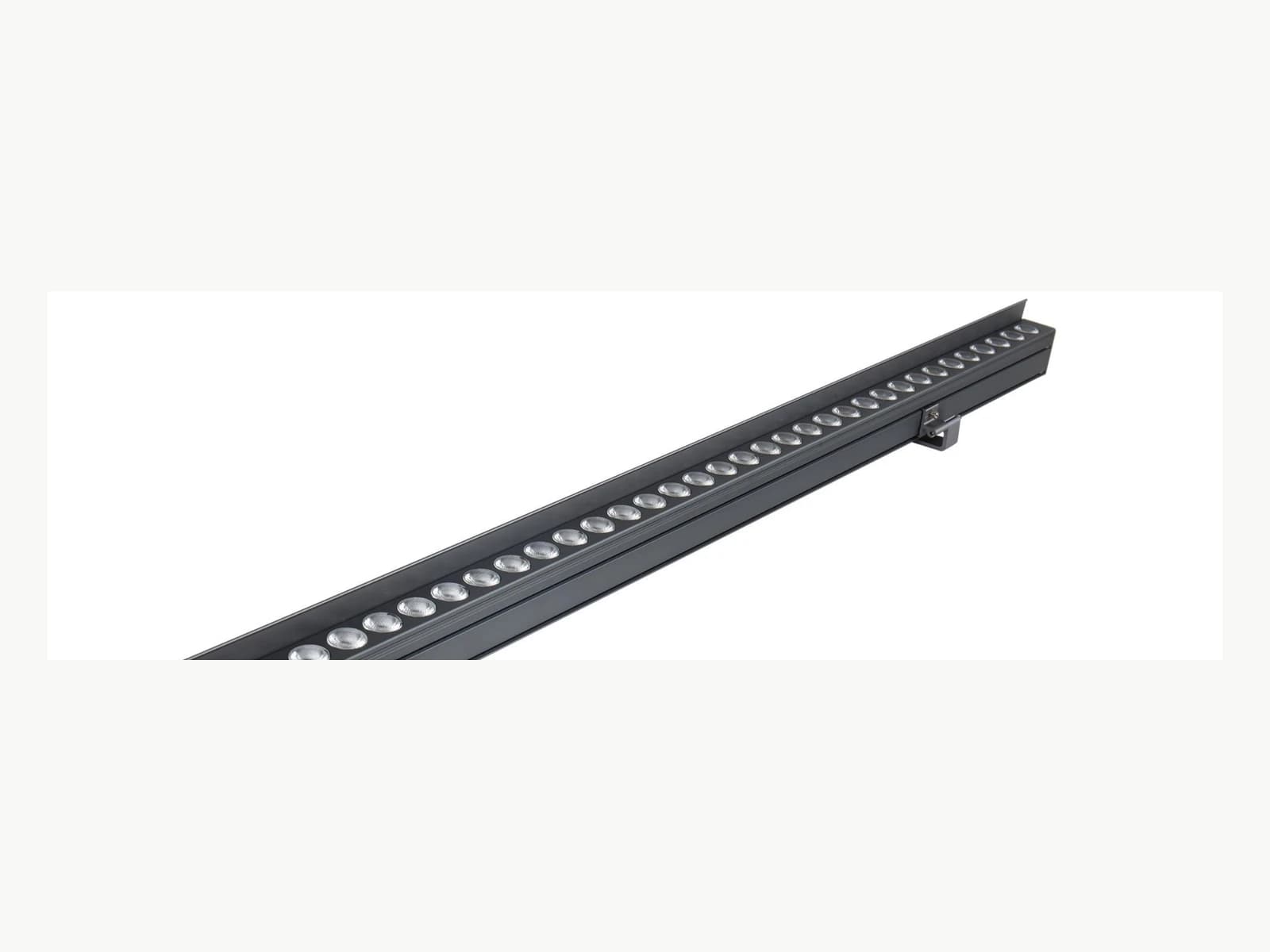
YY-XQD-3545
Facade & Linear LightingAuthorized architectural facade-lighting model for project-based configuration review.
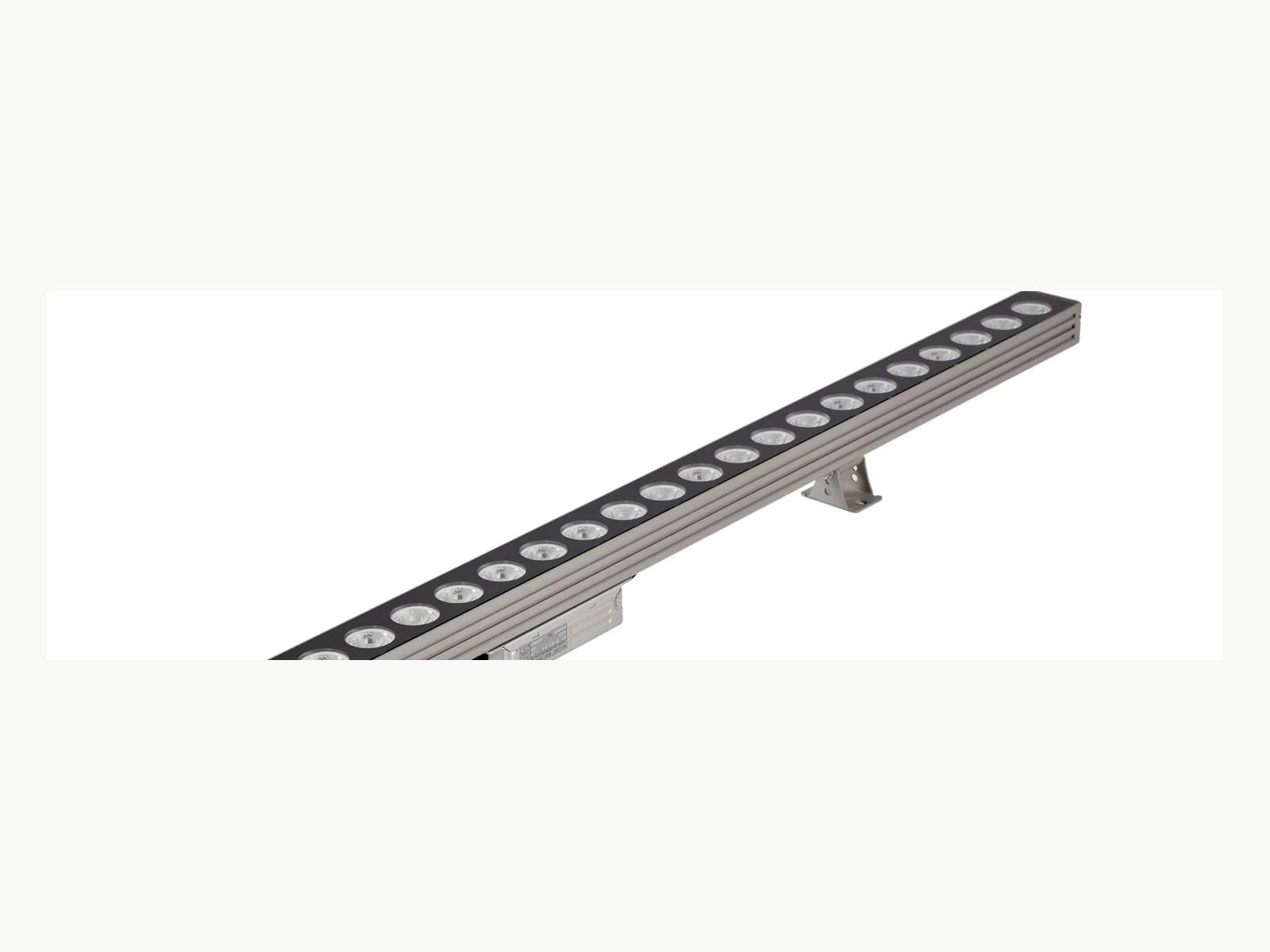
YY-XQD-5236
Facade & Linear LightingAuthorized architectural facade-lighting model for project-based configuration review.
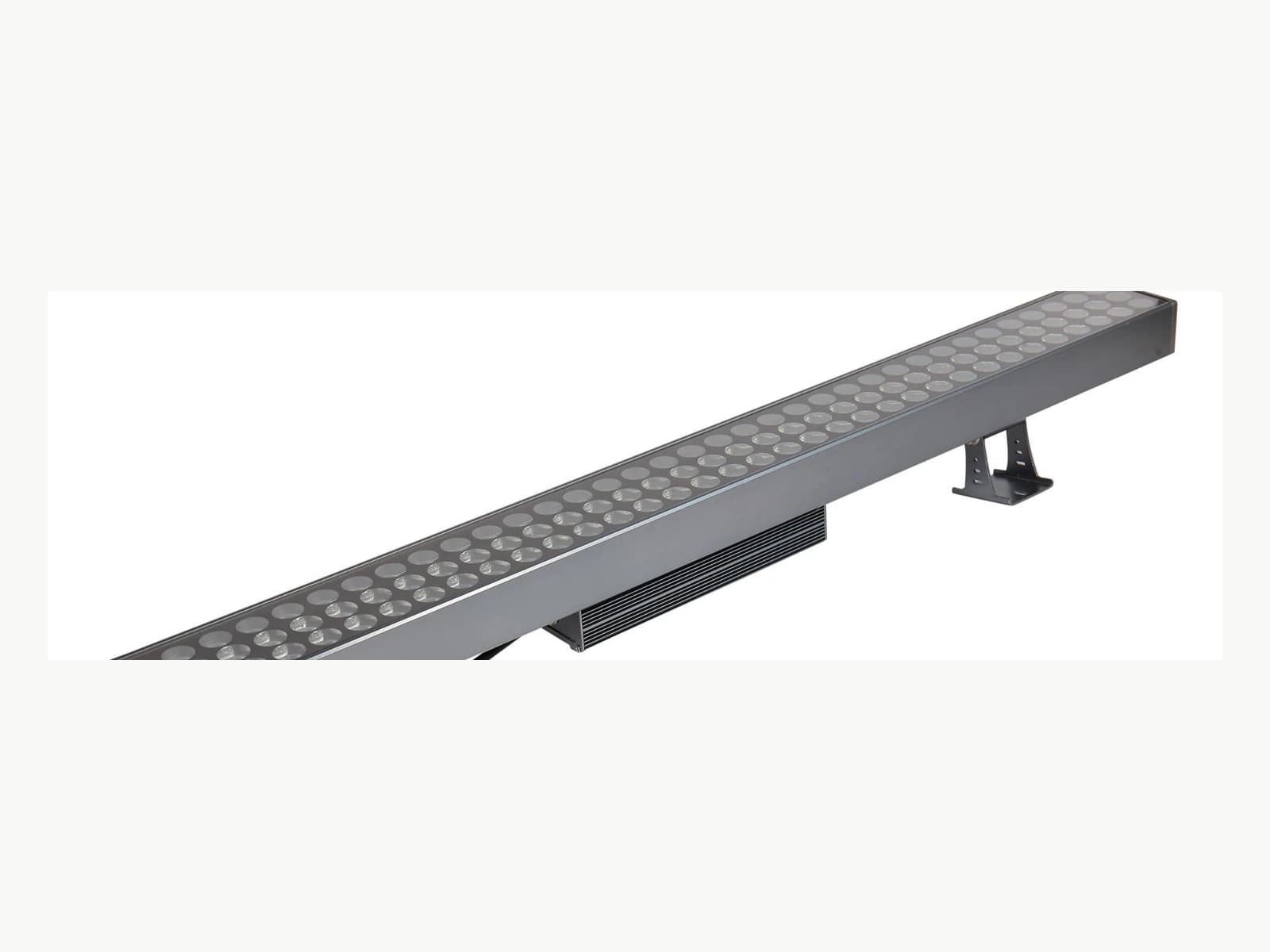
YY-XQD-9550
Facade & Linear LightingAuthorized architectural facade-lighting model for project-based configuration review.
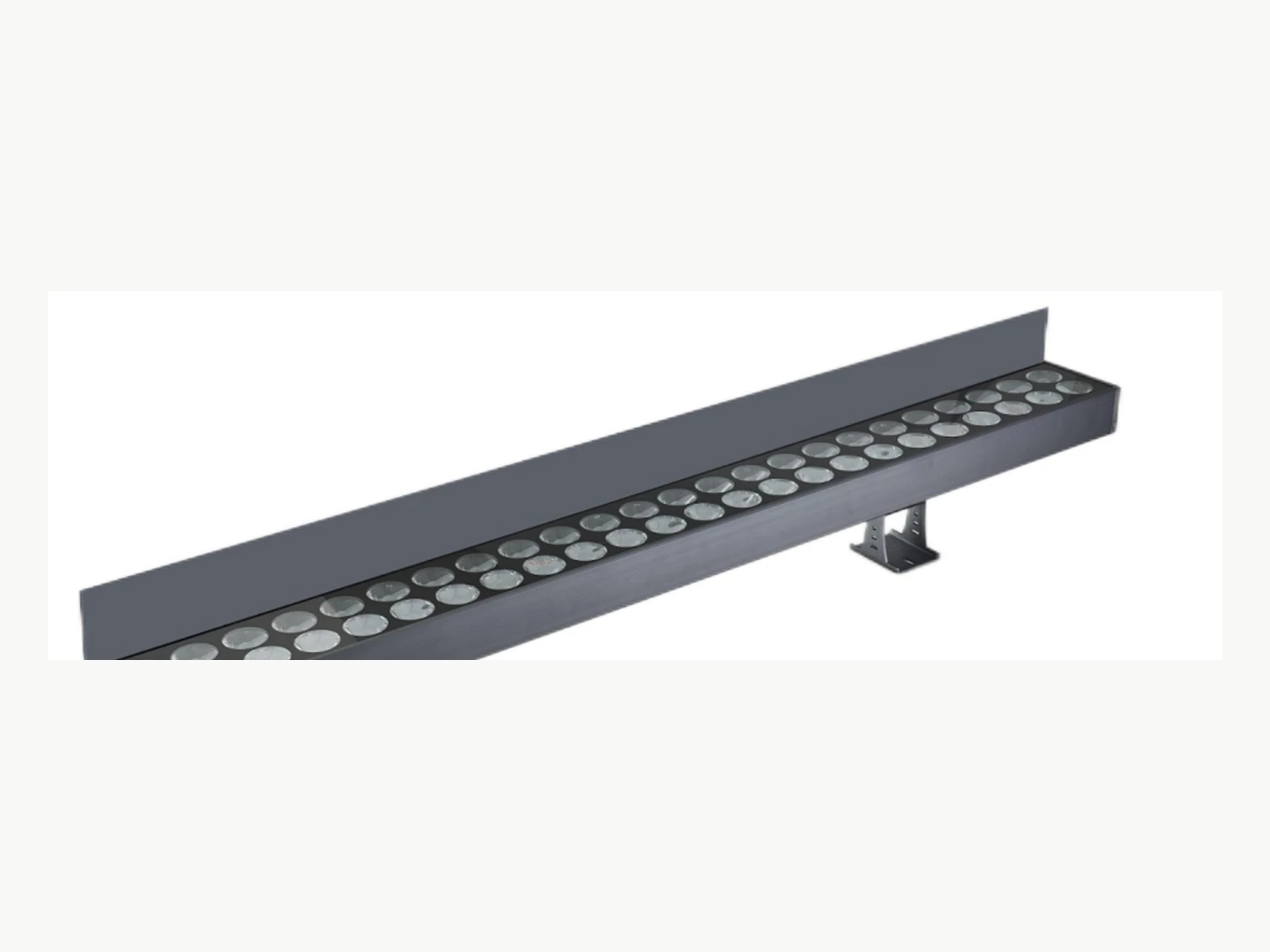
YY-XQD-10050
Facade & Linear LightingAuthorized architectural facade-lighting model for project-based configuration review.
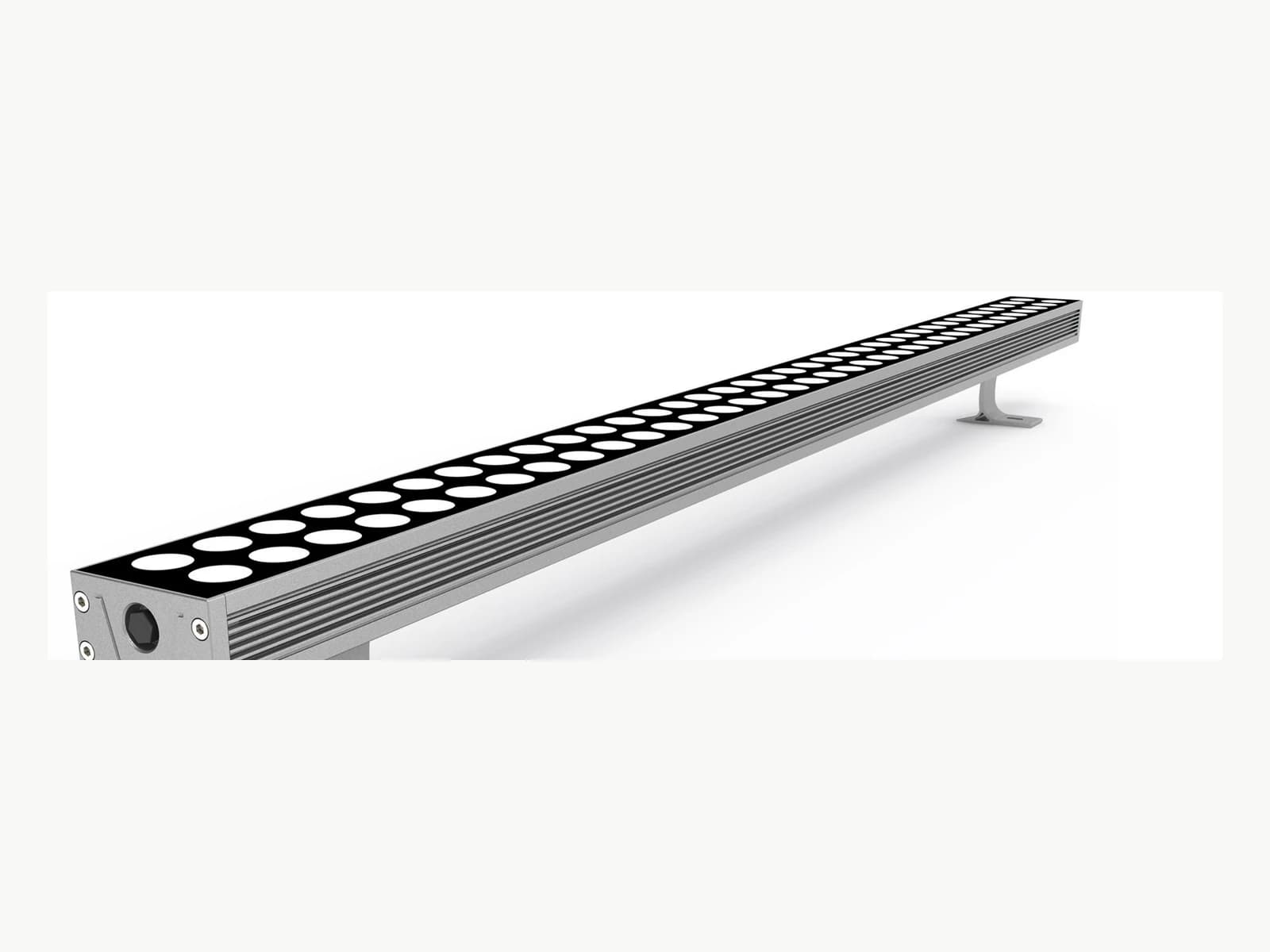
YY-XQD-6235
Facade & Linear LightingAuthorized architectural facade-lighting model for project-based configuration review.
40 custom villa models
Villa lighting family
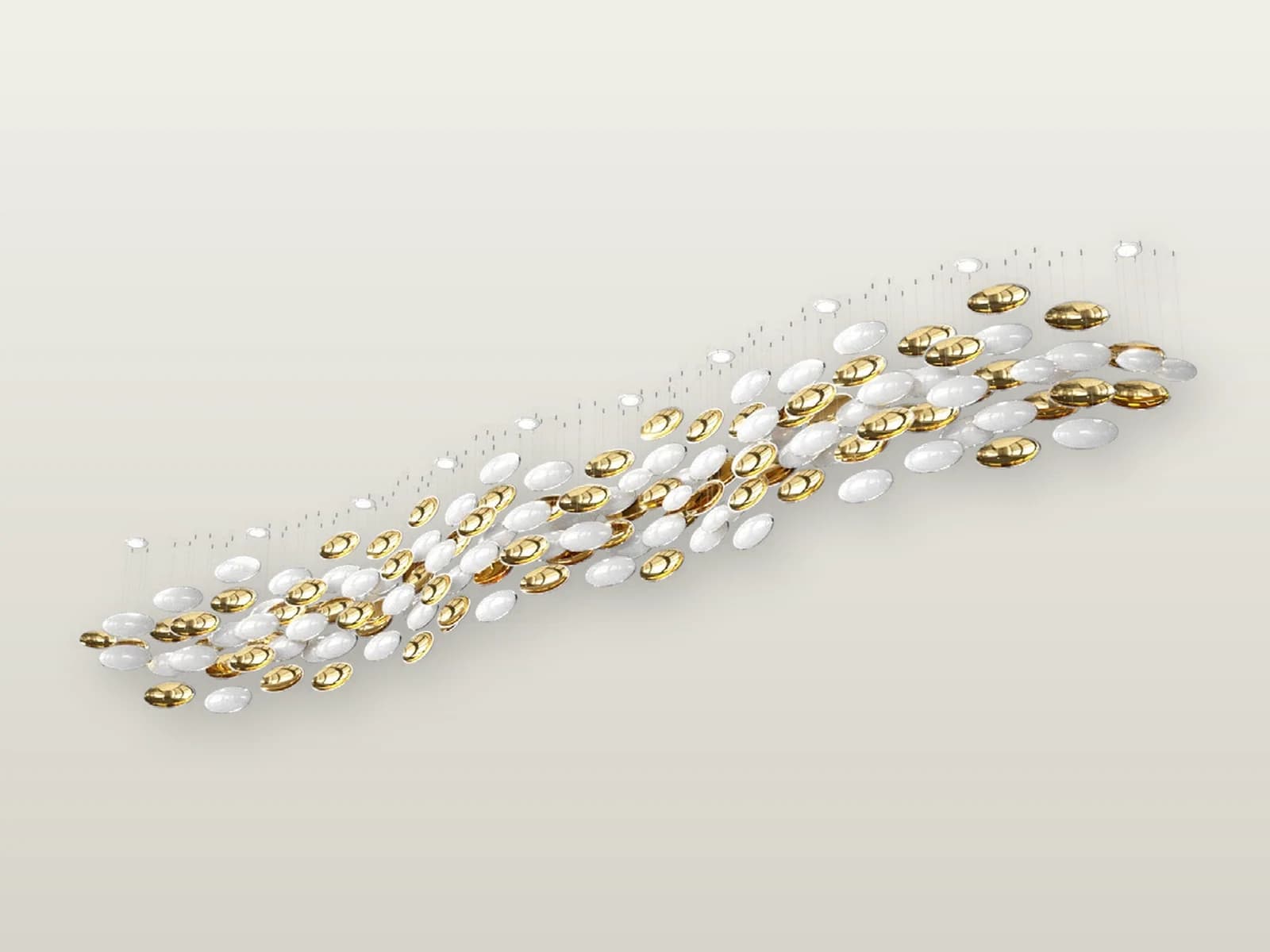

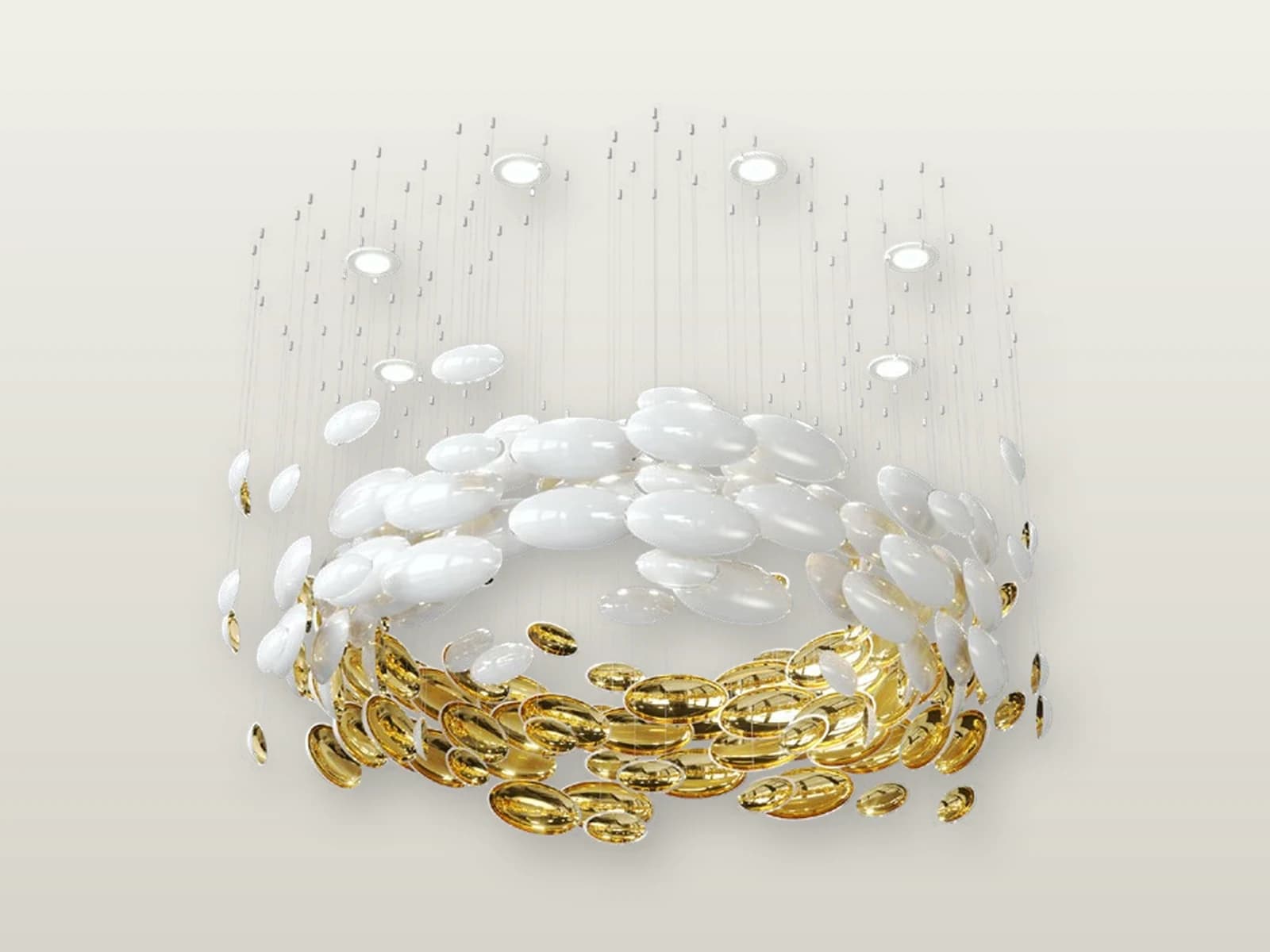
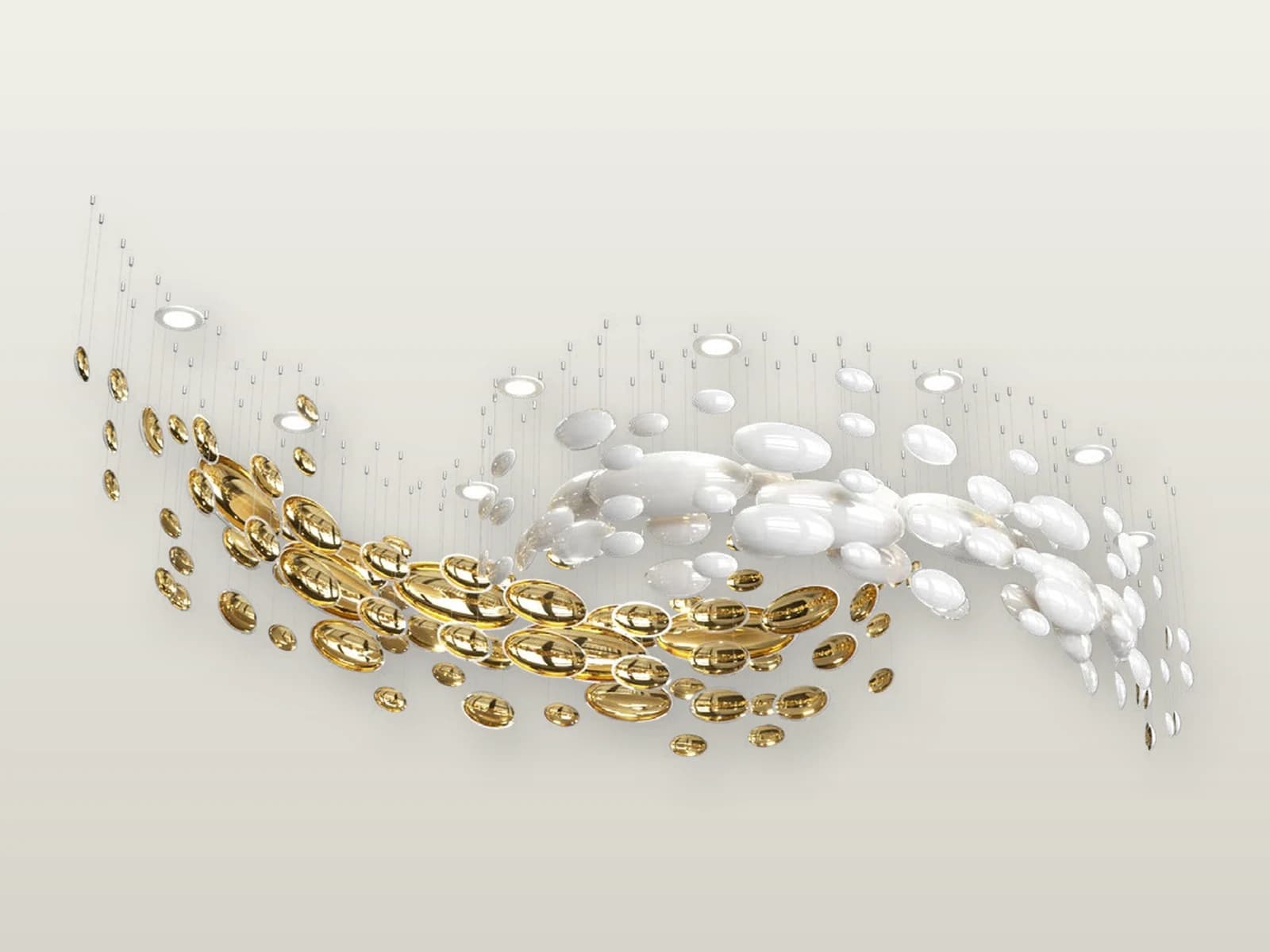
Villa lighting family
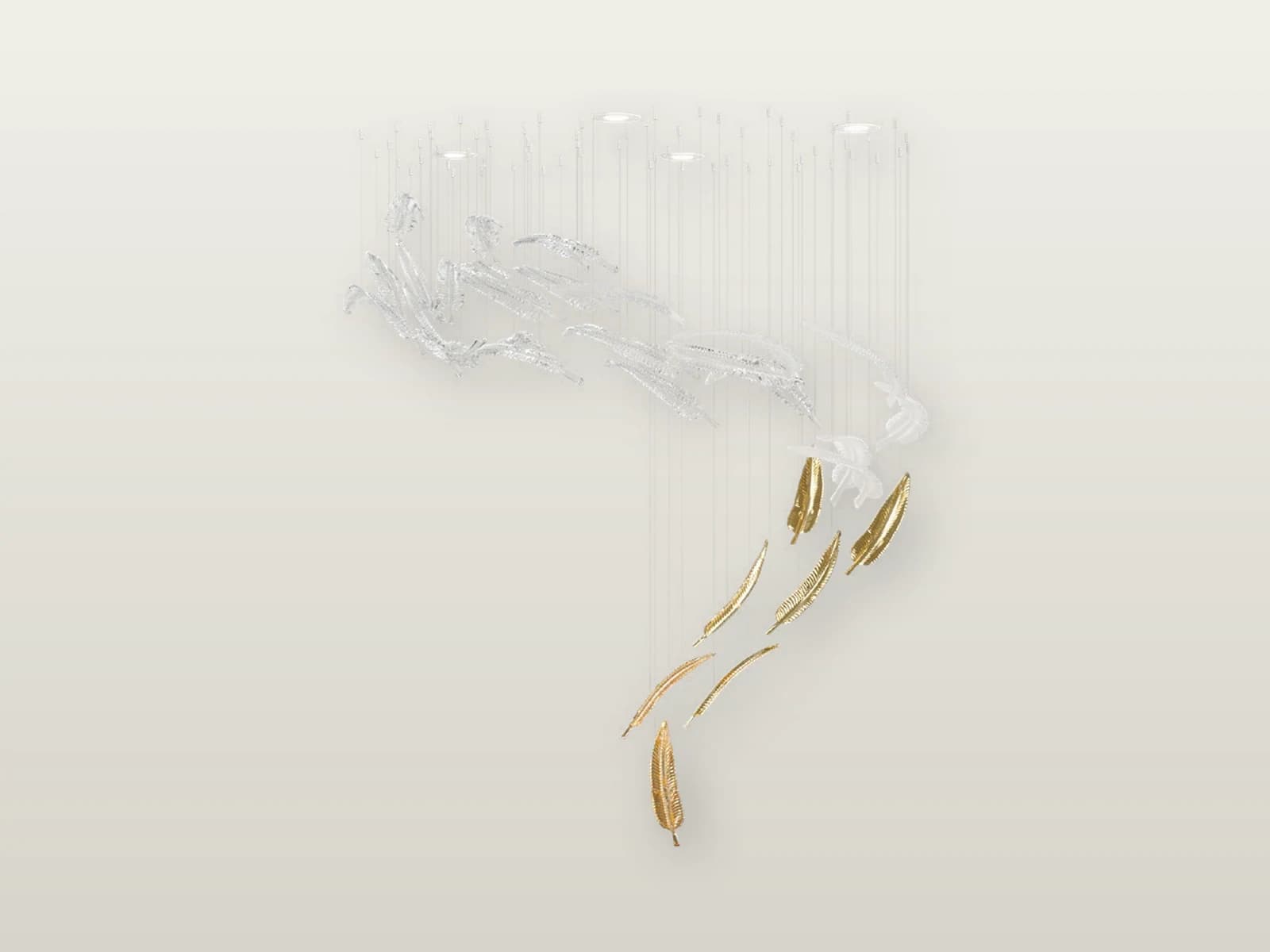
TPC-VL-AIR-S1
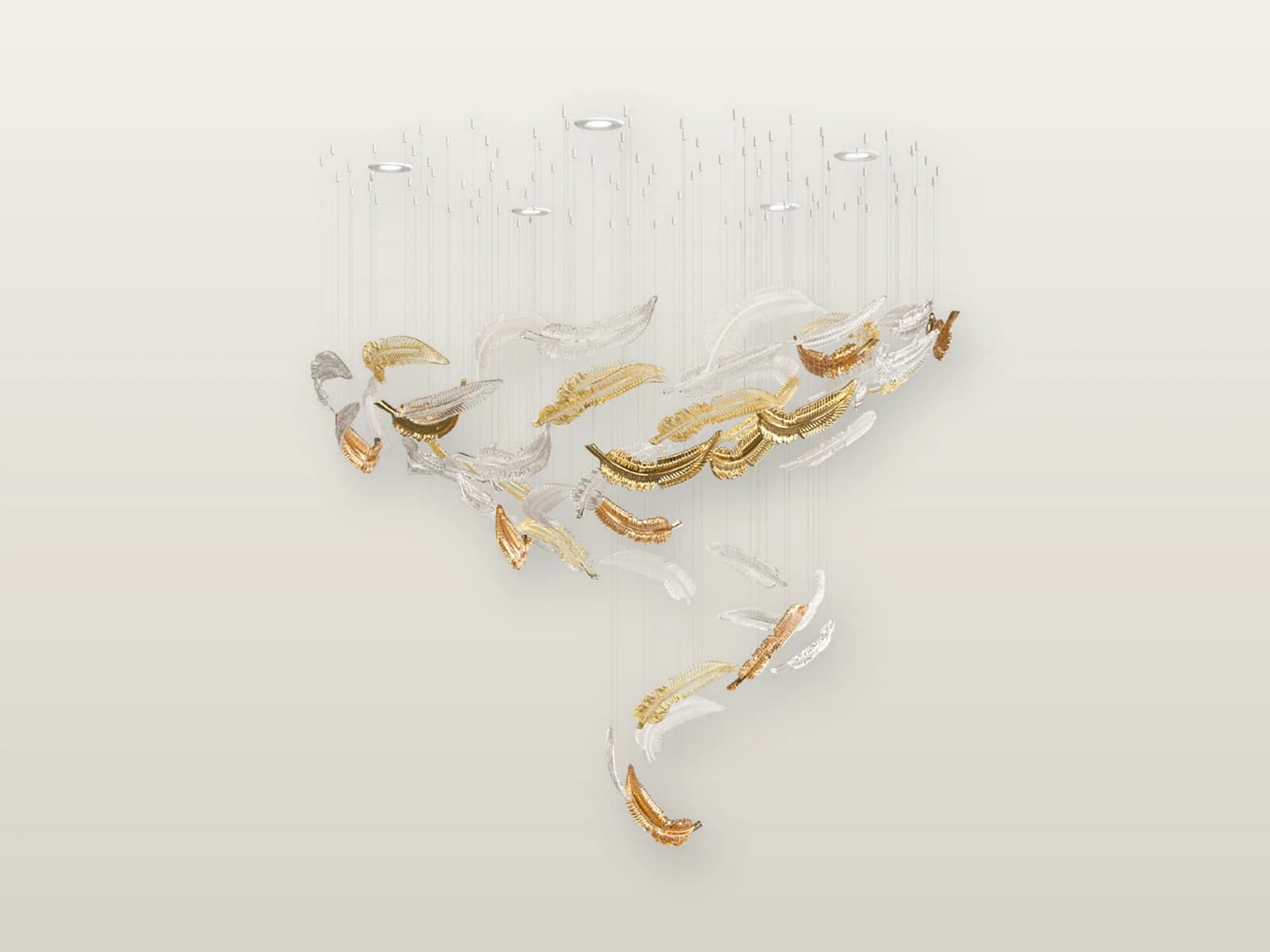
TPC-VL-AIR-S2

TPC-VL-AIR-M1
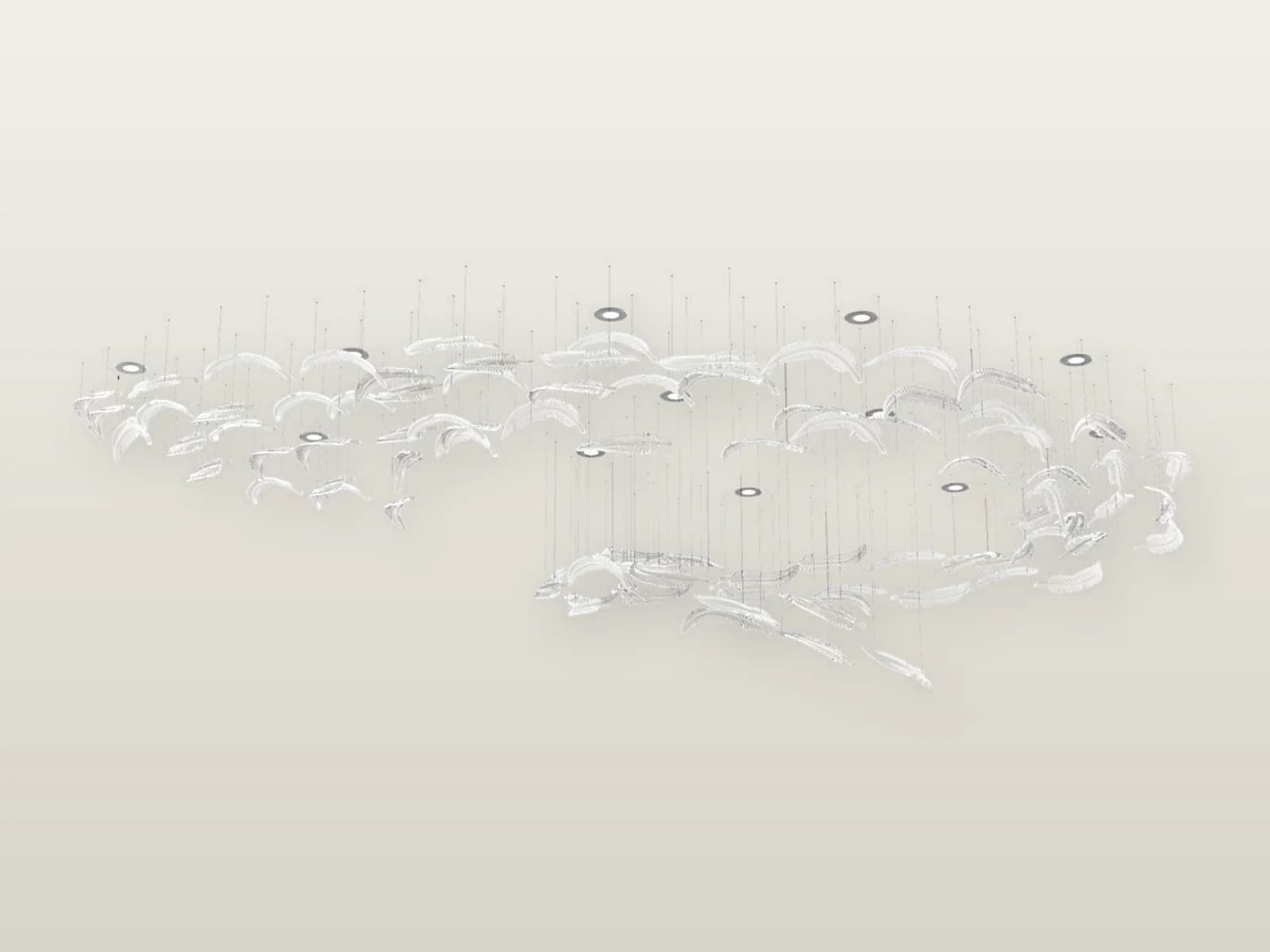
TPC-VL-AIR-M2
Villa lighting family
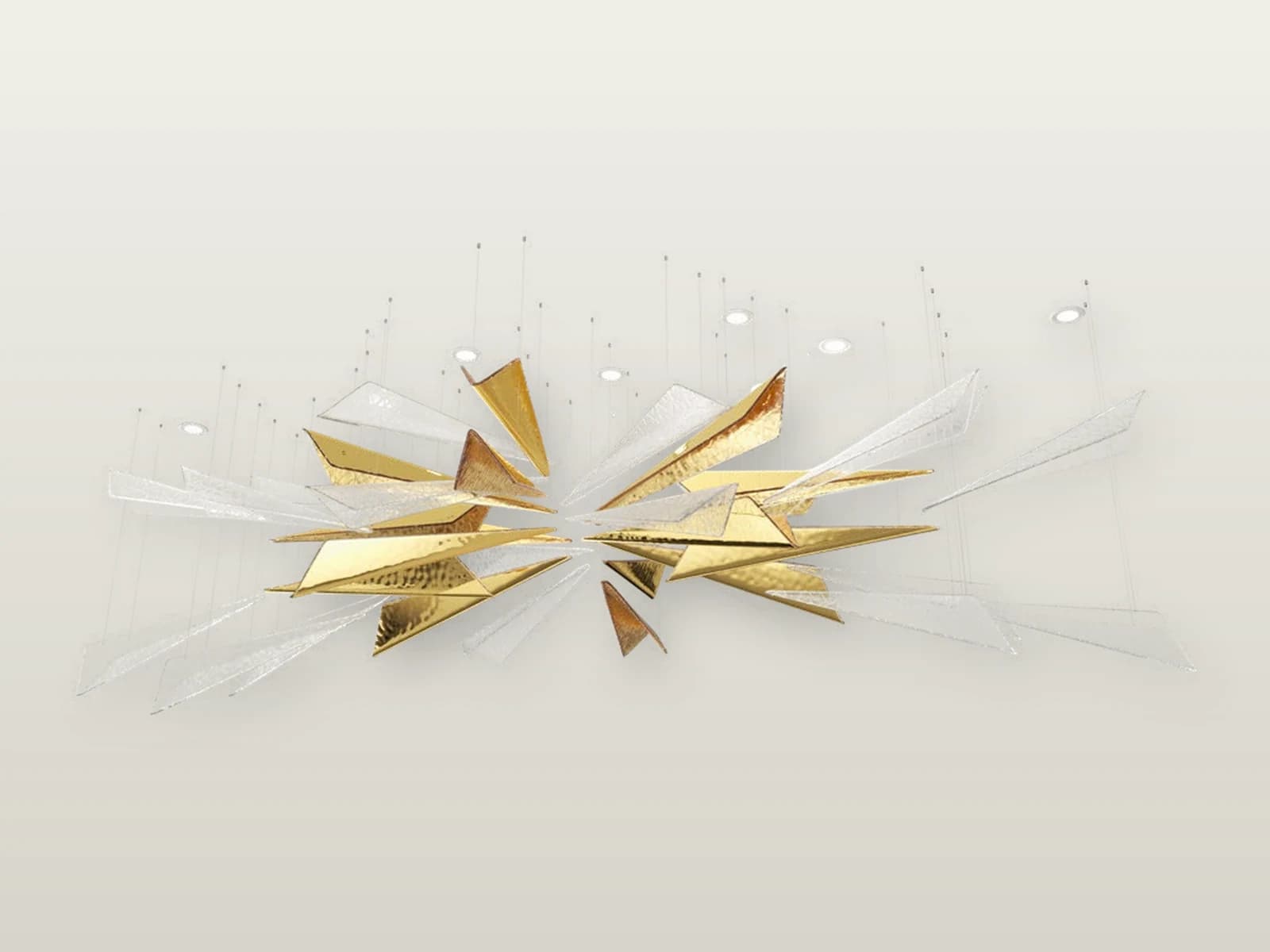
TPC-VL-VVS-S1
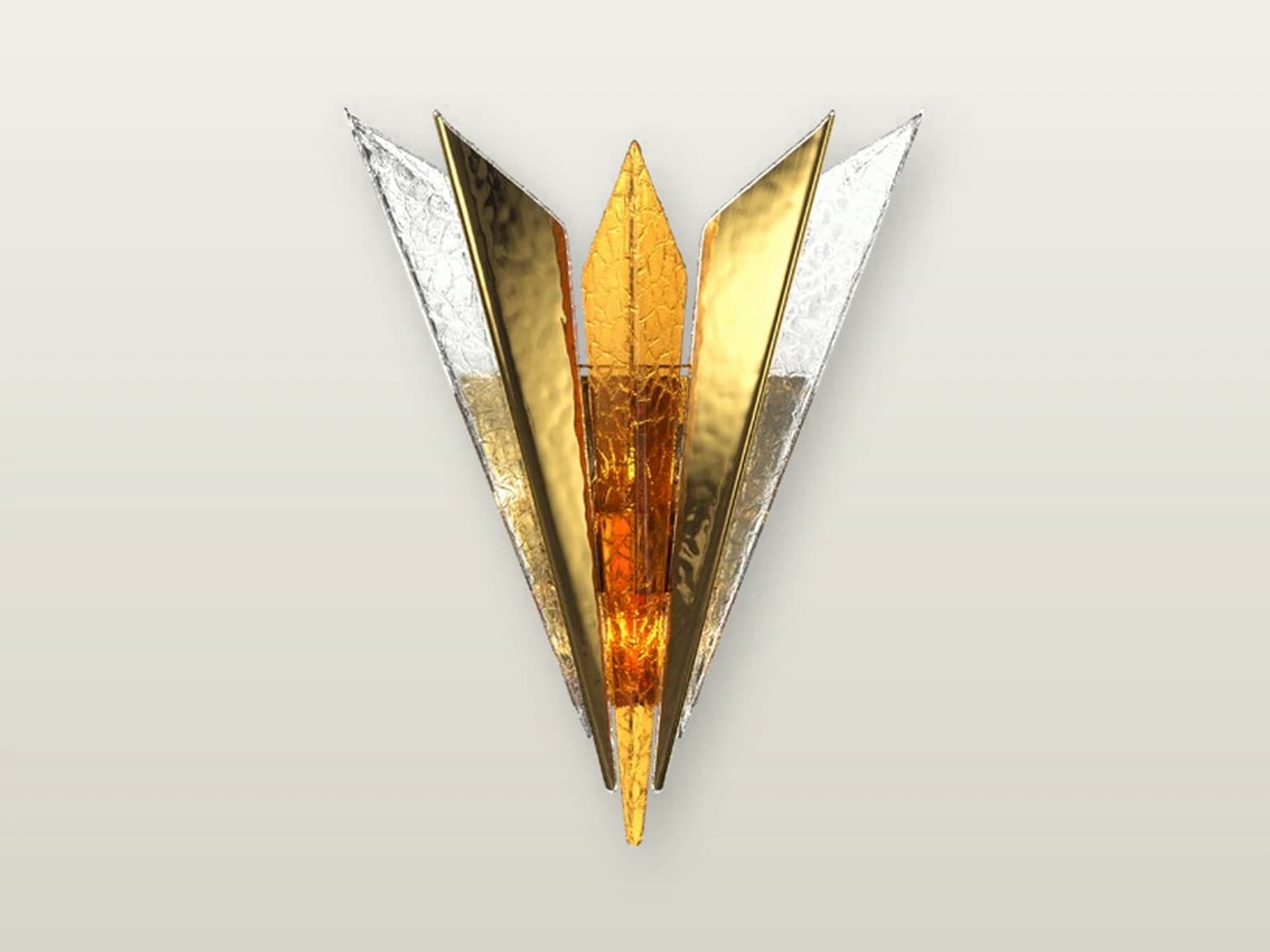
TPC-VL-VVS-S2
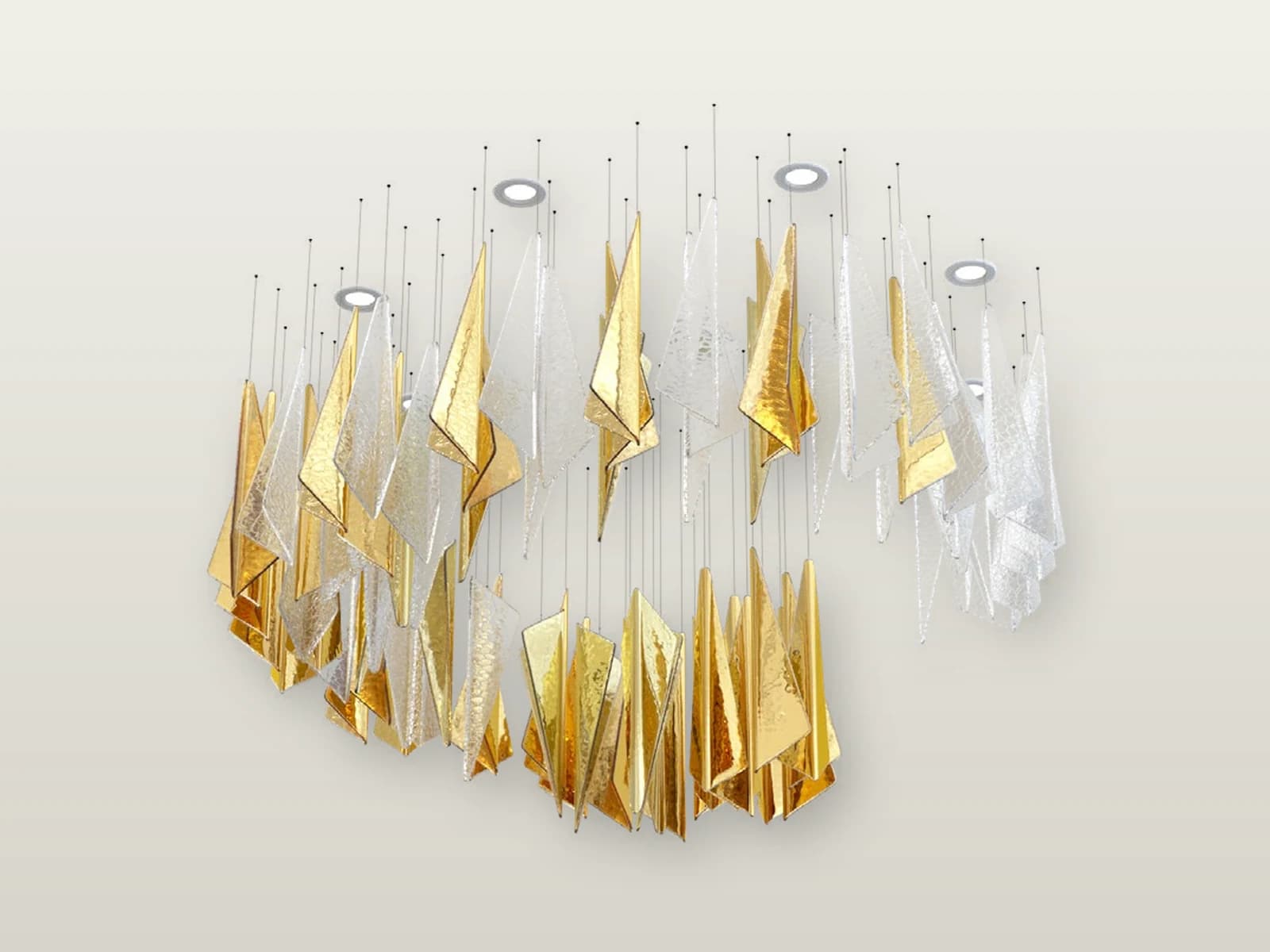
TPC-VL-VVS-M1
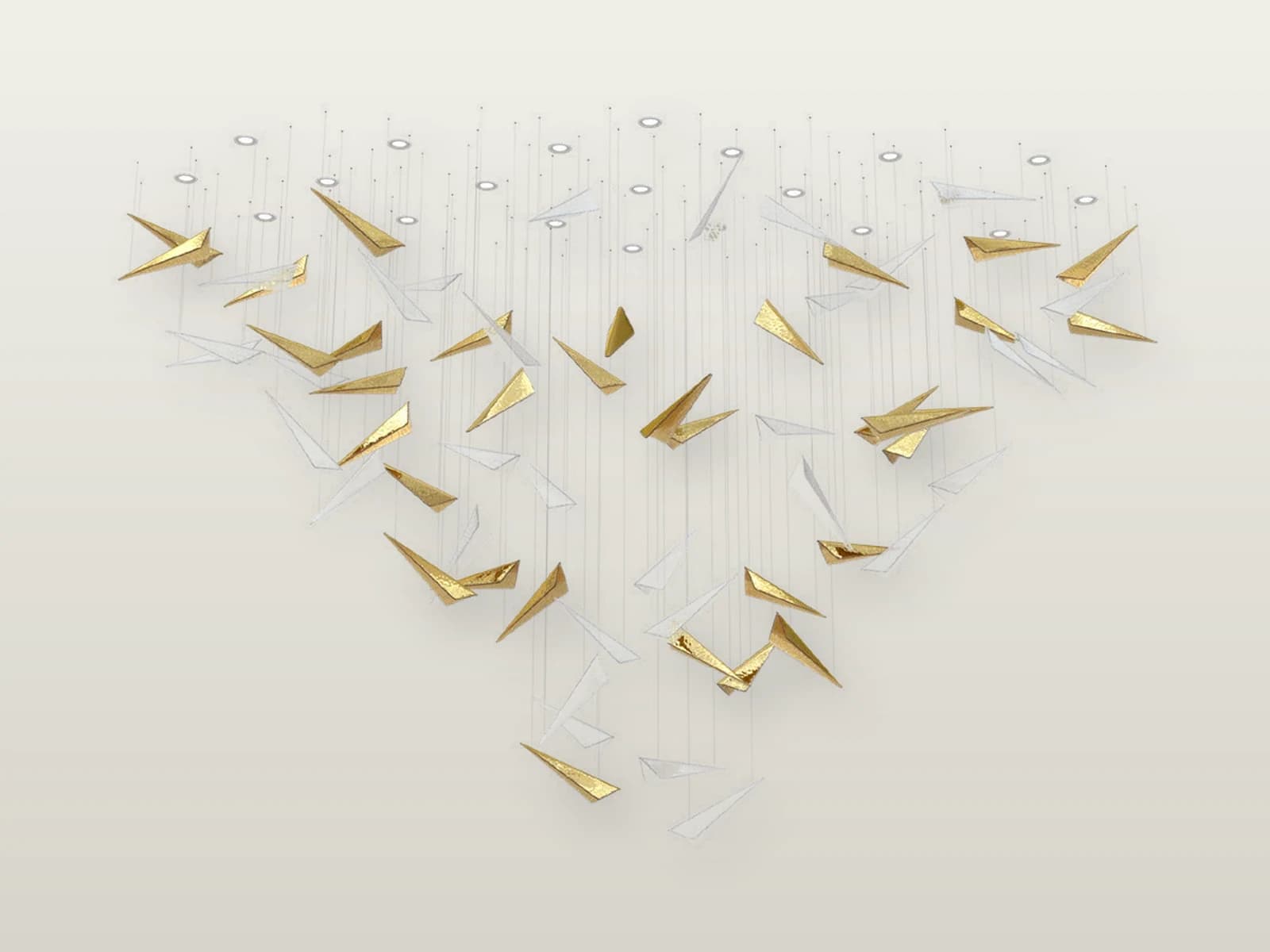
TPC-VL-VVS-M2
Four controlled entry routes
Start with the application, then compare the models, finishes and technical options that fit the schedule.
Buyer starting points
A clear model, application or BOQ helps us prepare a faster, more useful product shortlist.
Named model
Start with 40 indoor product families and compare power, dimensions, beam and finish options.
Open routeOutdoor application
Start with facade, landscape, inground, street or solar use, then compare the matching models.
Open routeModule or light engine
Share dimensions, electrical and thermal conditions for an OEM light-engine quotation.
Open routeMixed project package
Combine indoor, decorative and outdoor requirements in one coordinated lighting schedule.
Open routeCommon questions
Practical answers for product selection, quotation and project coordination.
Indoor, outdoor and custom villa collections all include visible model pages with product images and selection information.
Yes. Send one schedule and identify the room or zone for each line so the quotation stays easy to compare.
After the configuration, quantity, document scope and delivery requirement are attached to the RFQ.