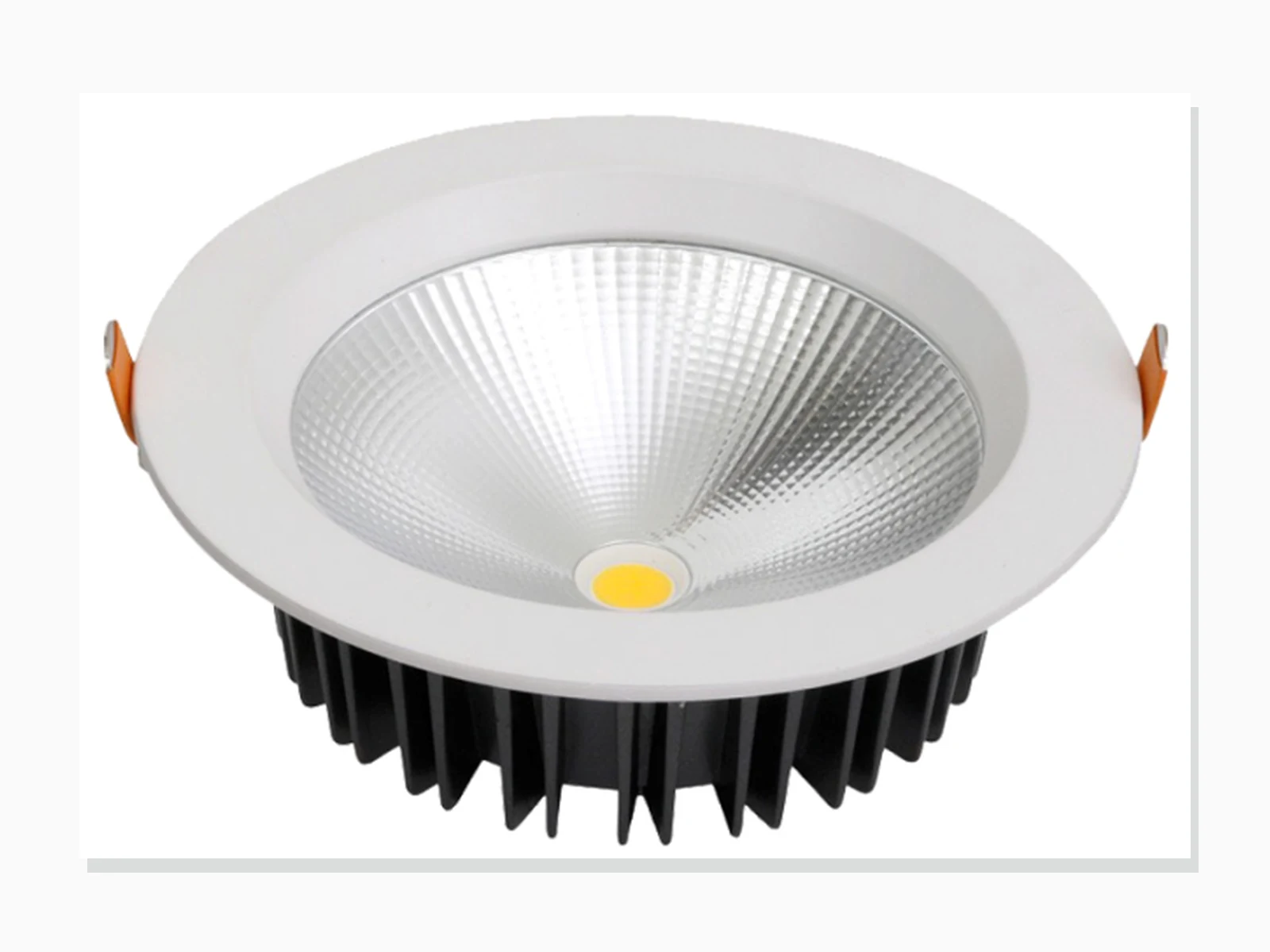
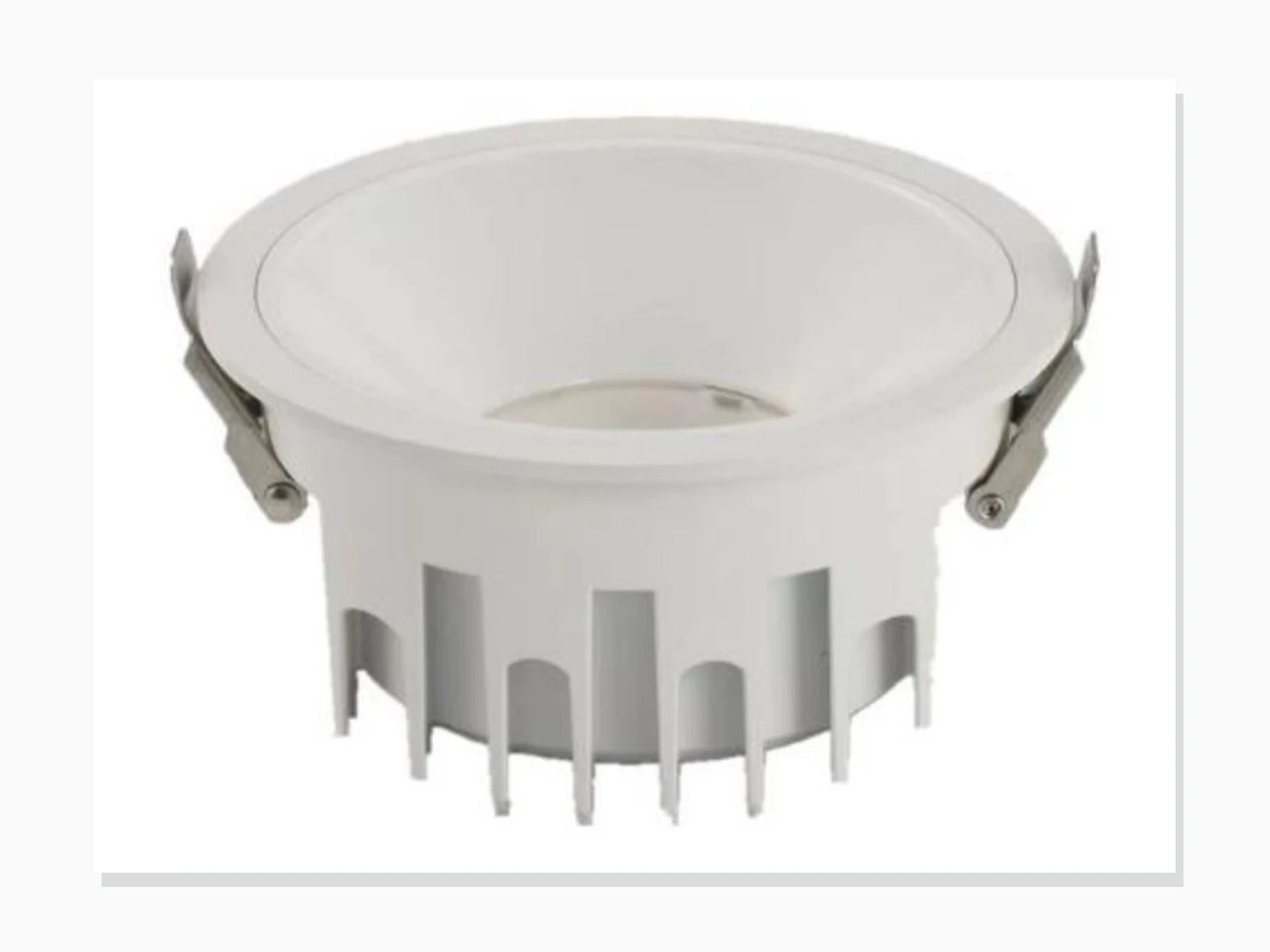
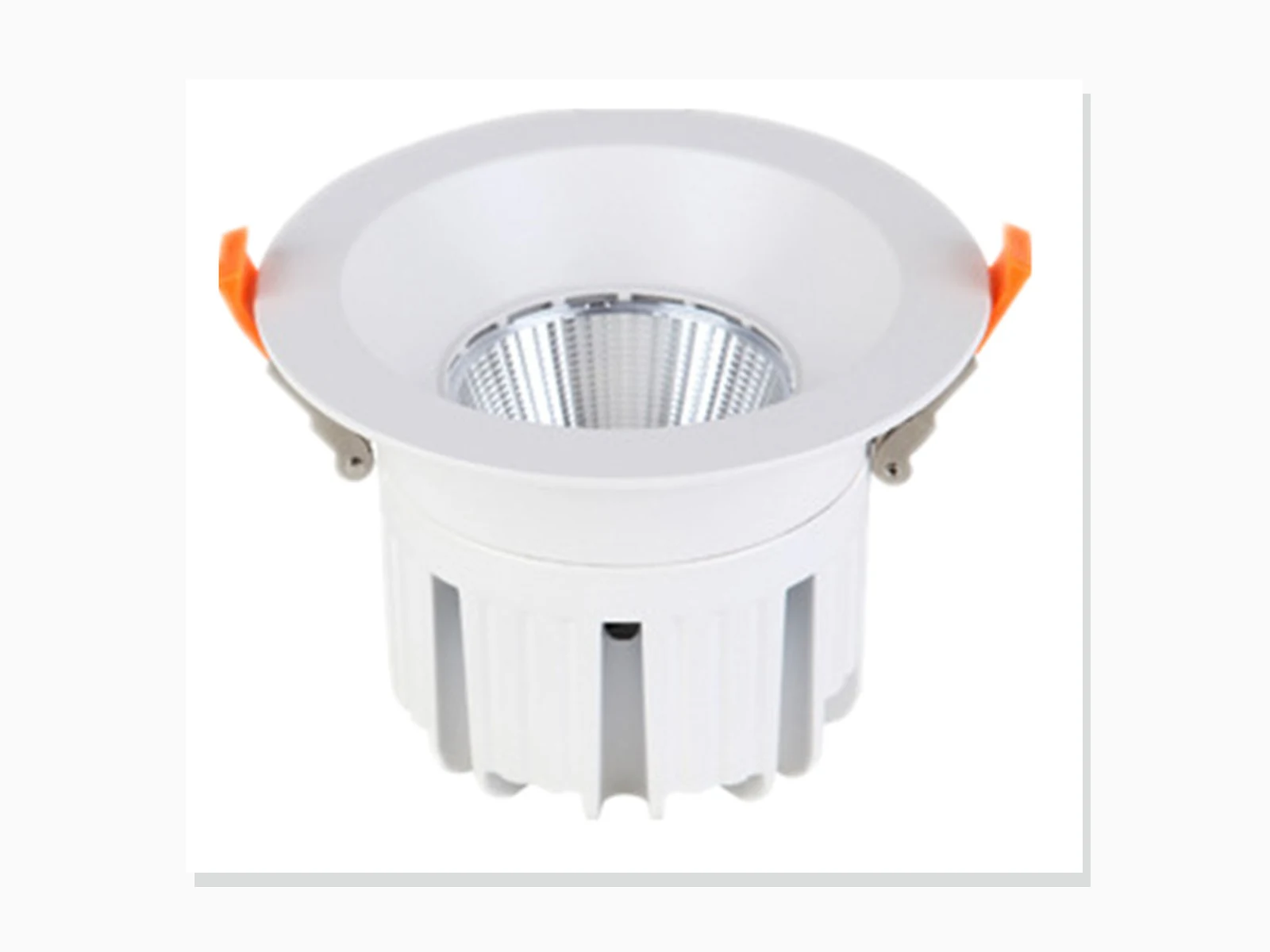
MET-TD701
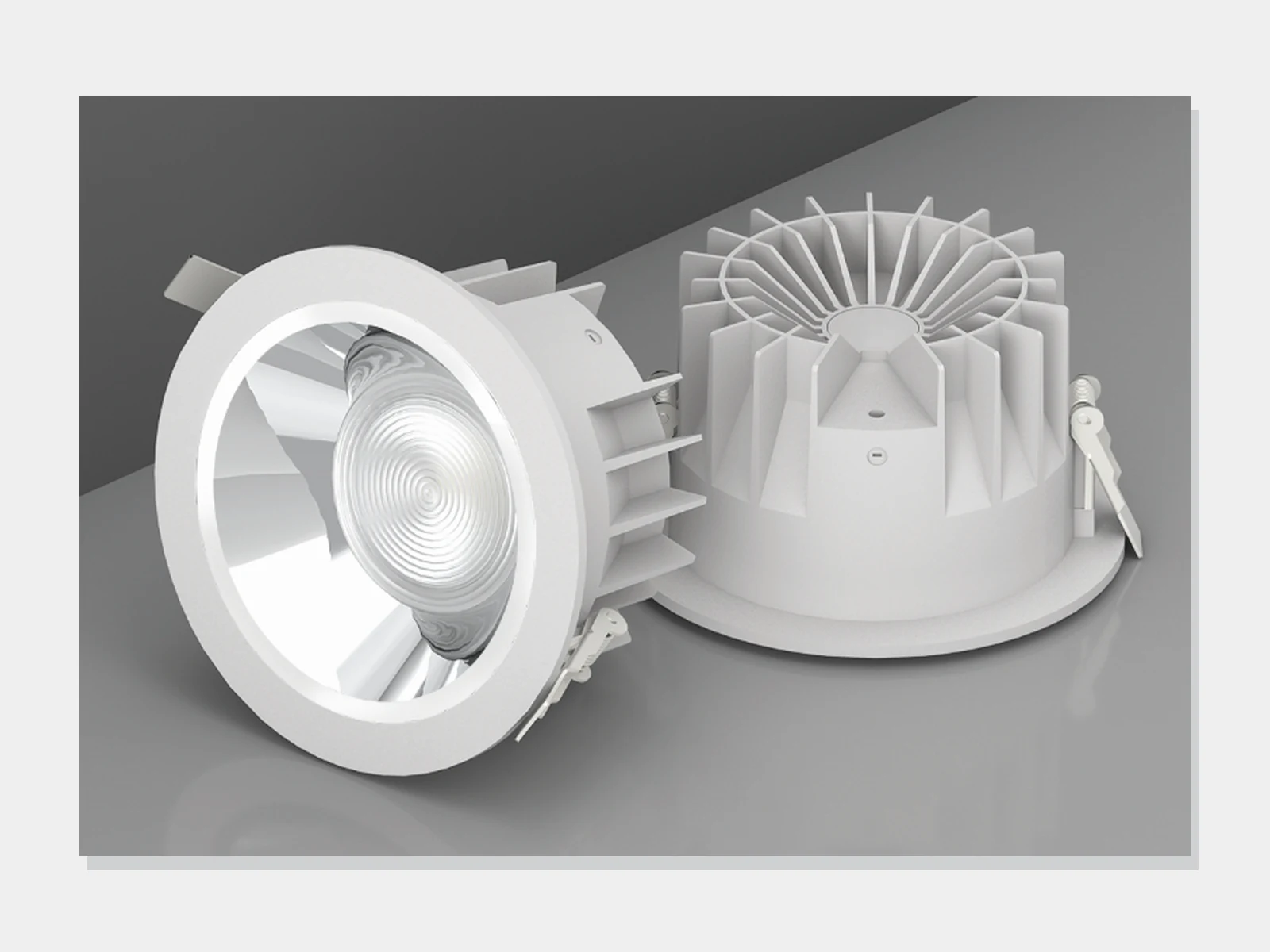
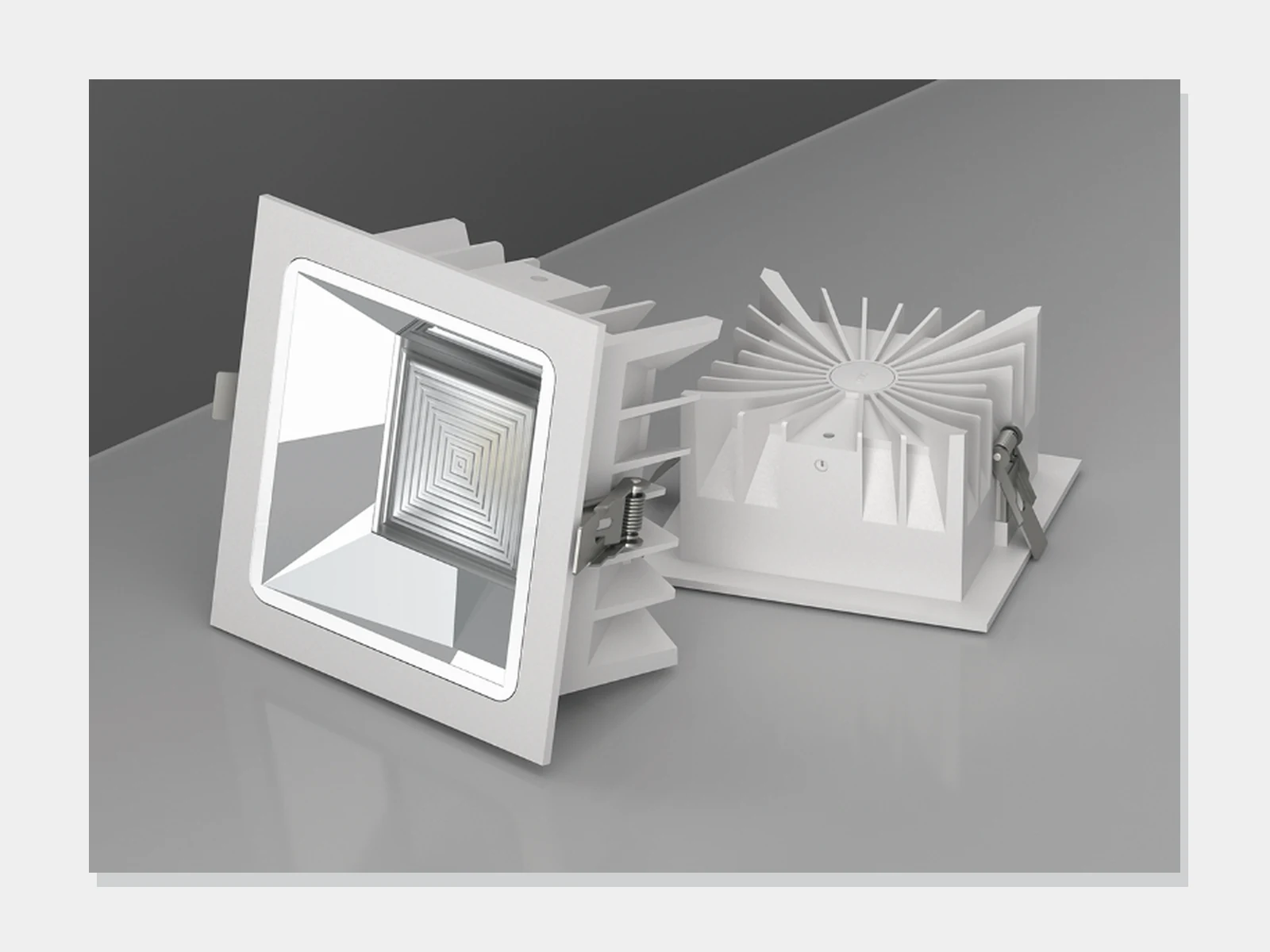
Engineering Die-Cast COB Downlight
- Published power
- 12W, 14W, 20W, 24W, 30W, 36W, 40W
- Beam
- 60° / 90°

Indoor architectural / 40 models
Compare five downlight and seven spotlight families by power, dimensions, cut-out, beam, CCT and material.
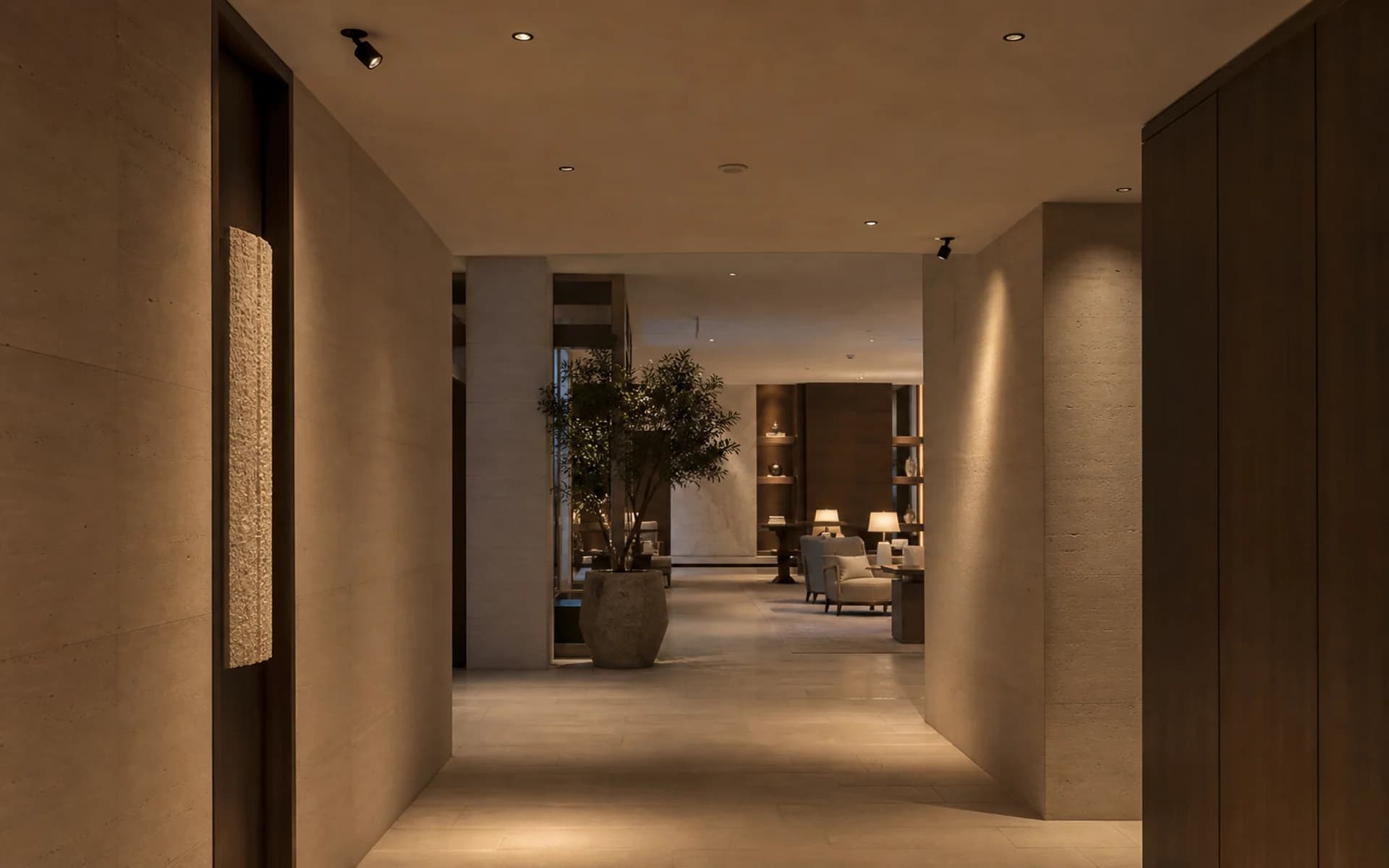
Catalogue model index
40 of 40 model families match the selected values.
MET-TD701
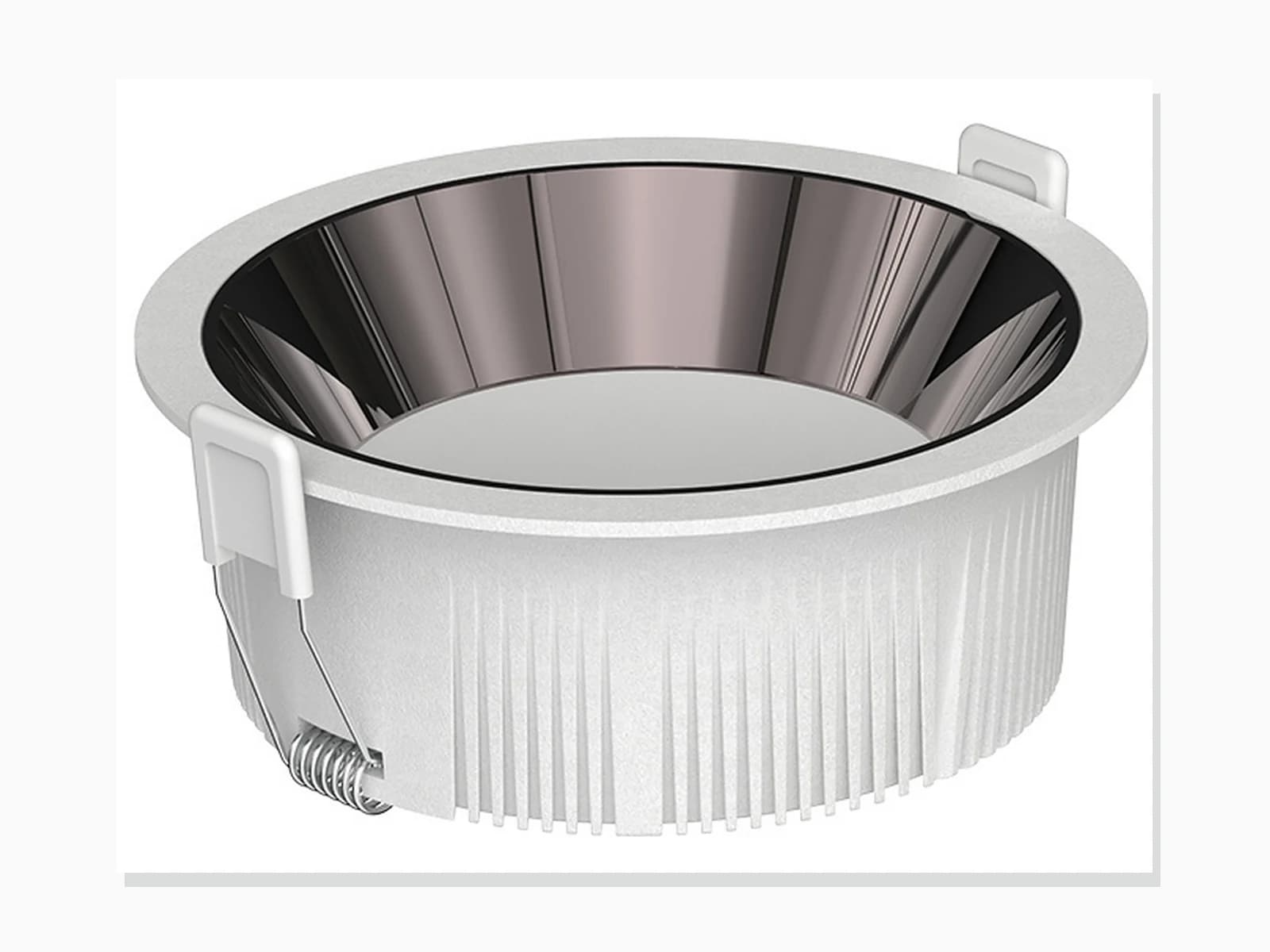
MET-TD711
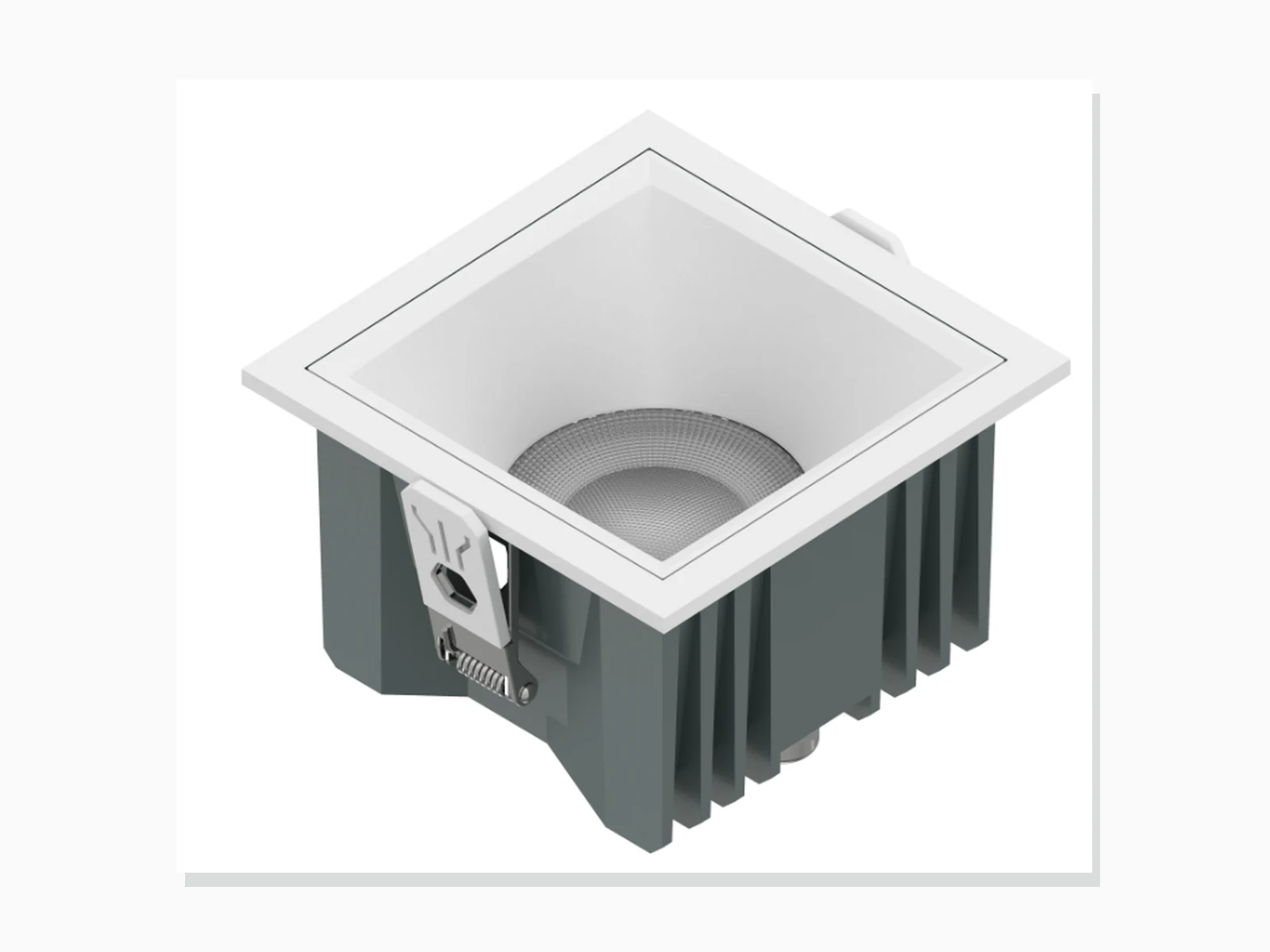
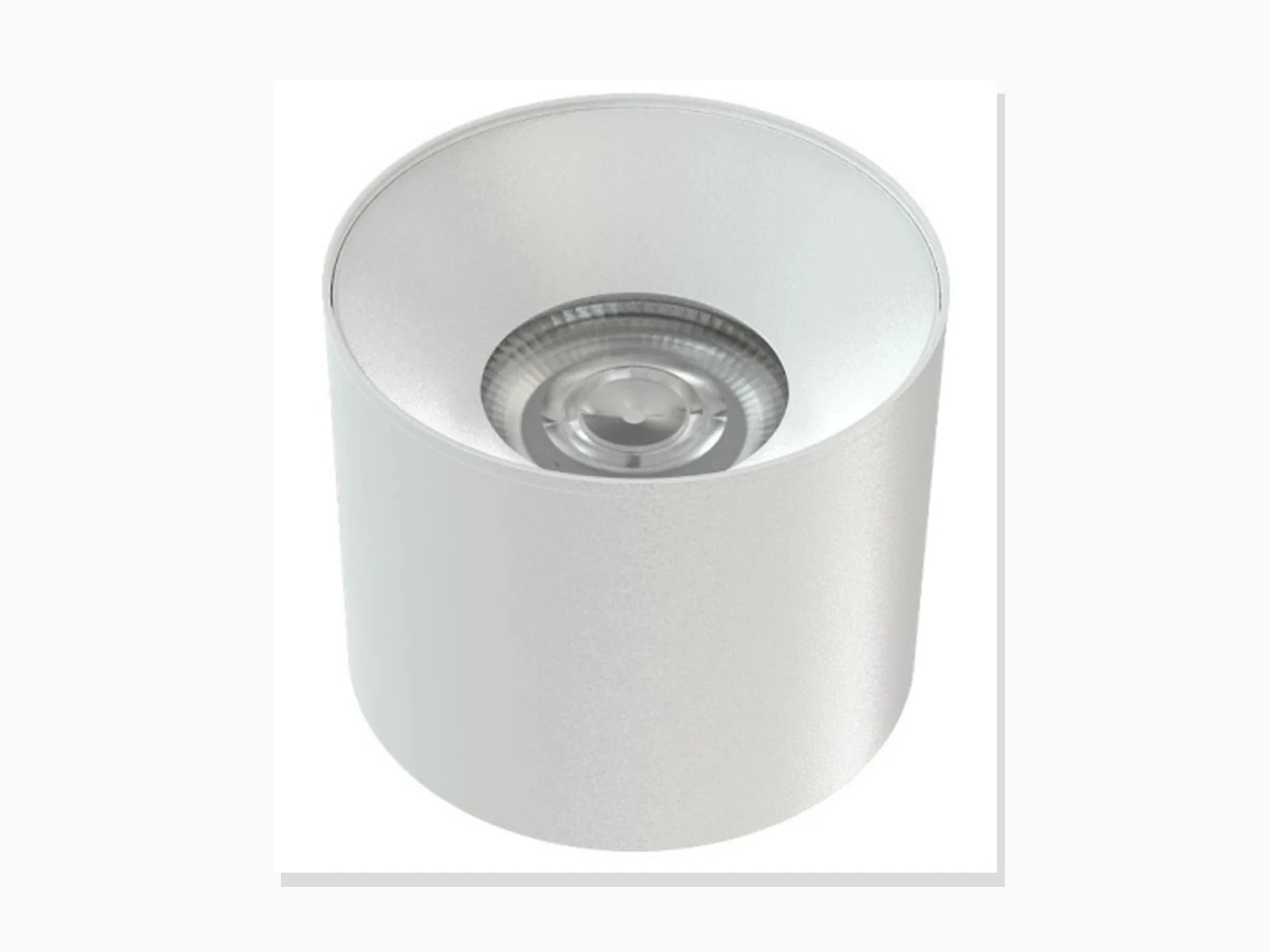
MET-MTD207A
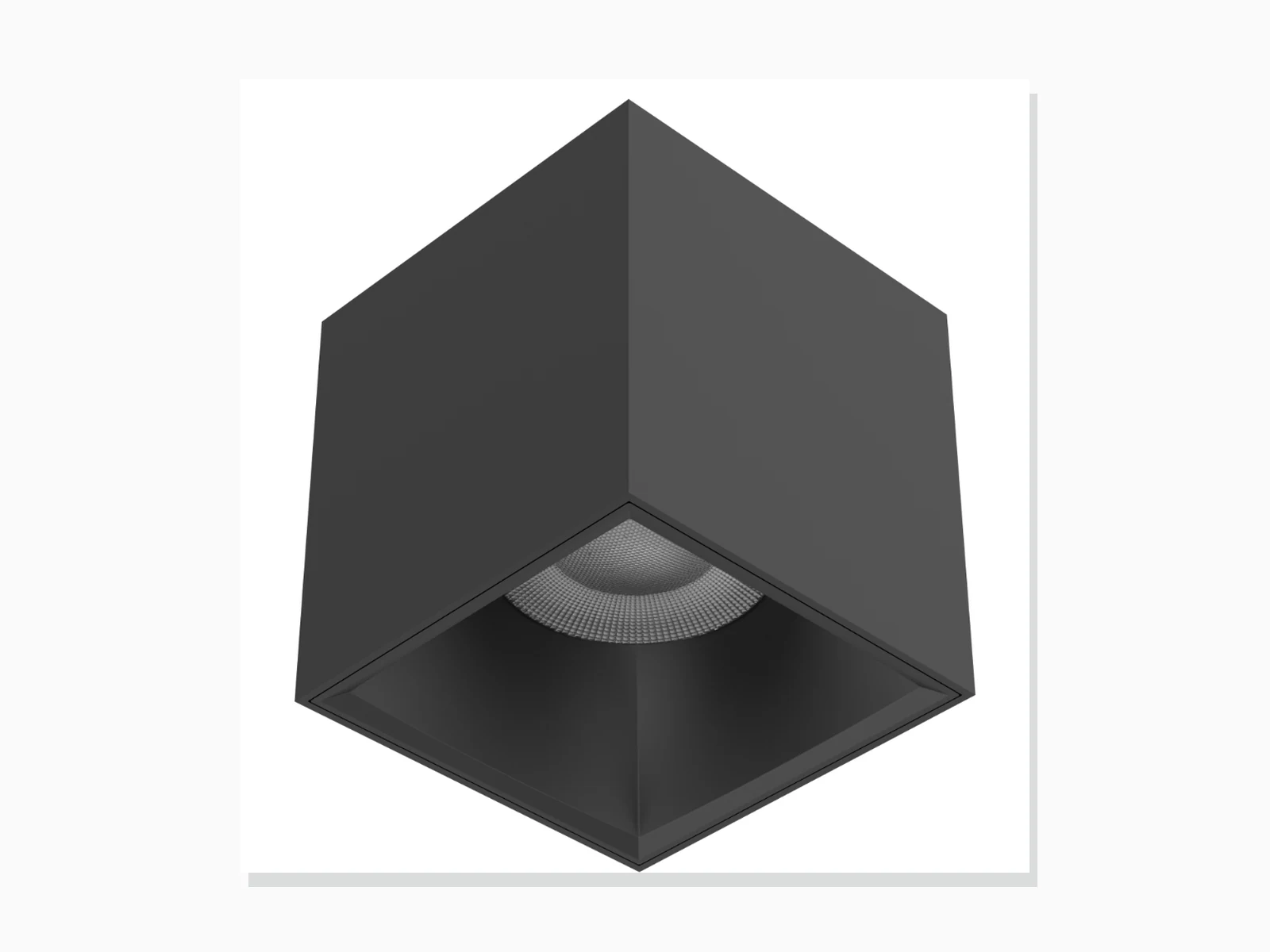
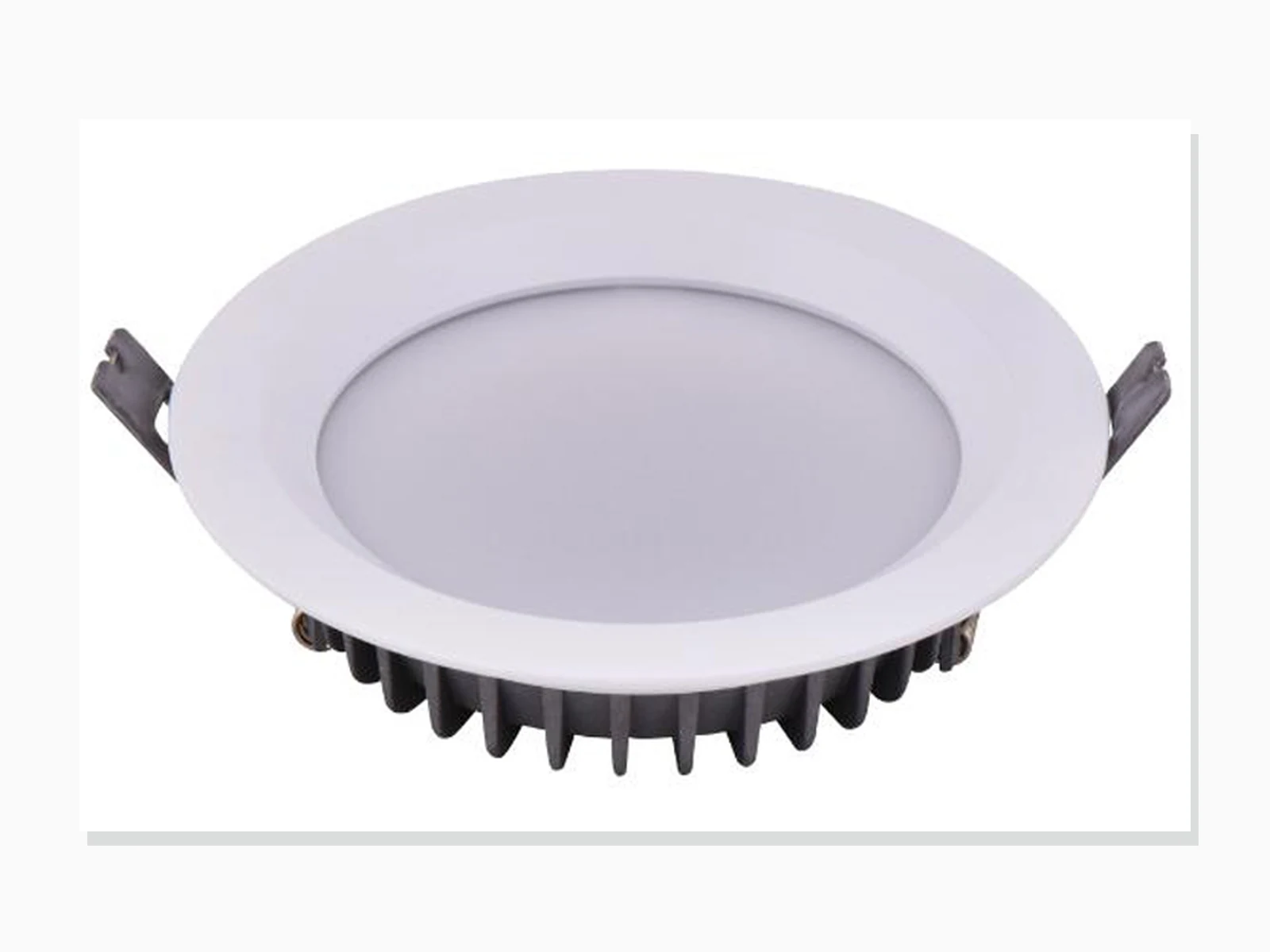
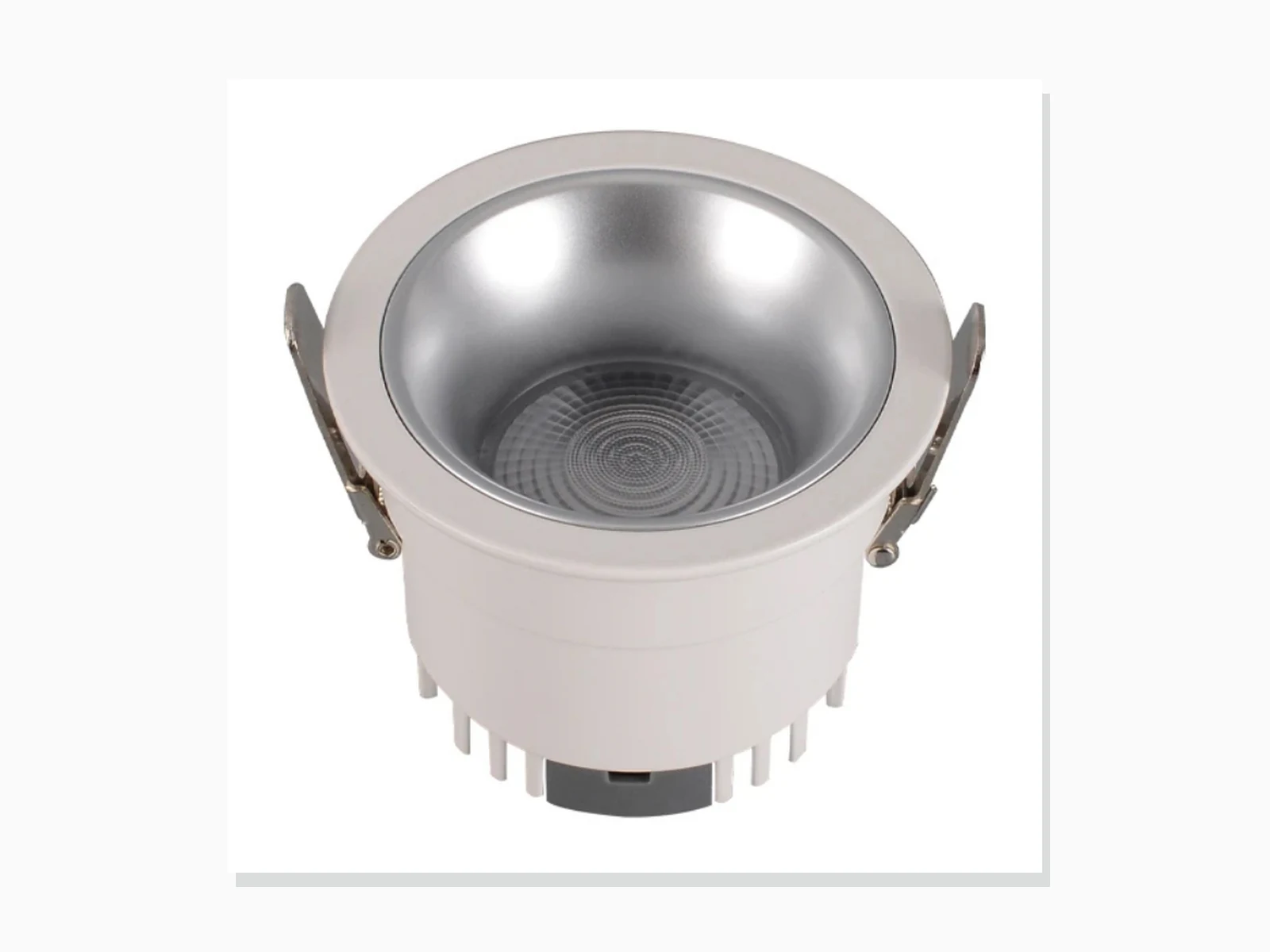
MET-TD804
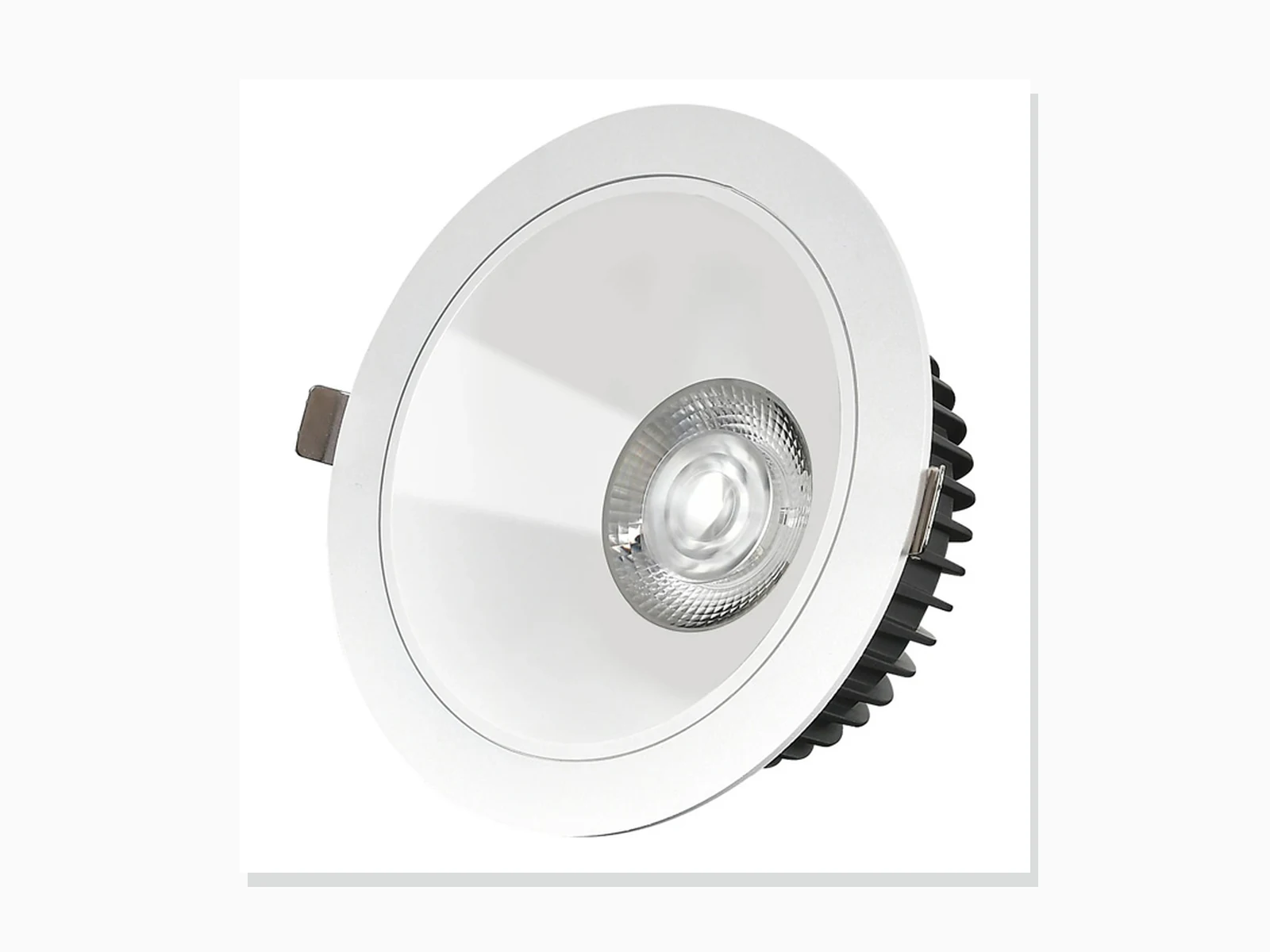
MET-TD805
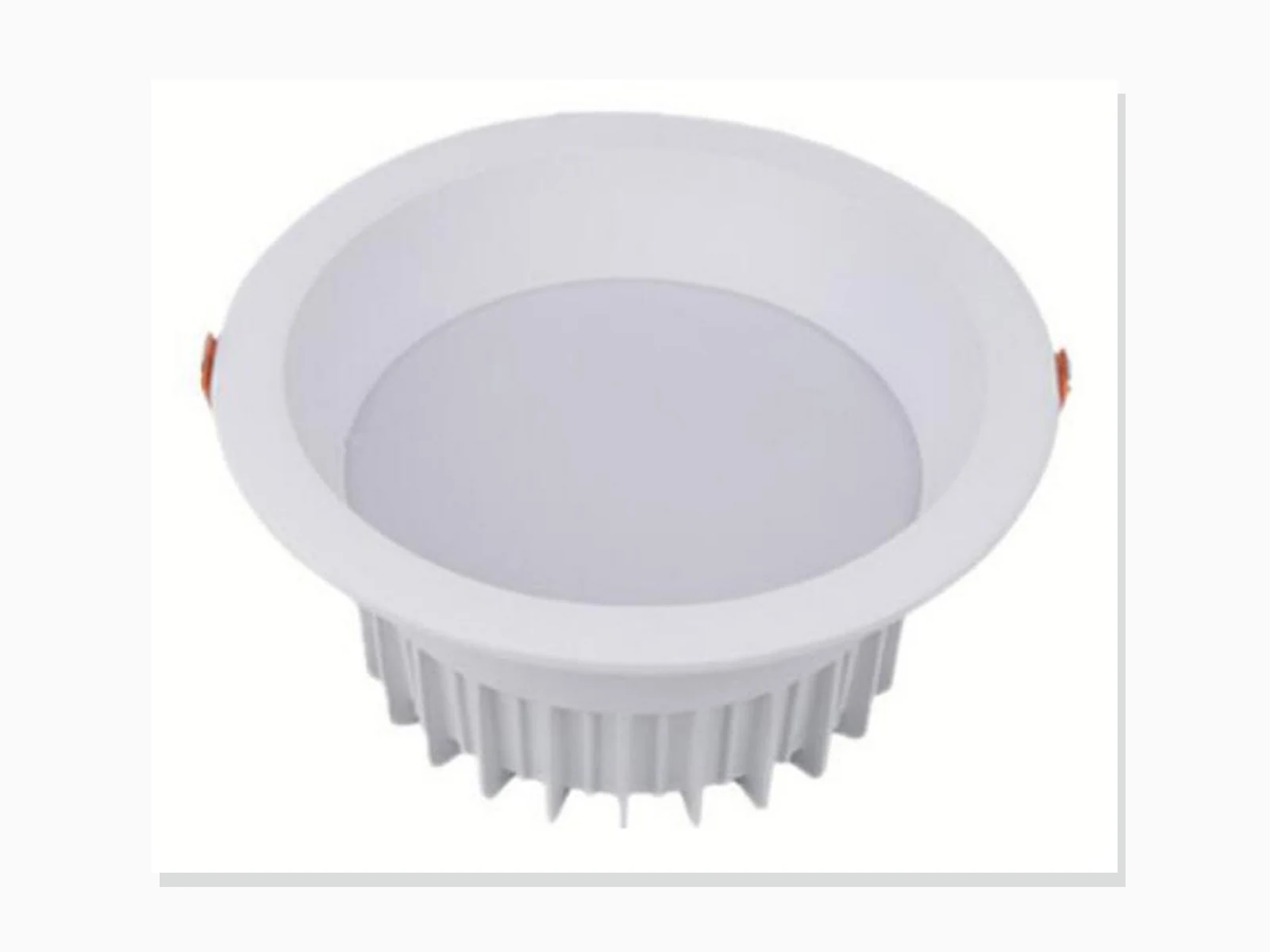
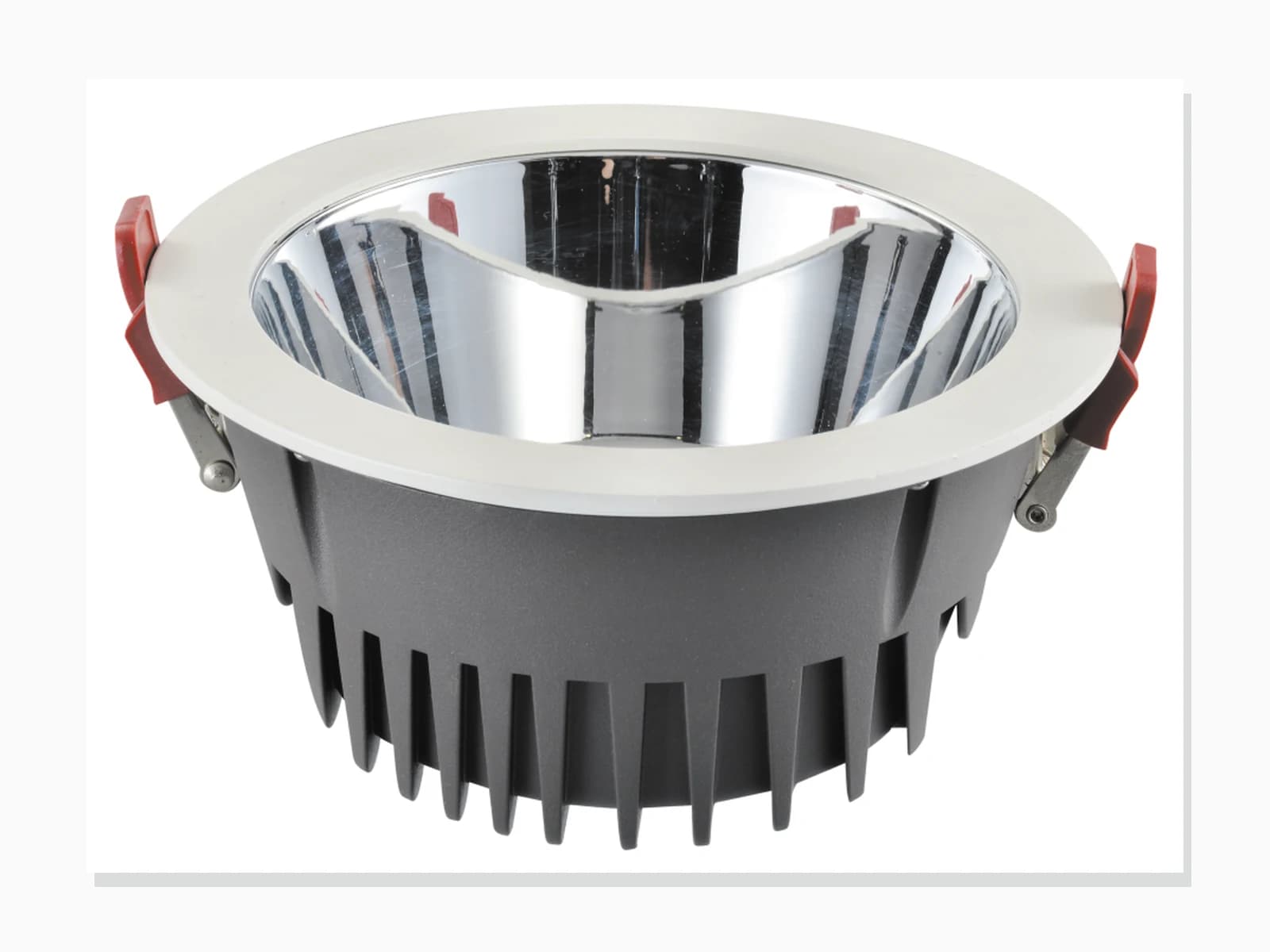
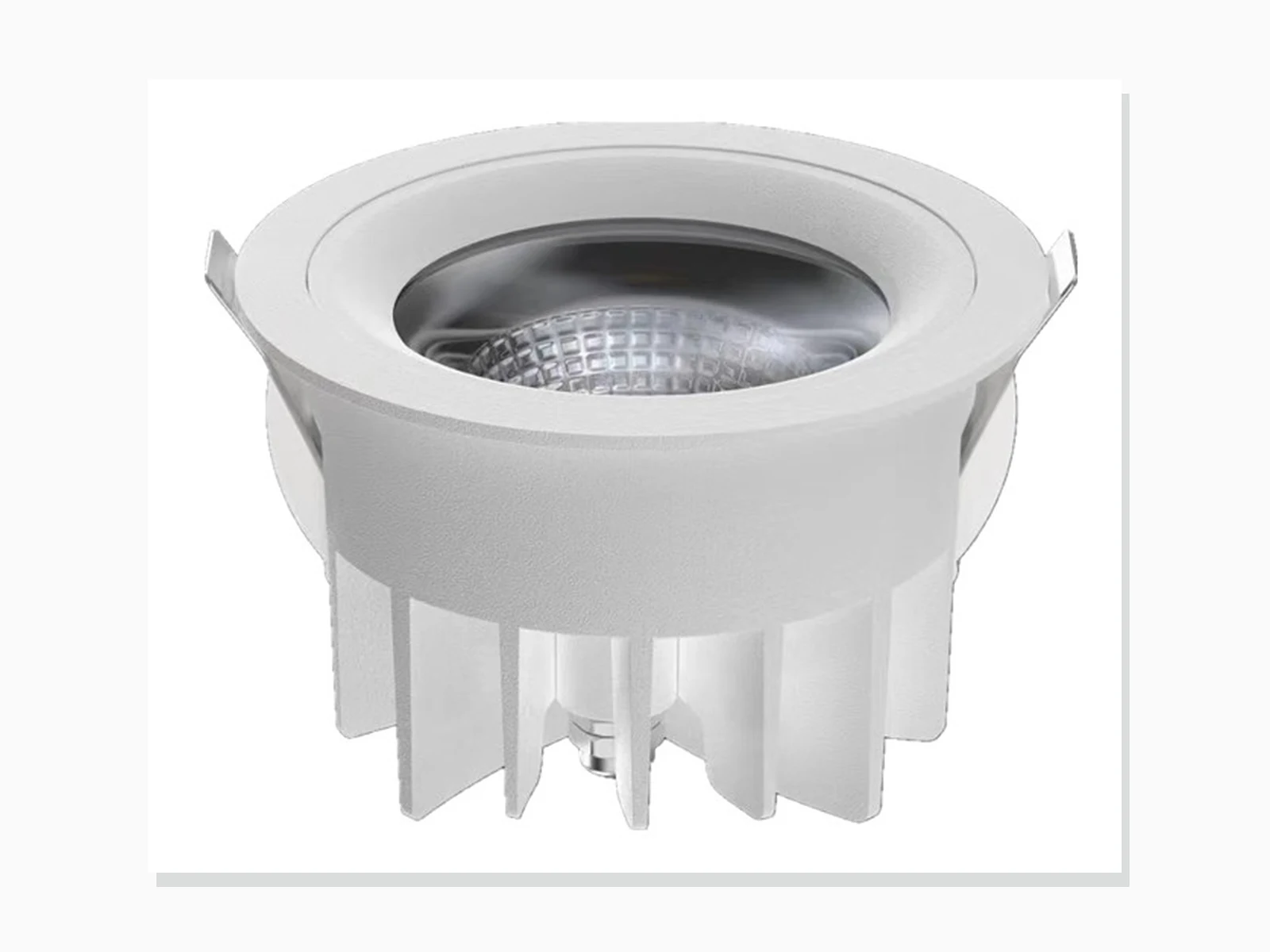
MET-TD707
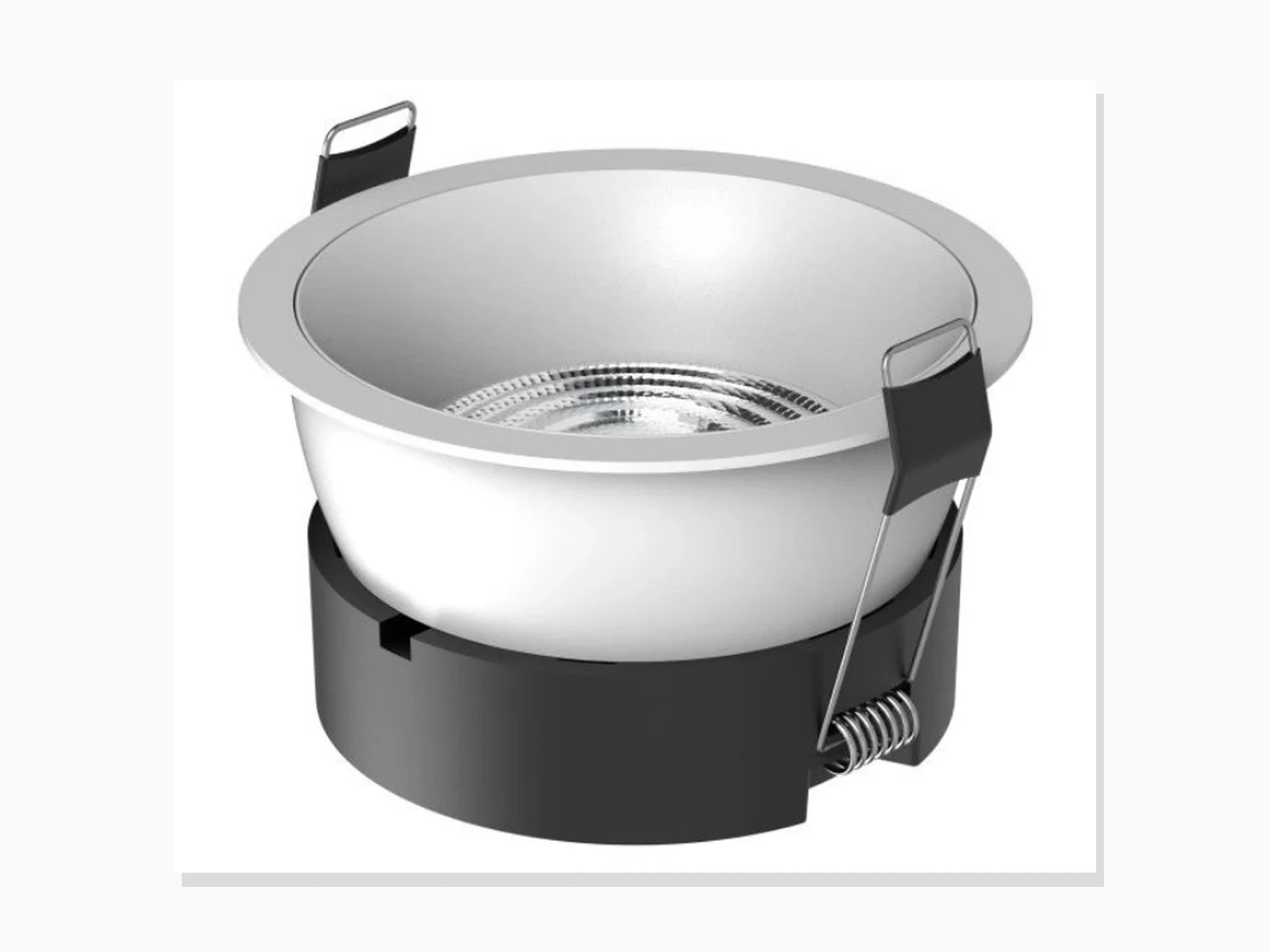
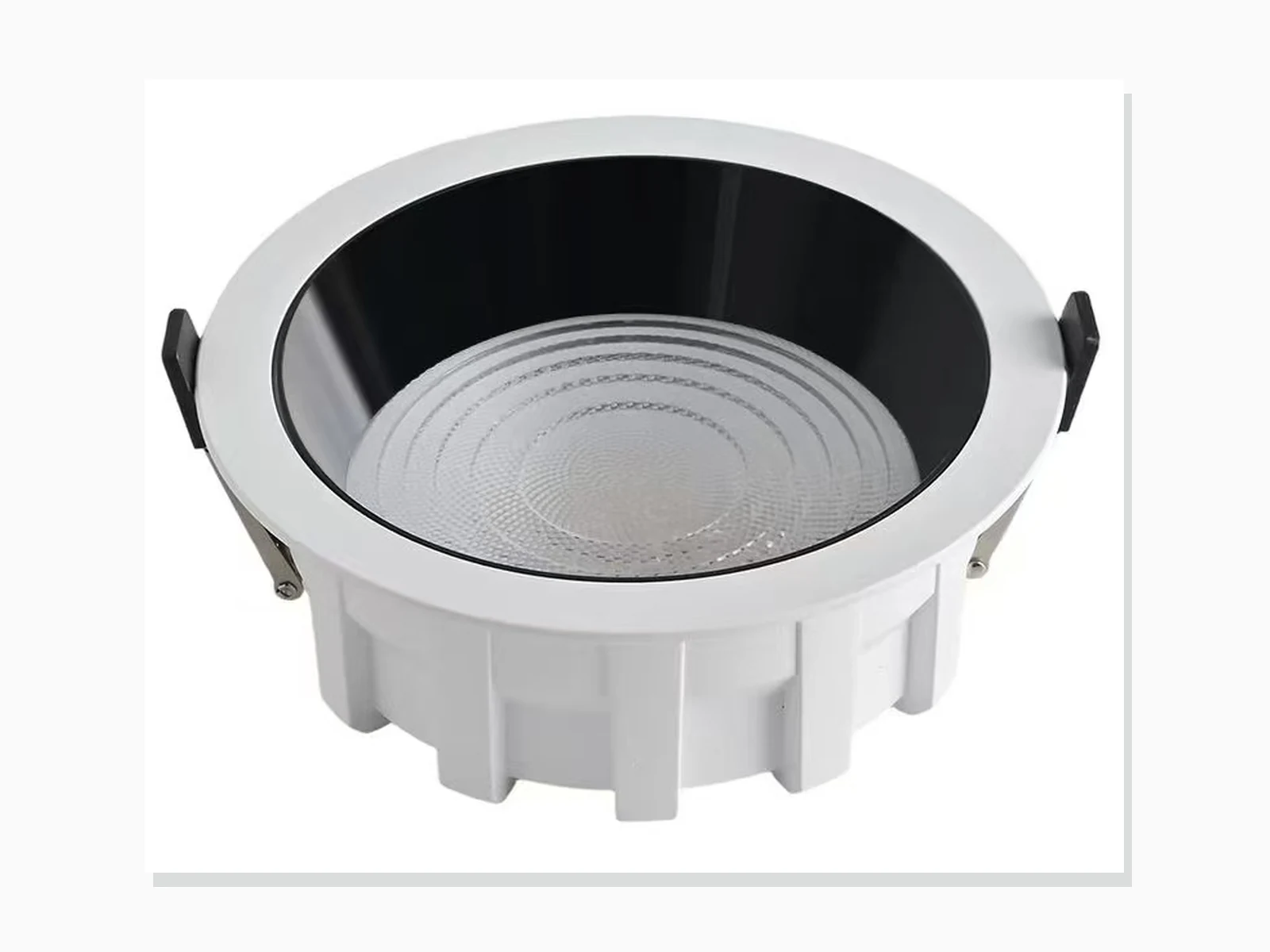
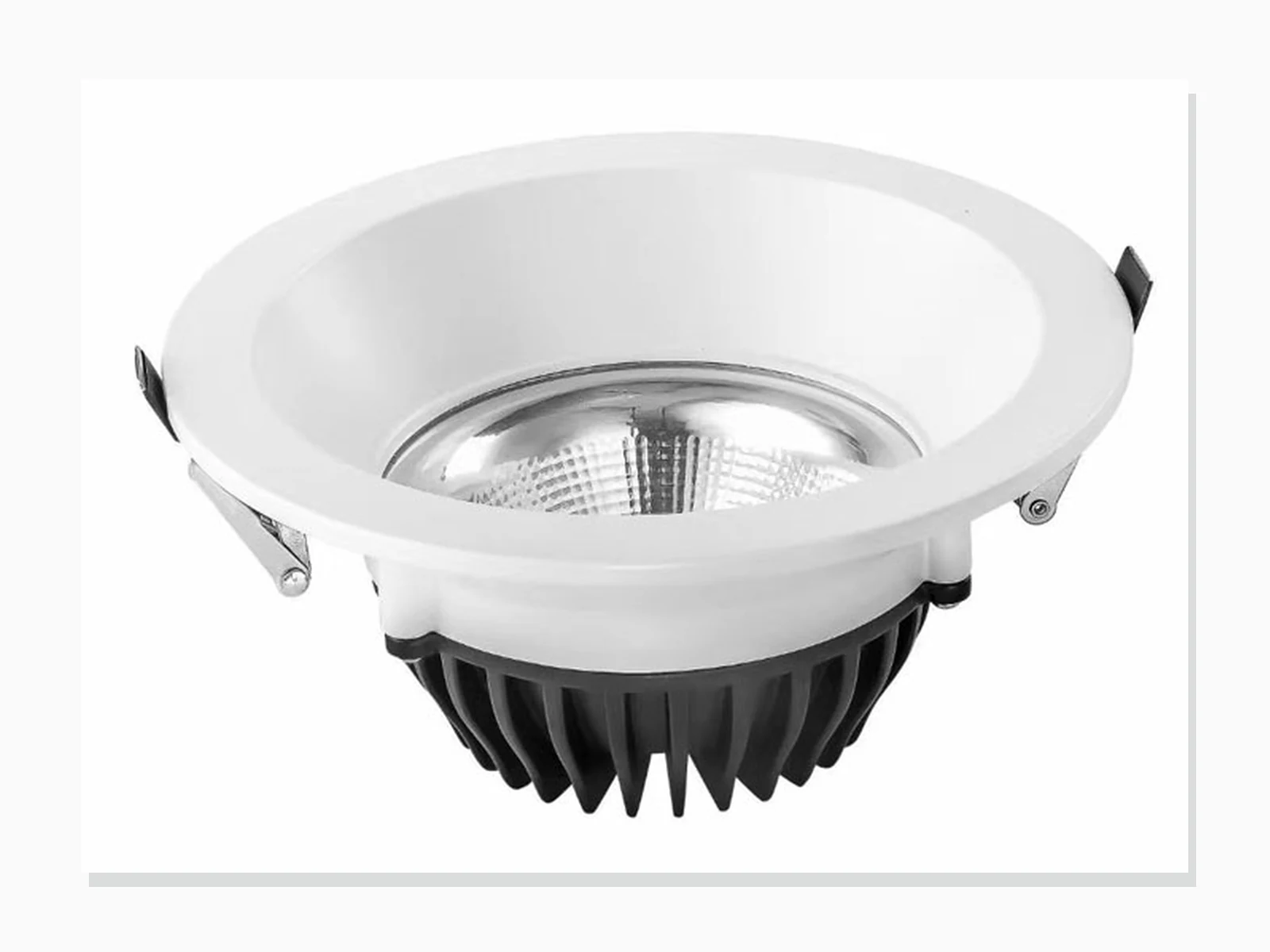
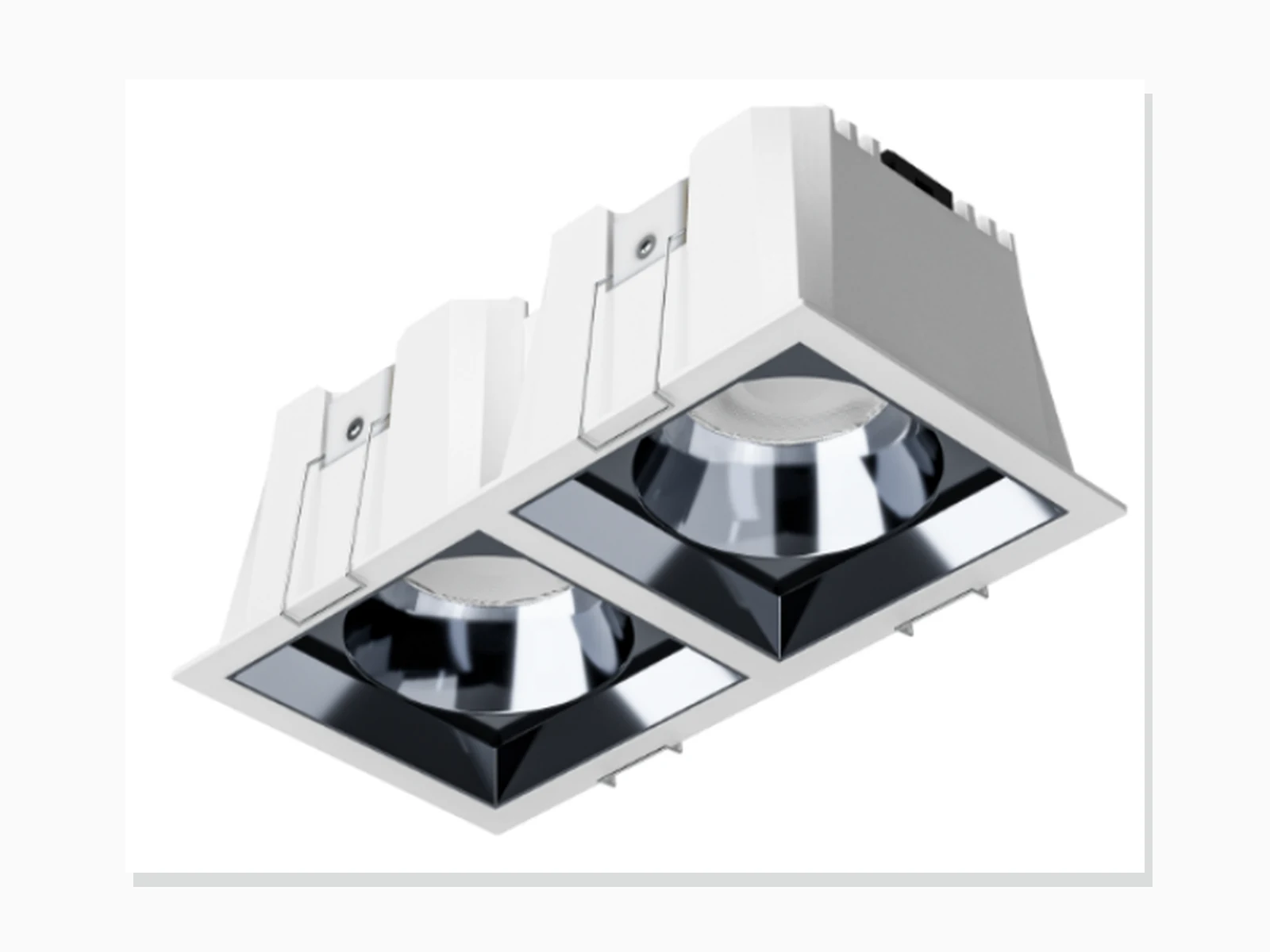
MET-TD2430
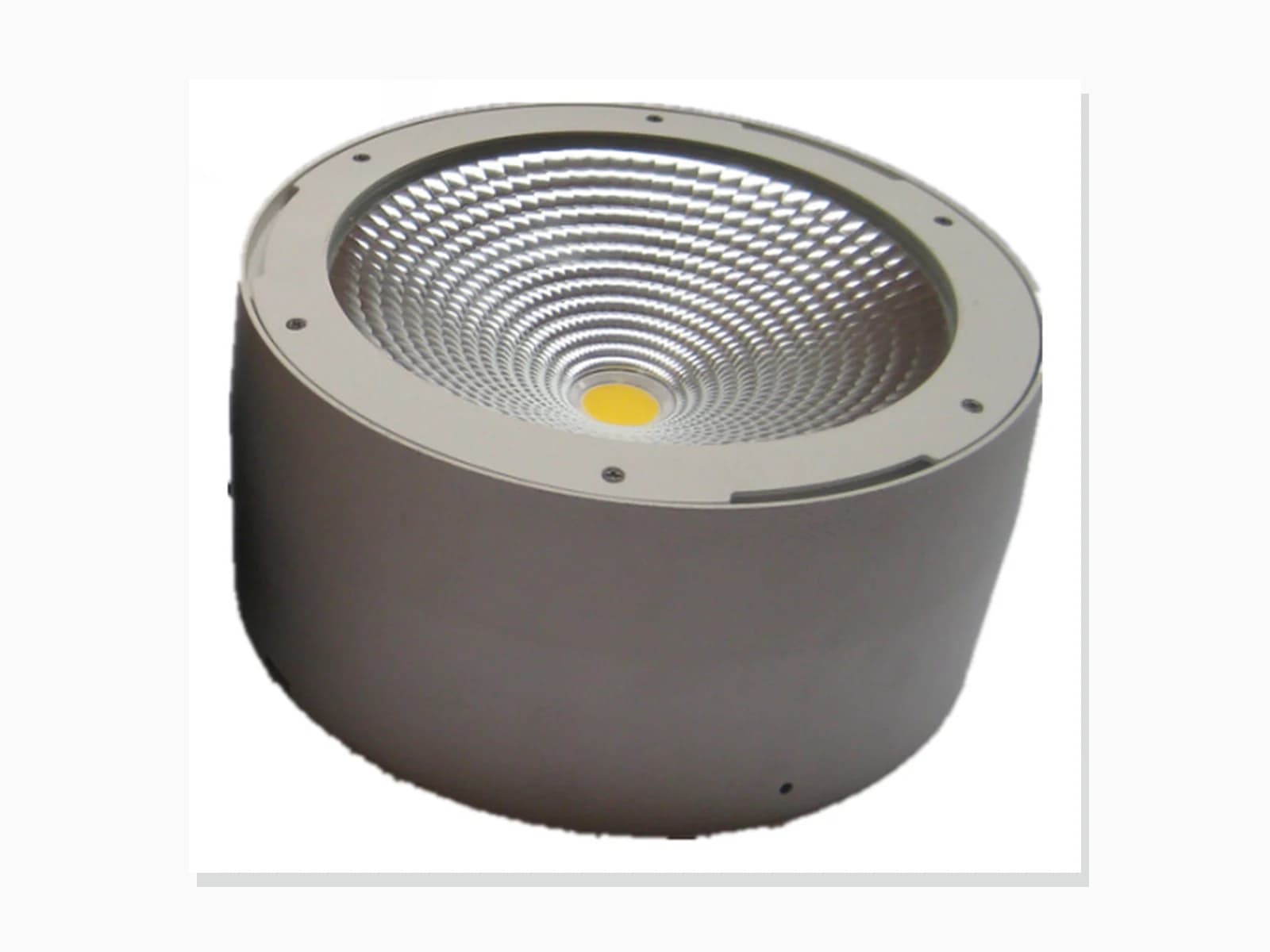
MET-MTD501
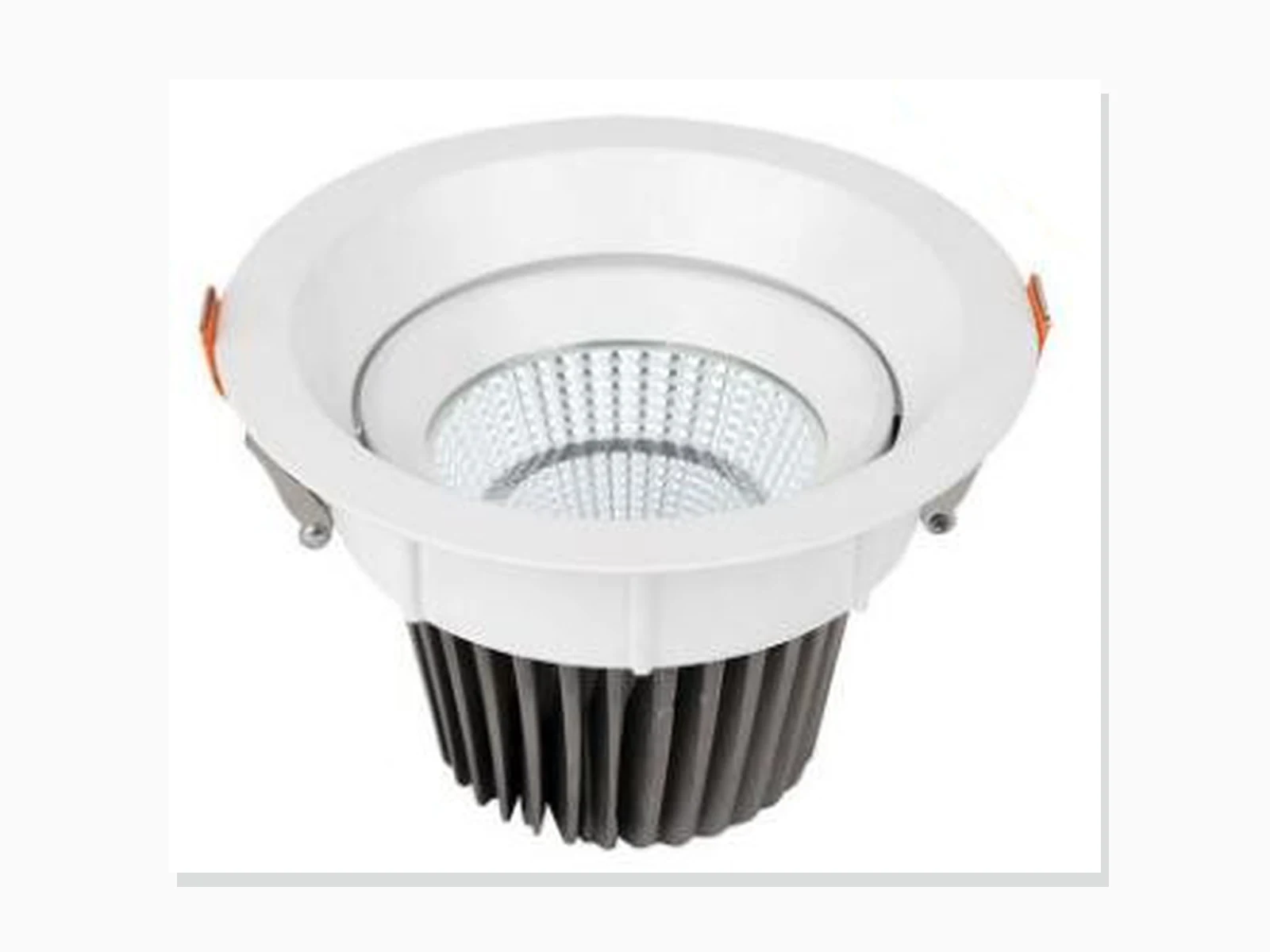
MET-TD223
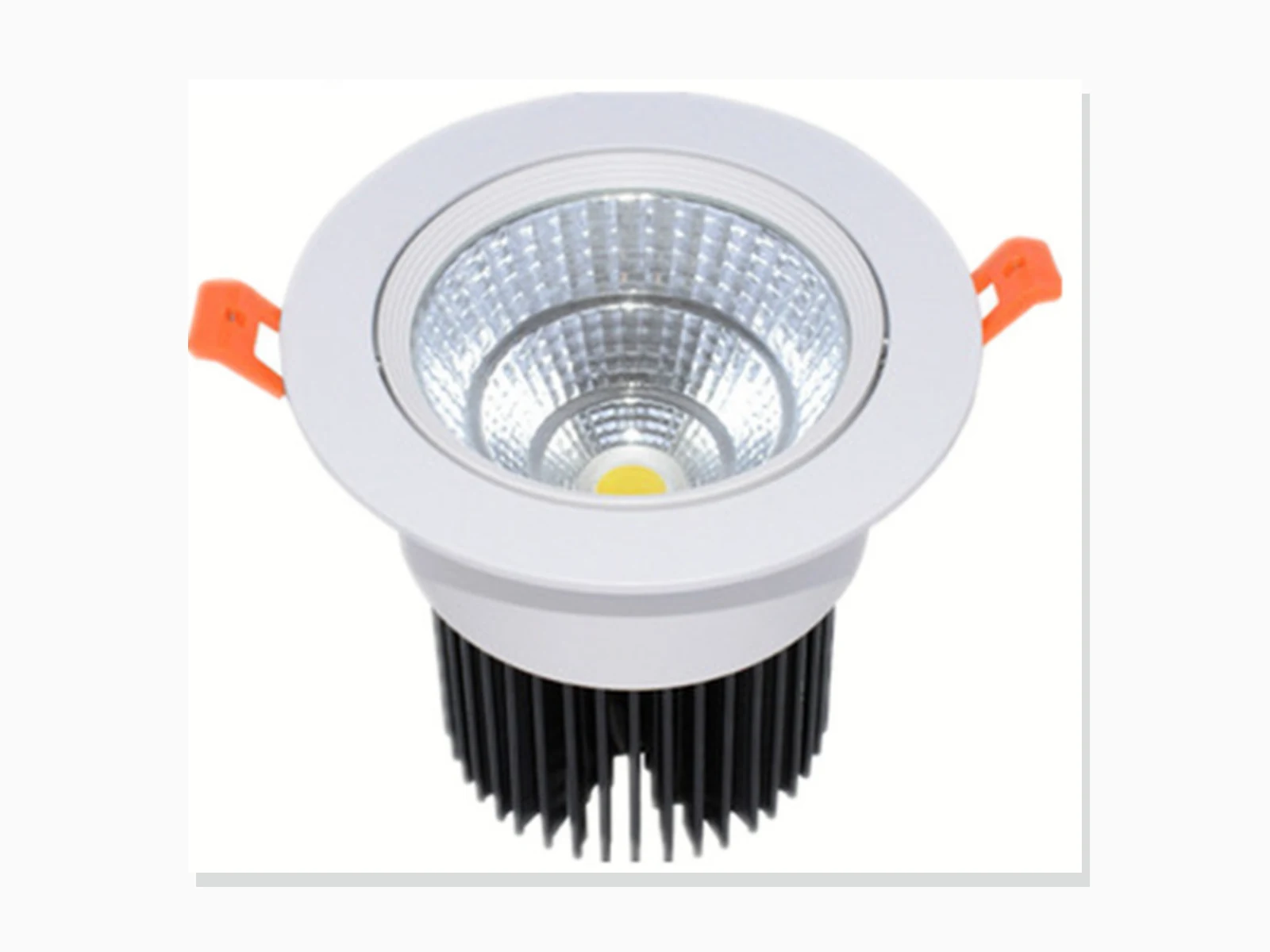
MET-TD226
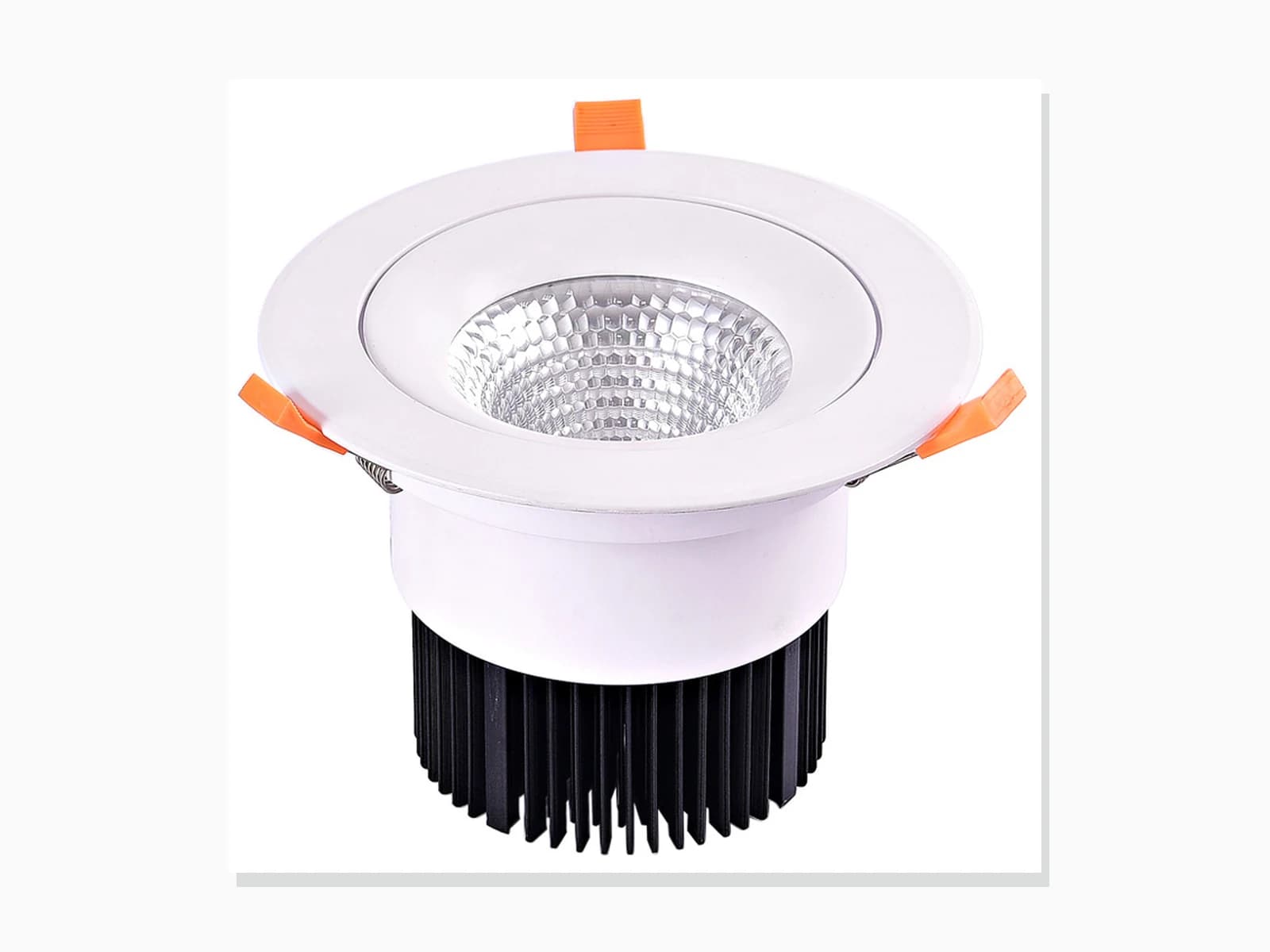
MET-TD224
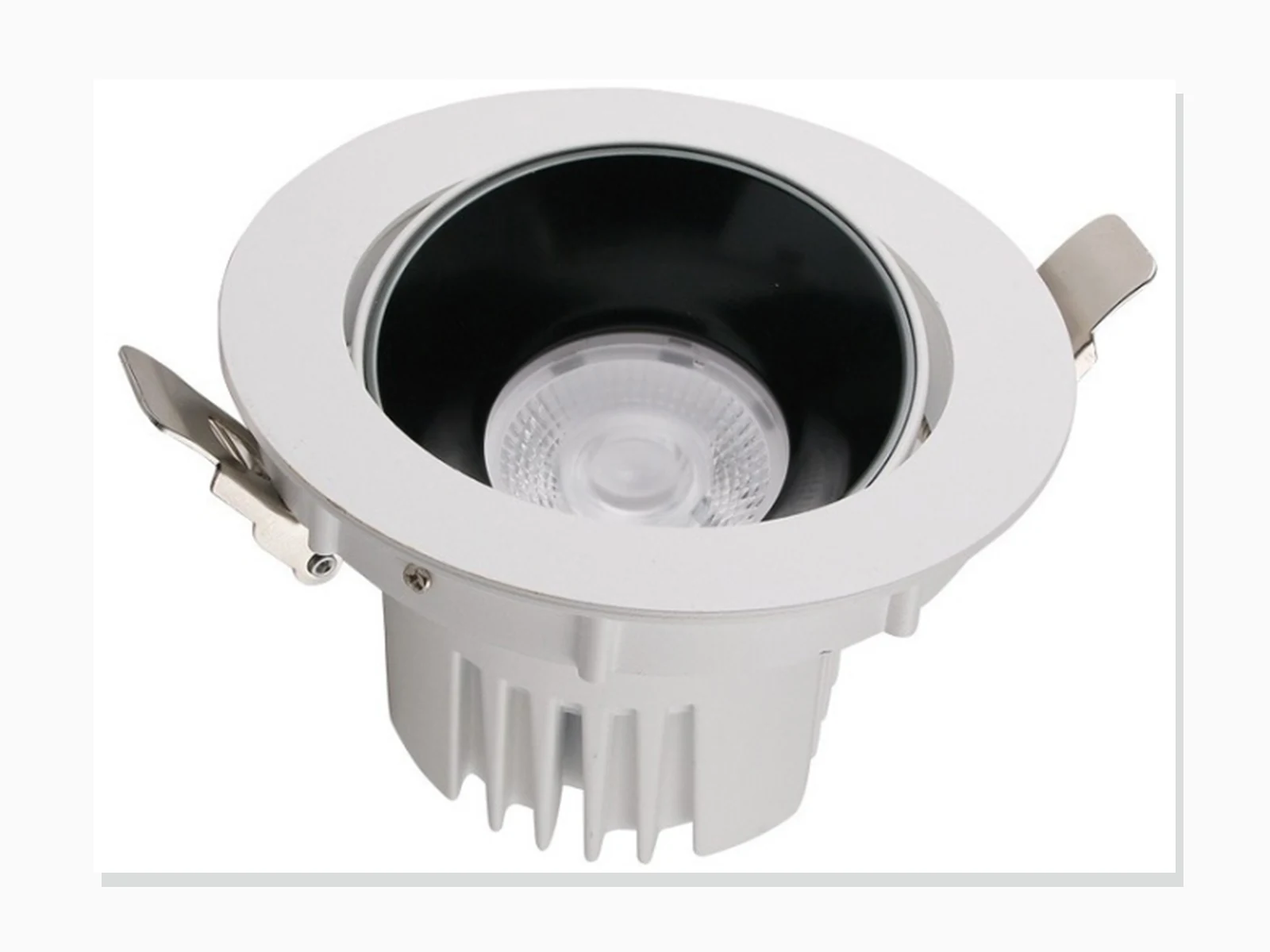
MET-TD222
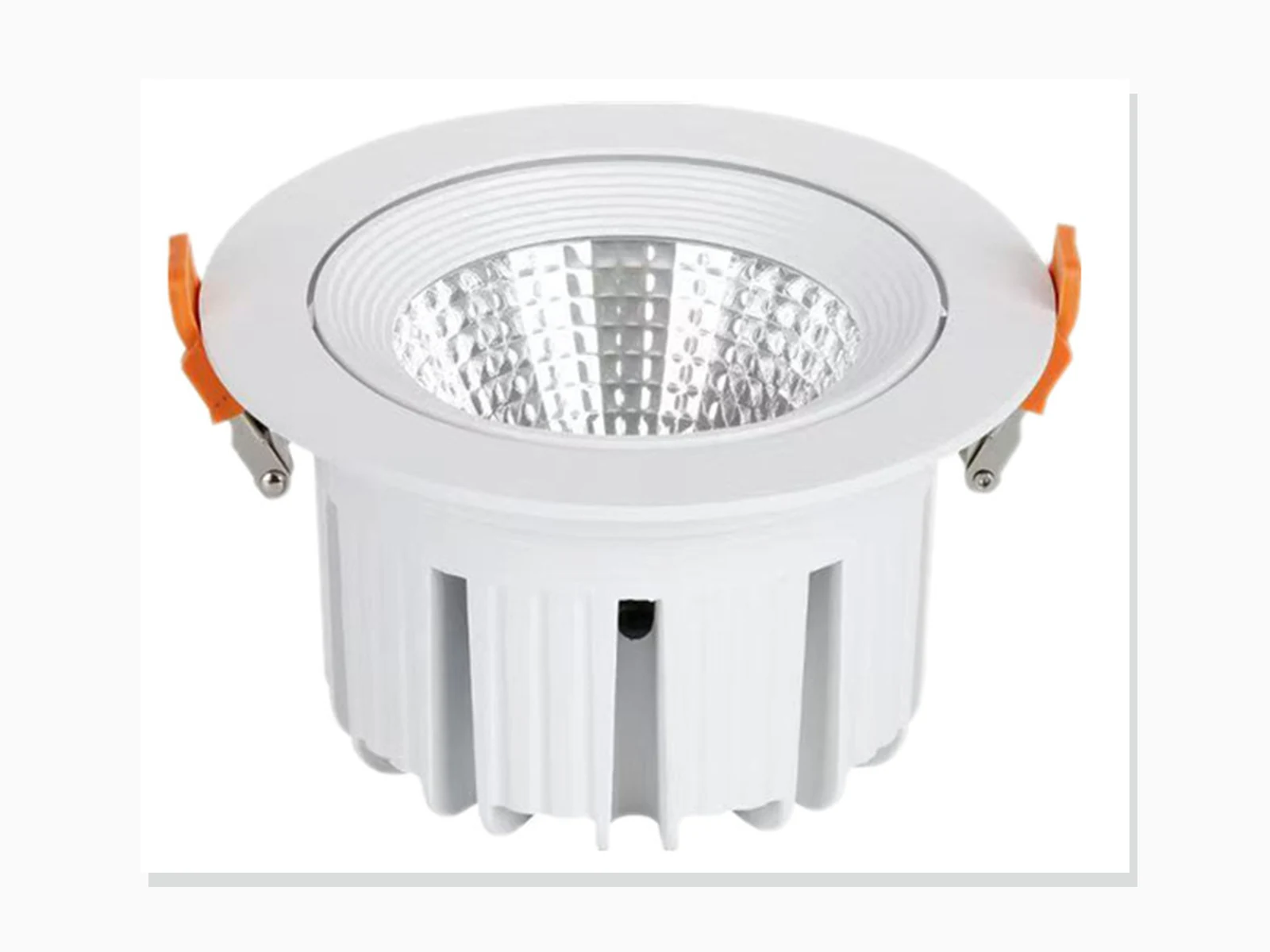
MET-TD221
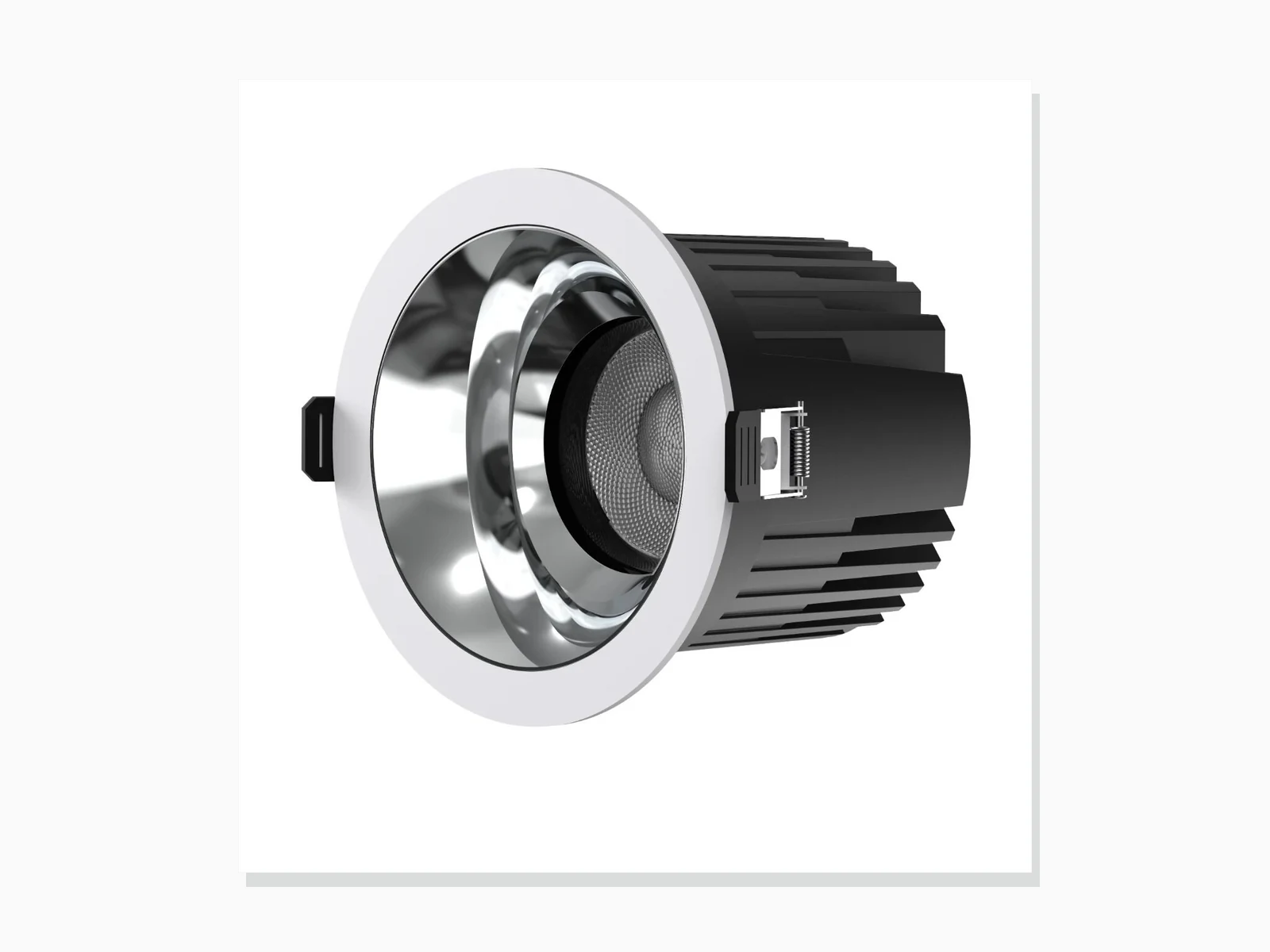
MET-TD2514
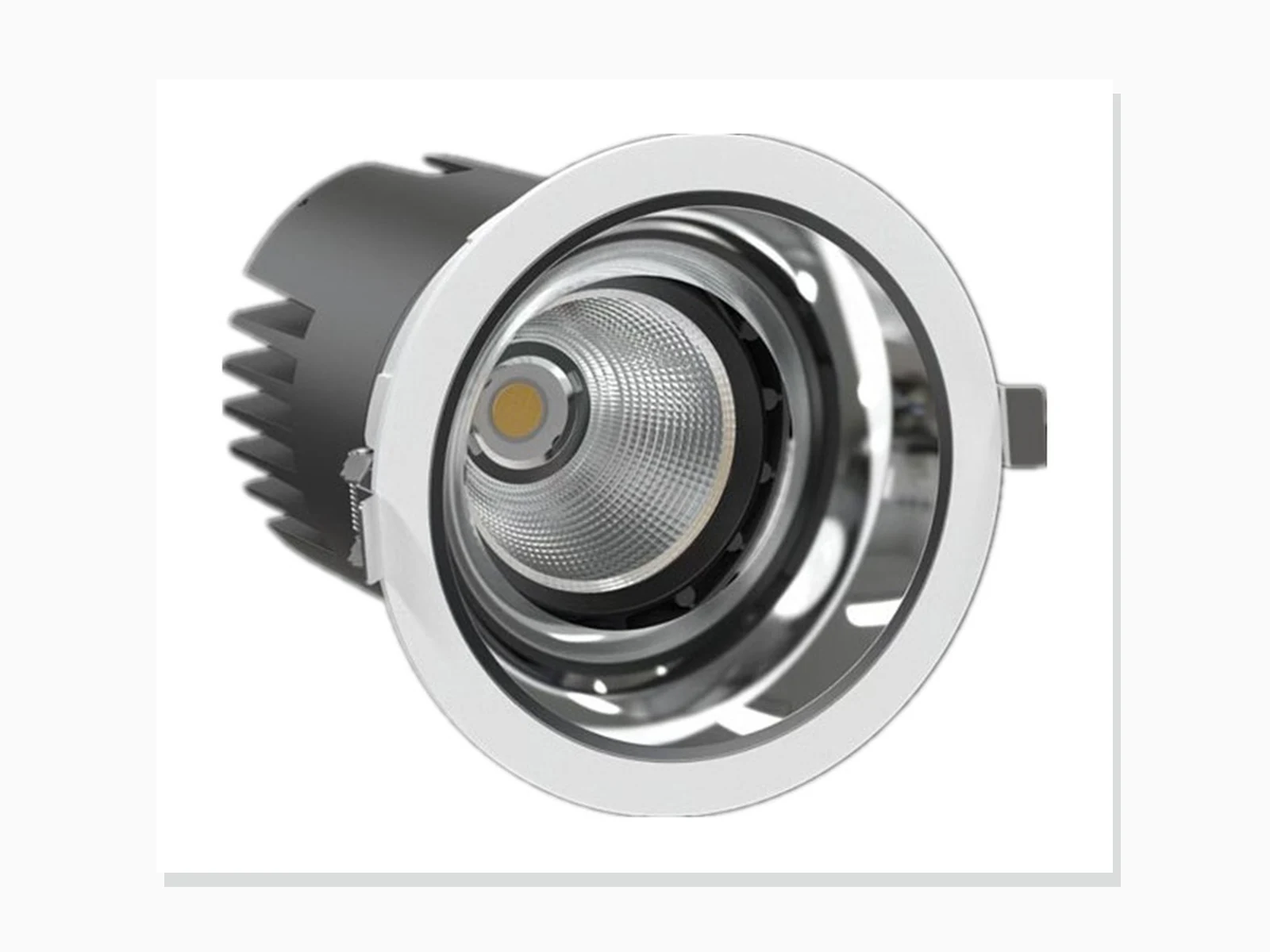
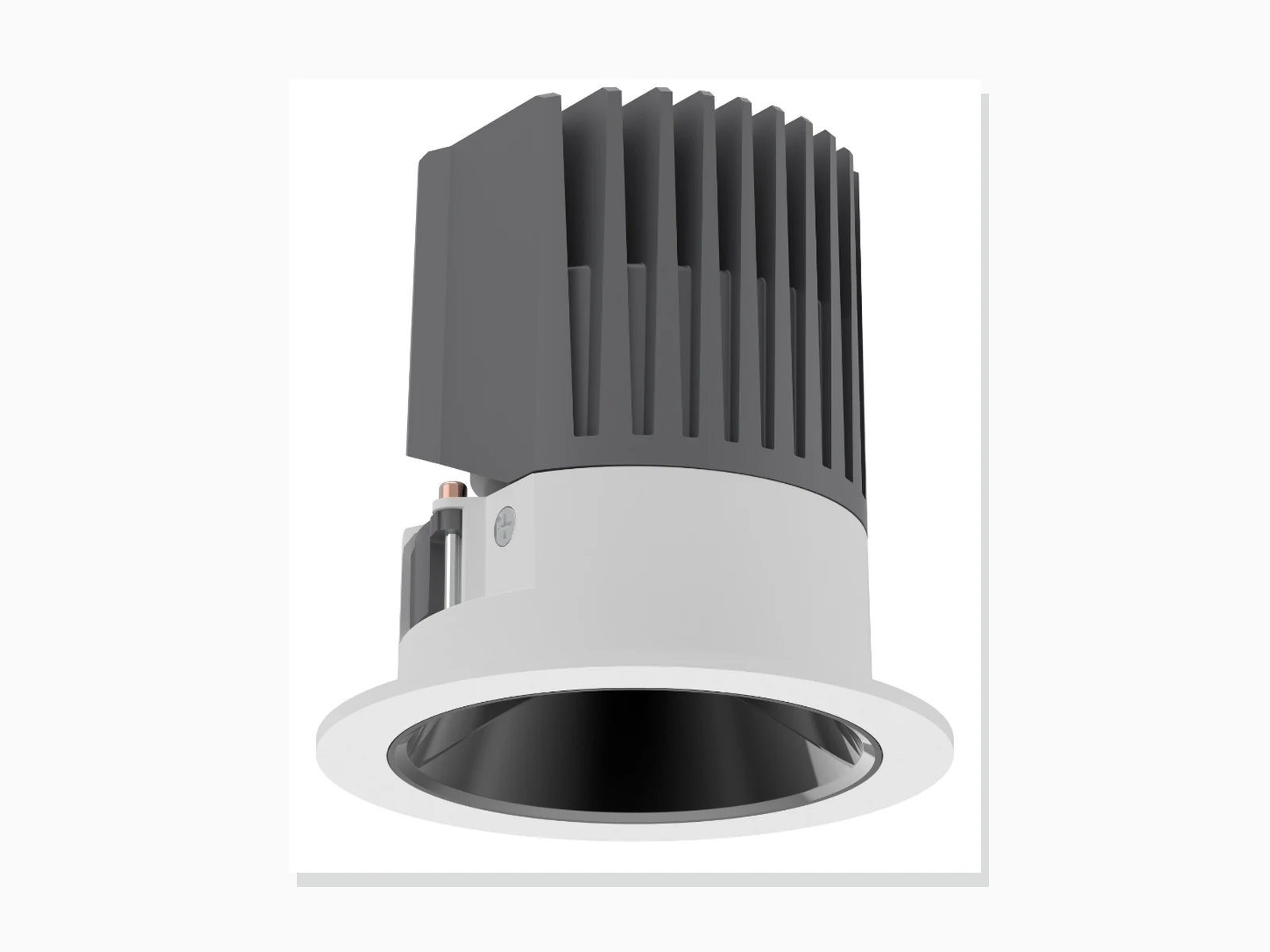
MET-TD2502
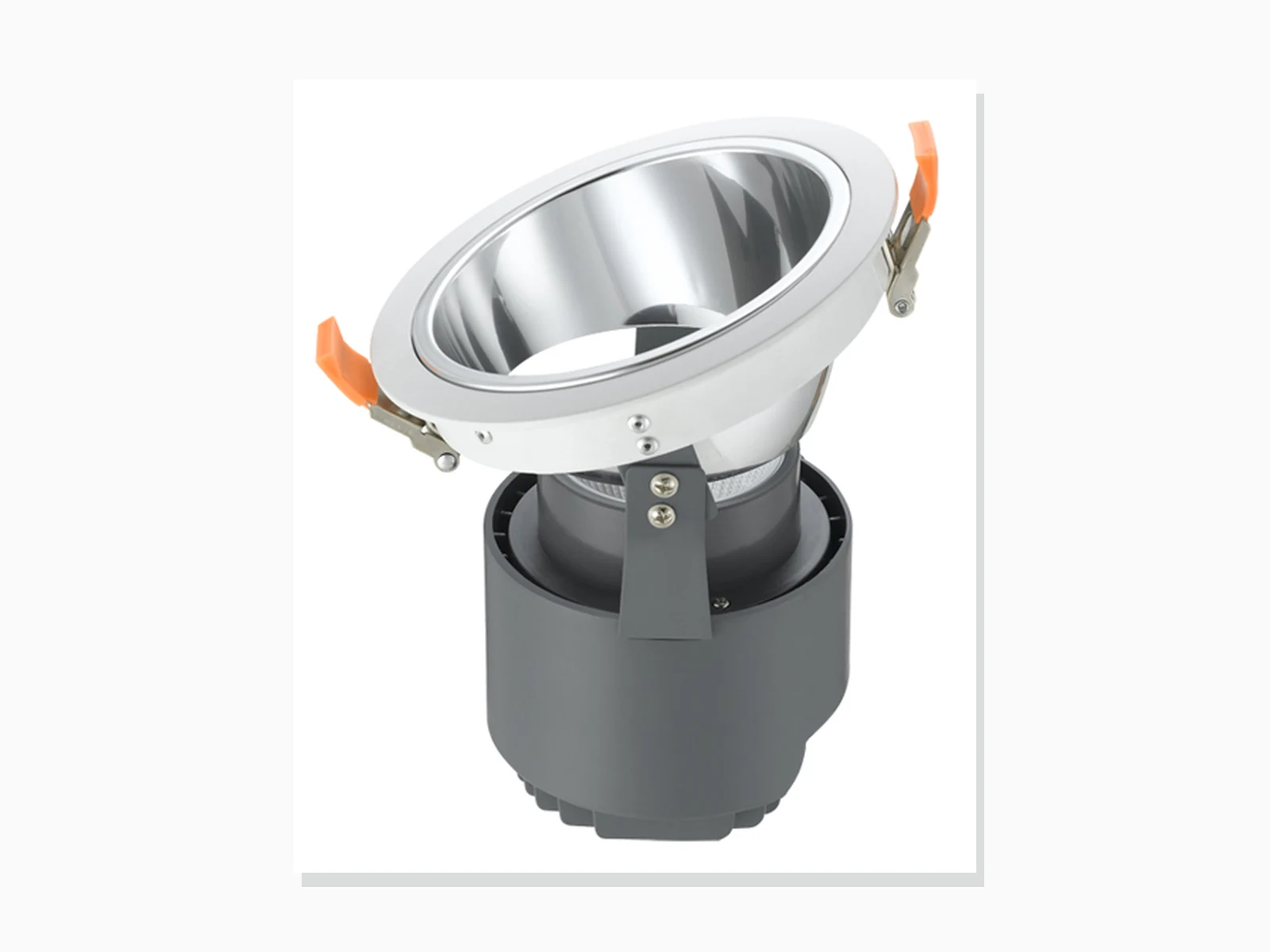
MET-TD322
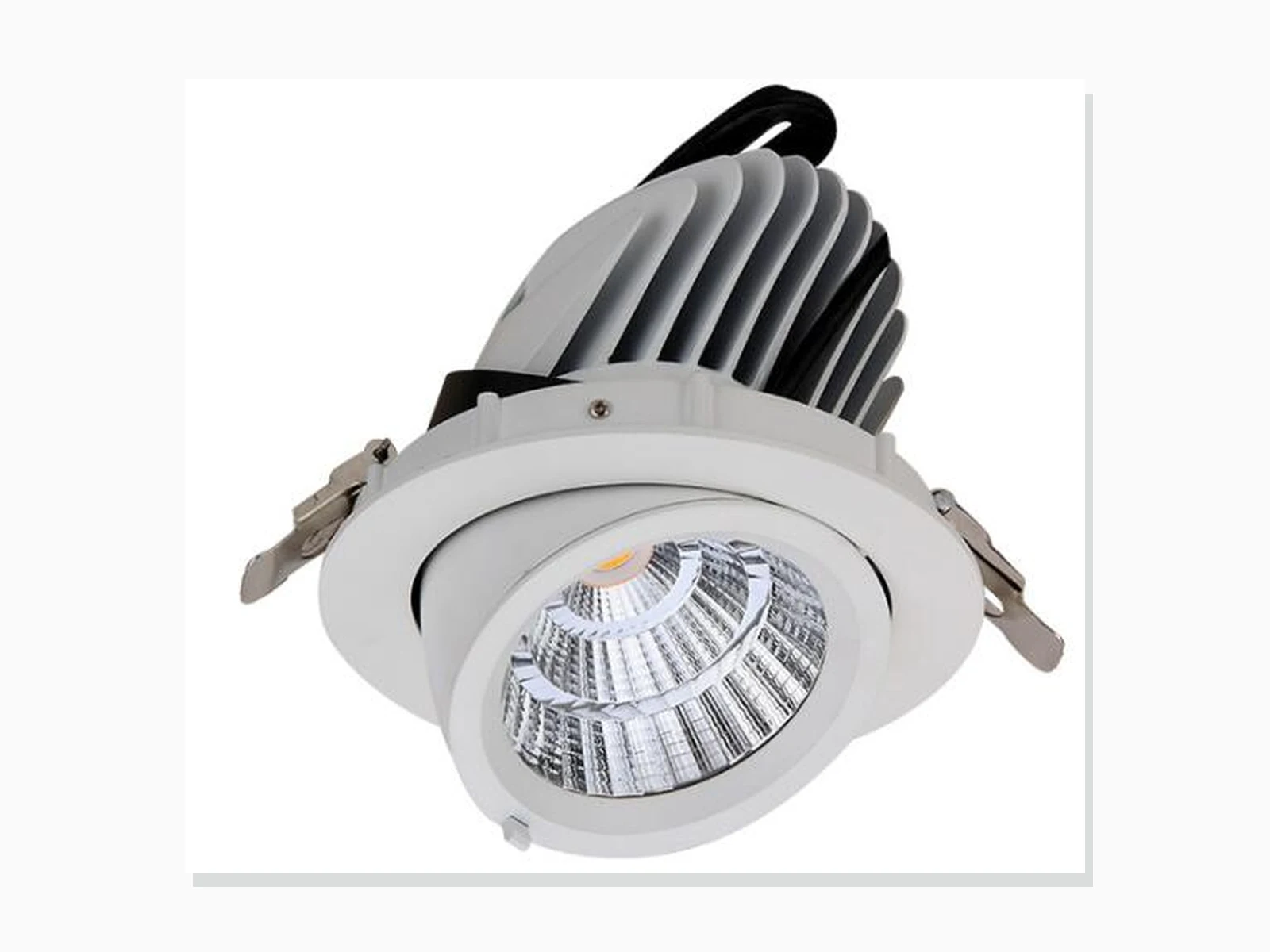
MET-TD403
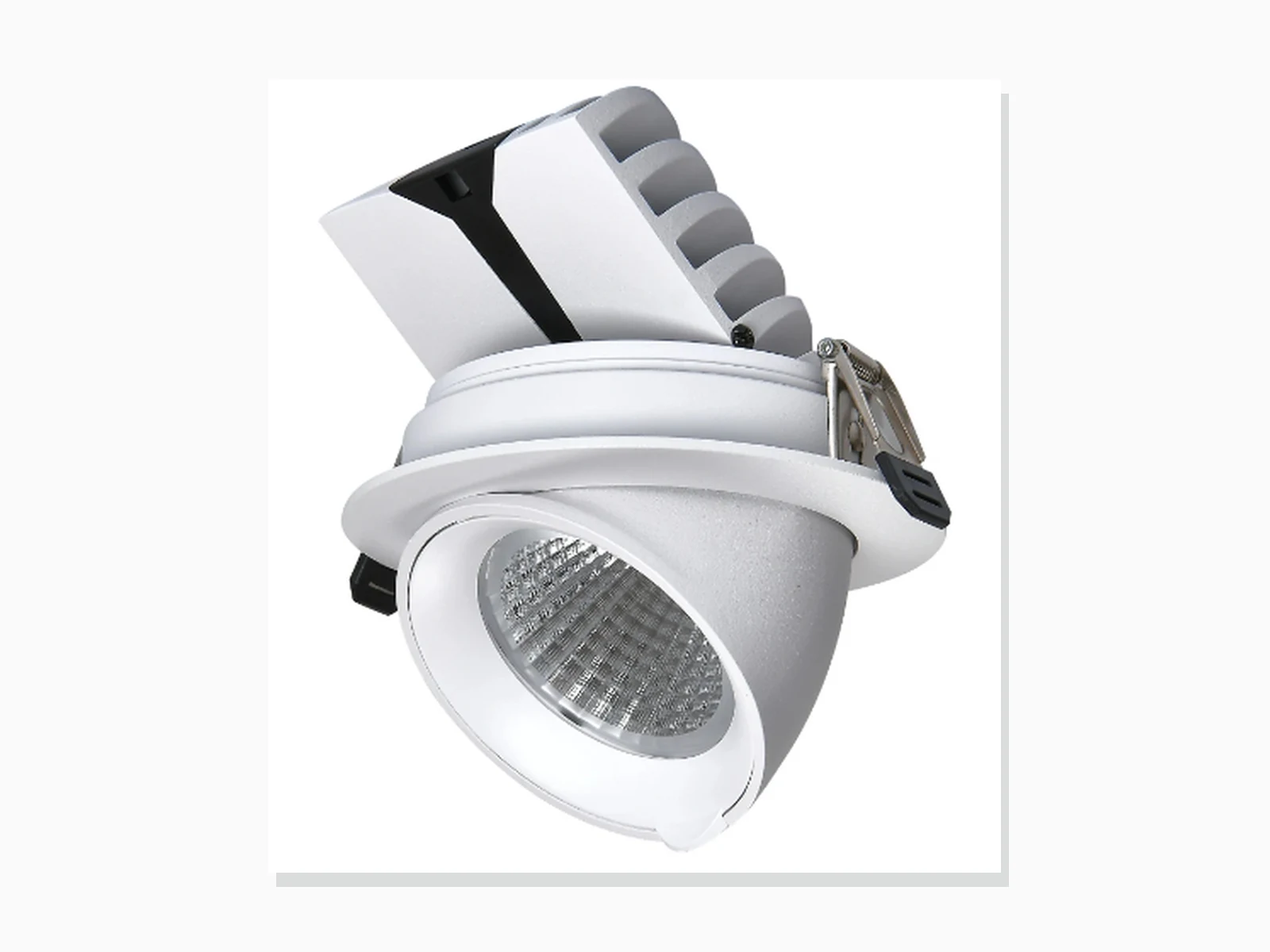
MET-TD402
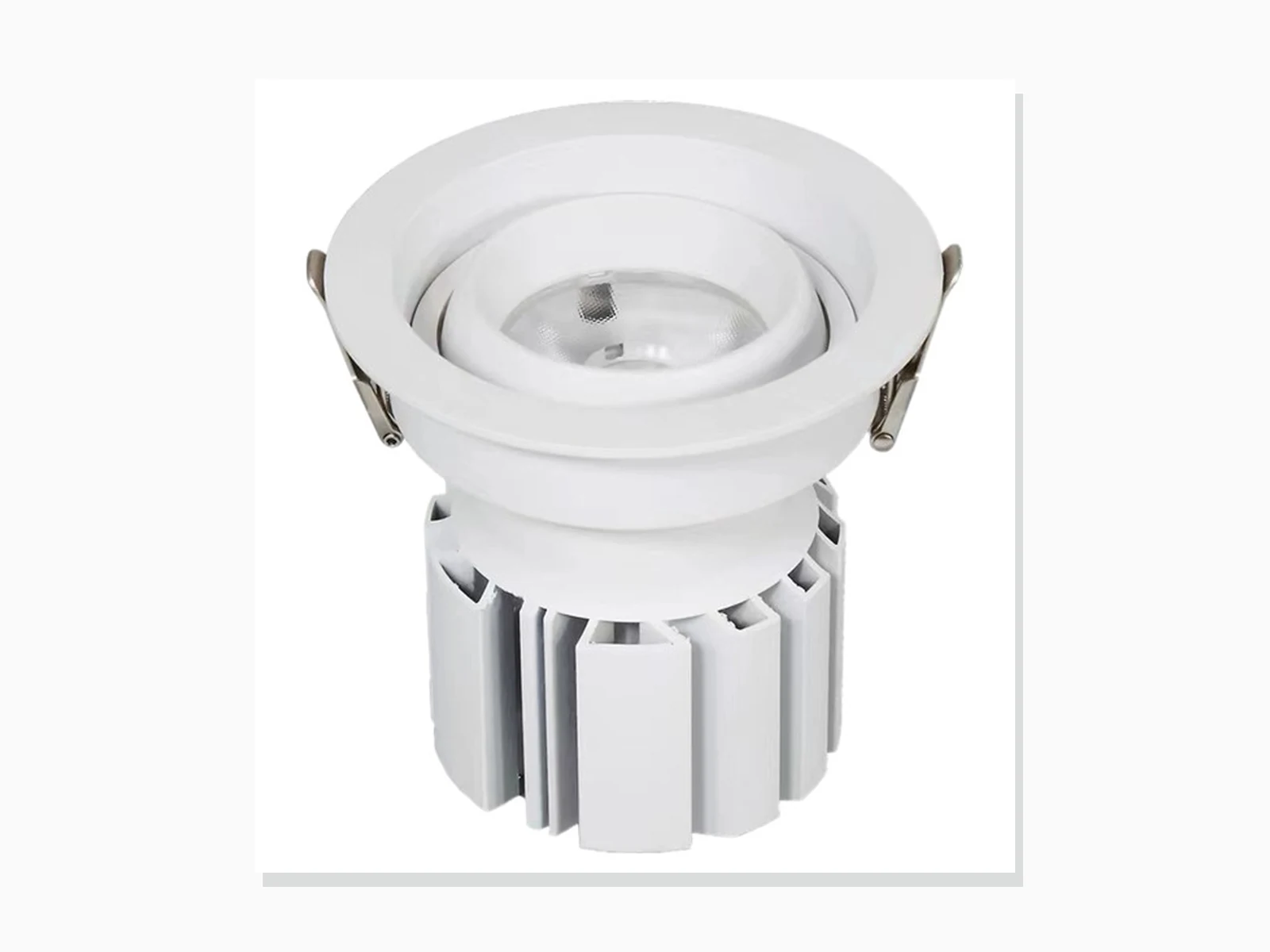
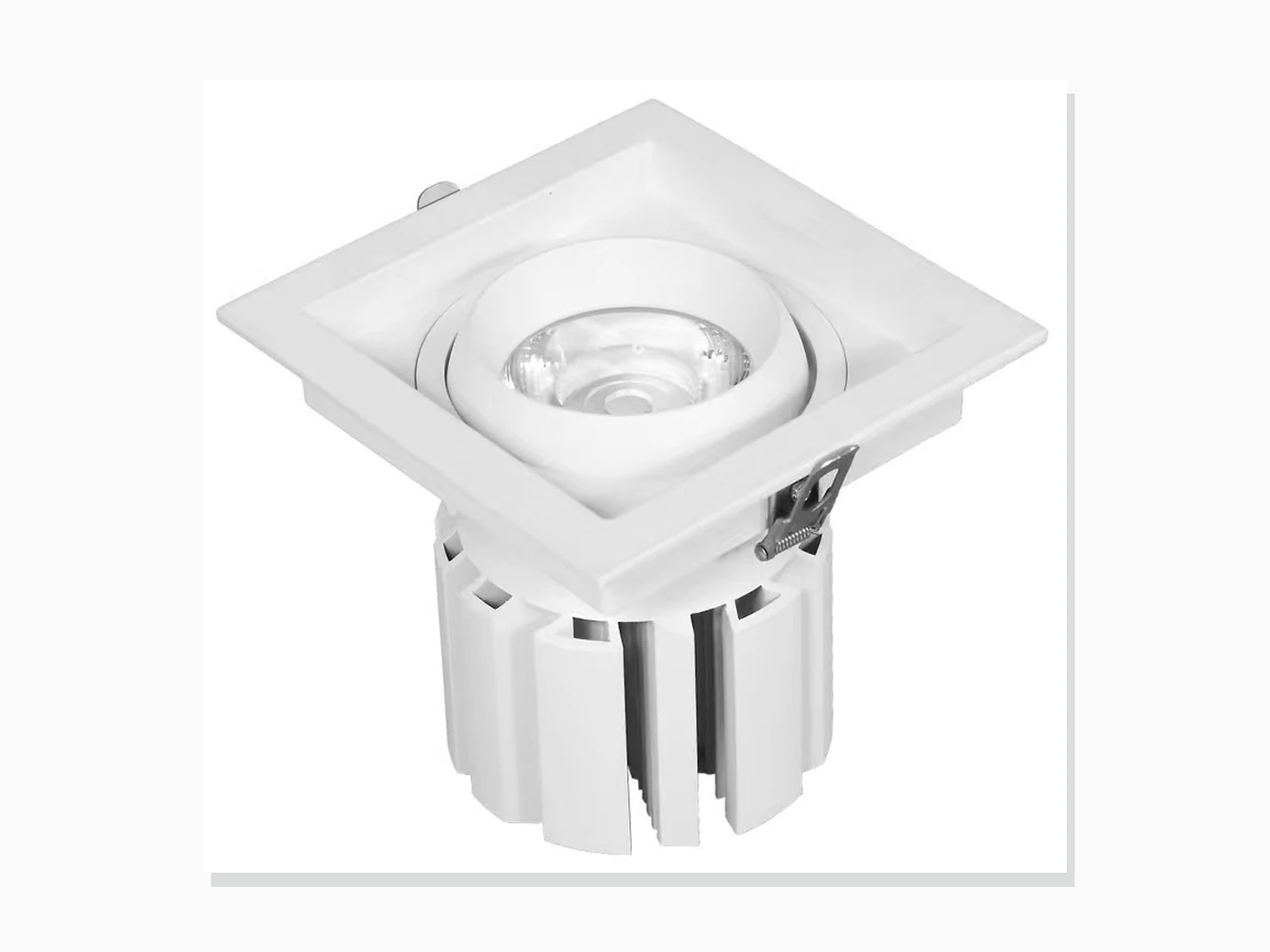
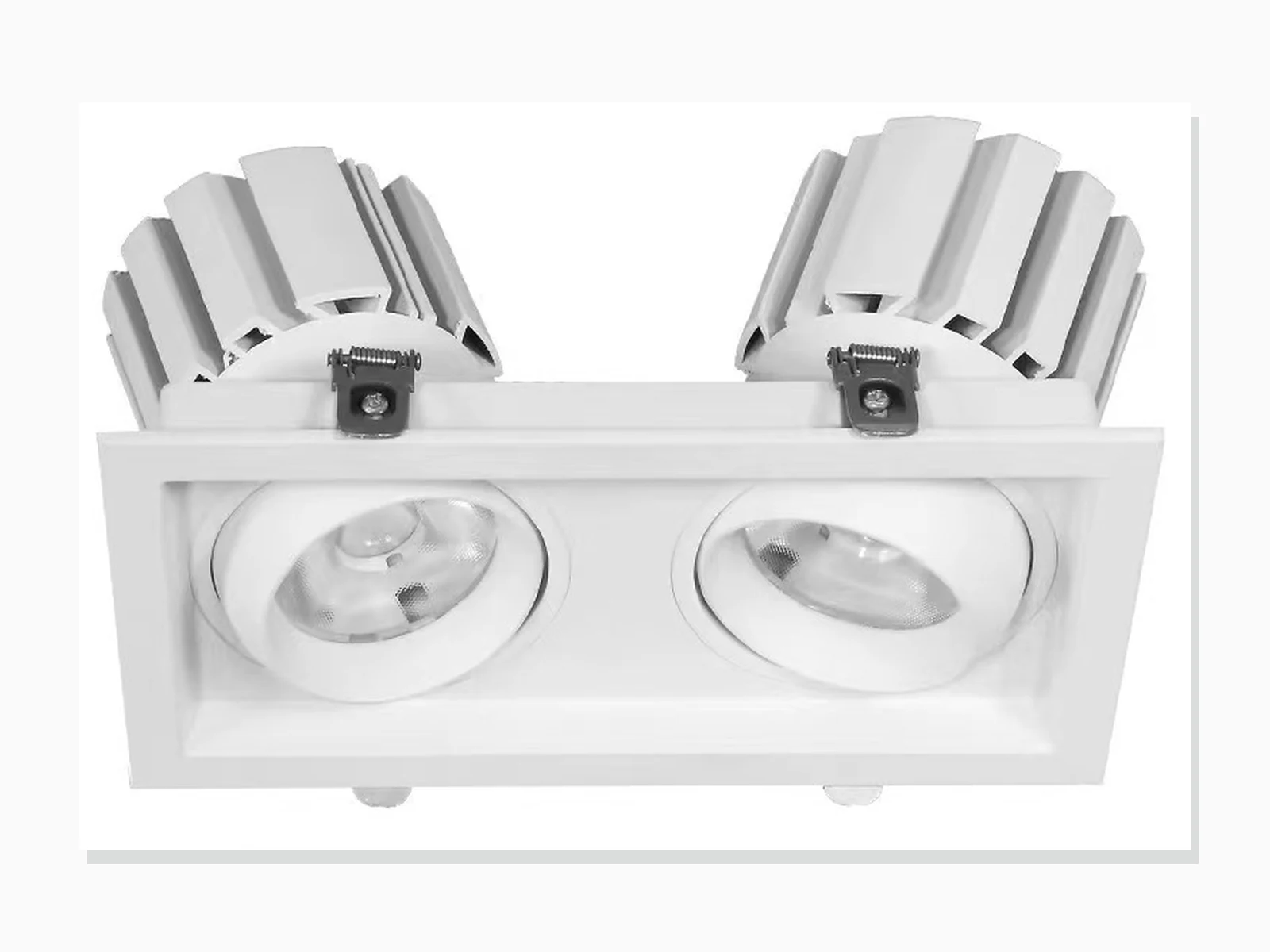
MET-TD351B
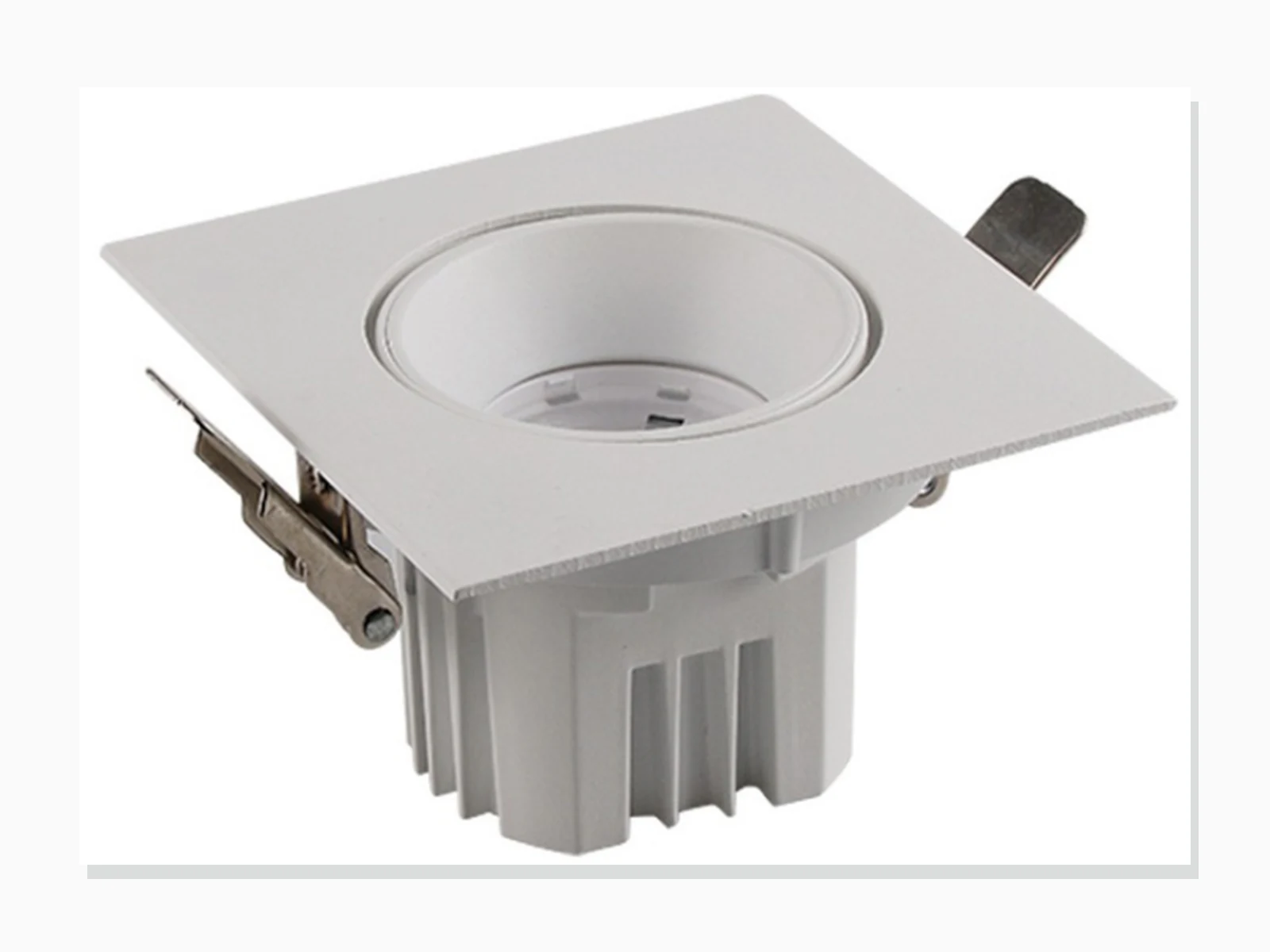
MET-TD527
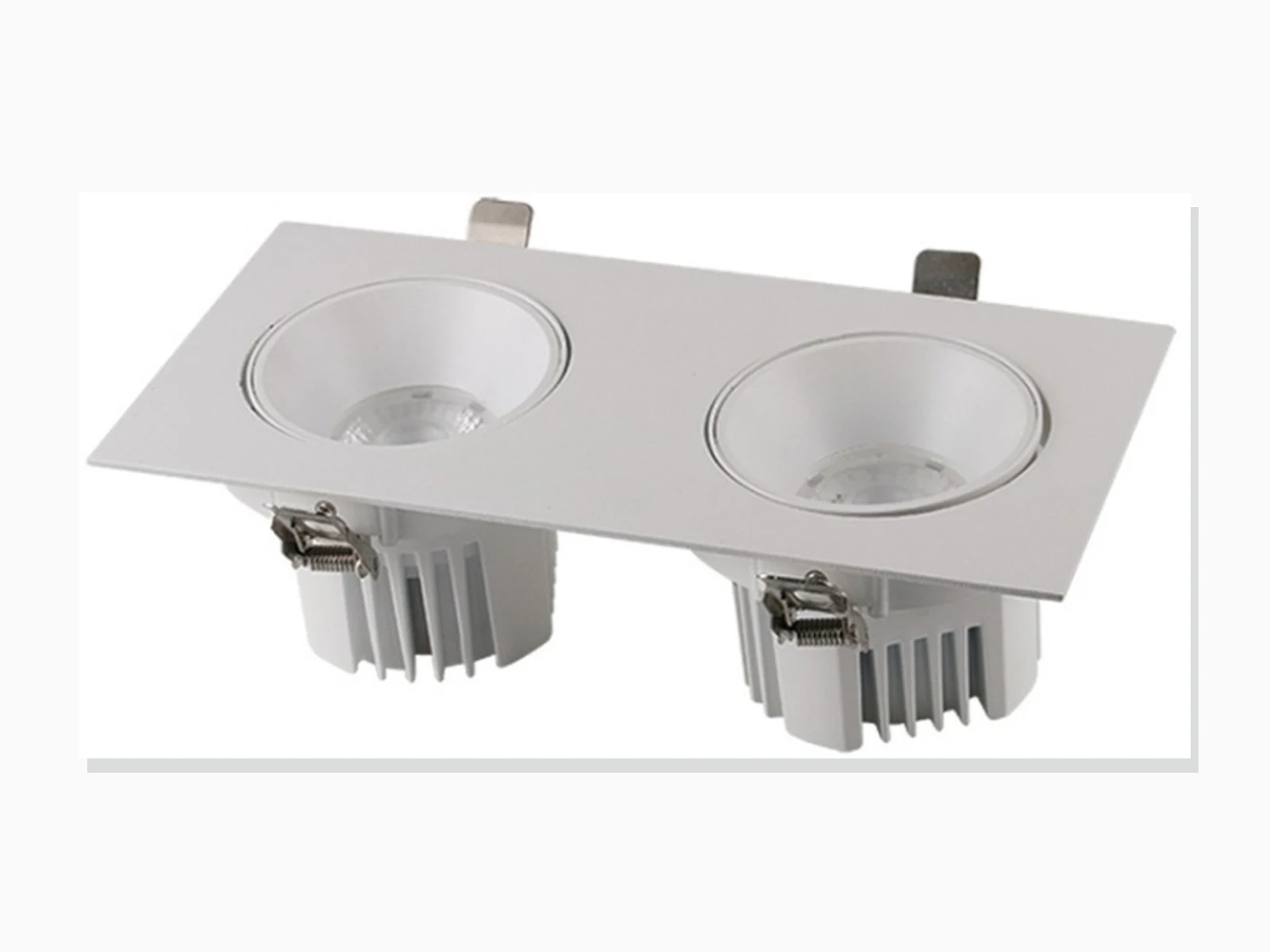
MET-TD527A
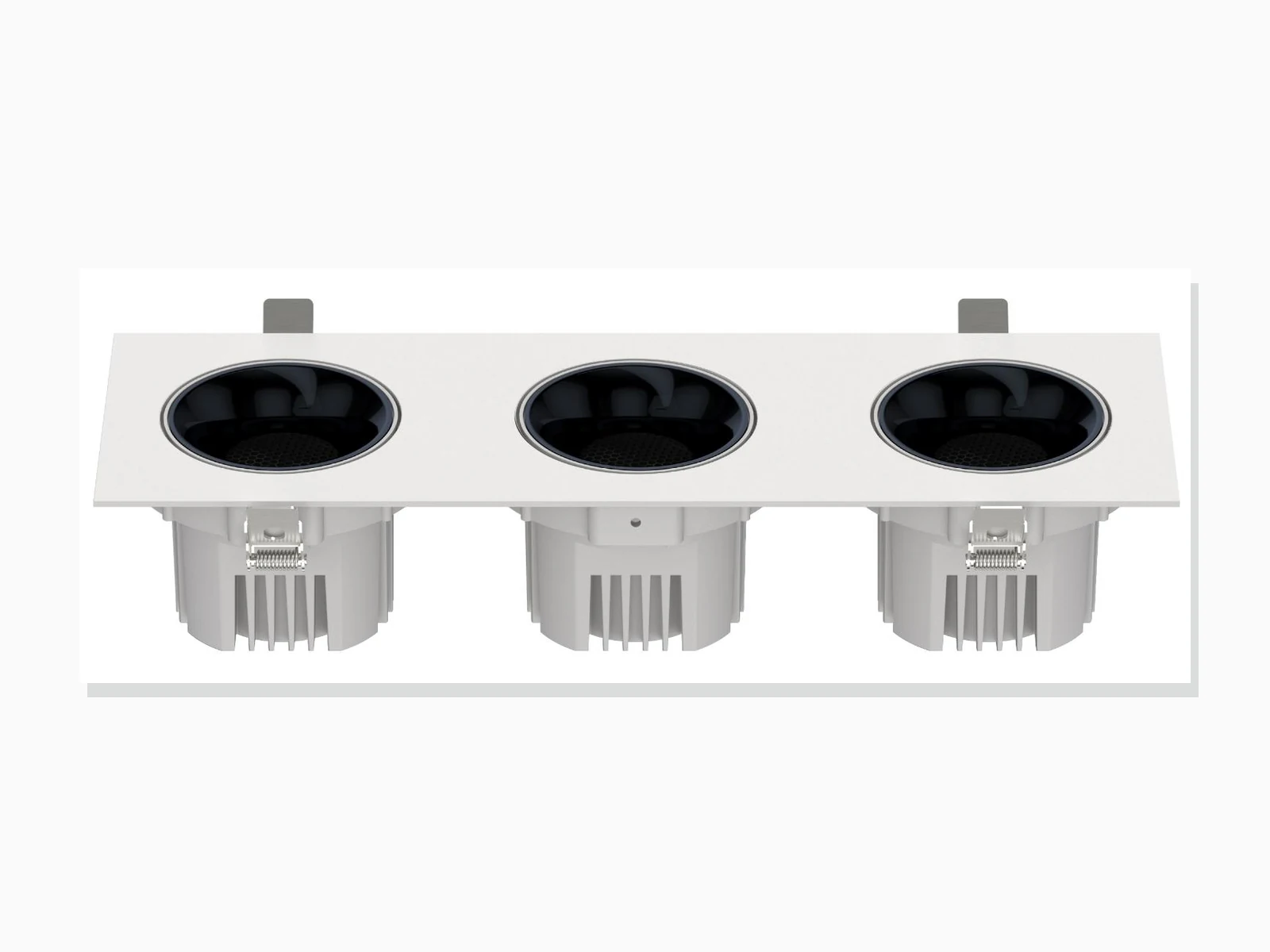
MET-TD527B
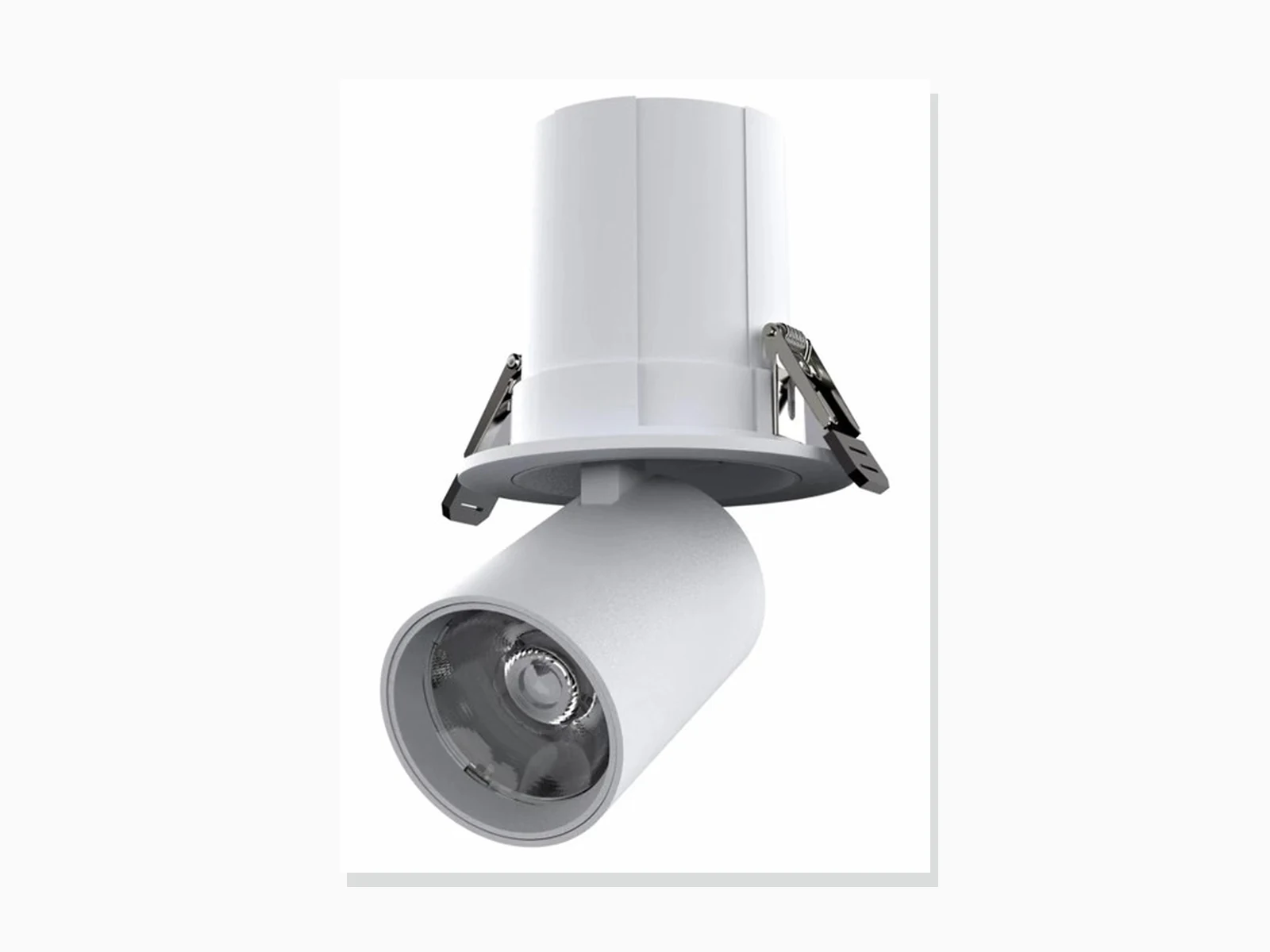
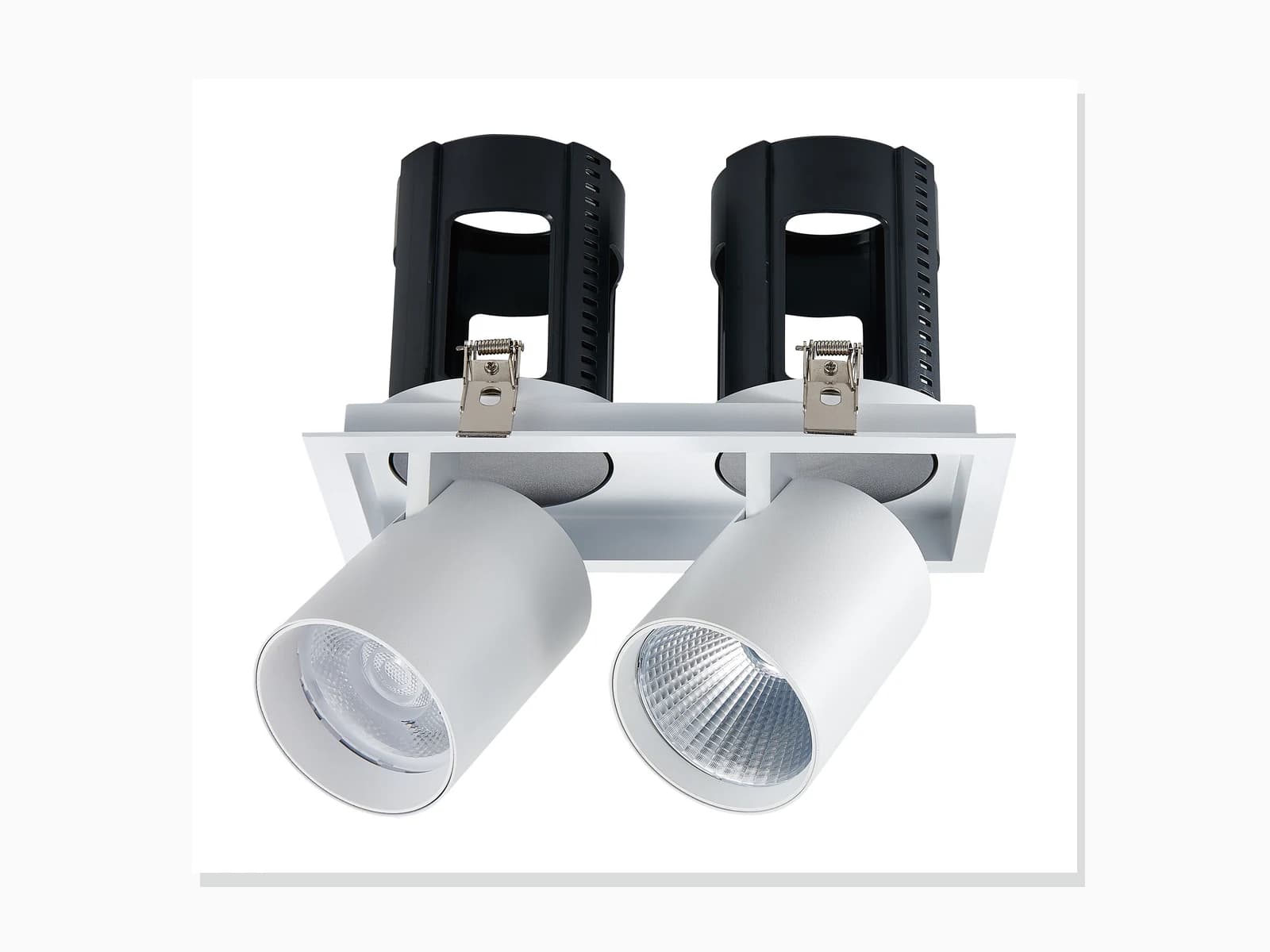
MET-TD2508
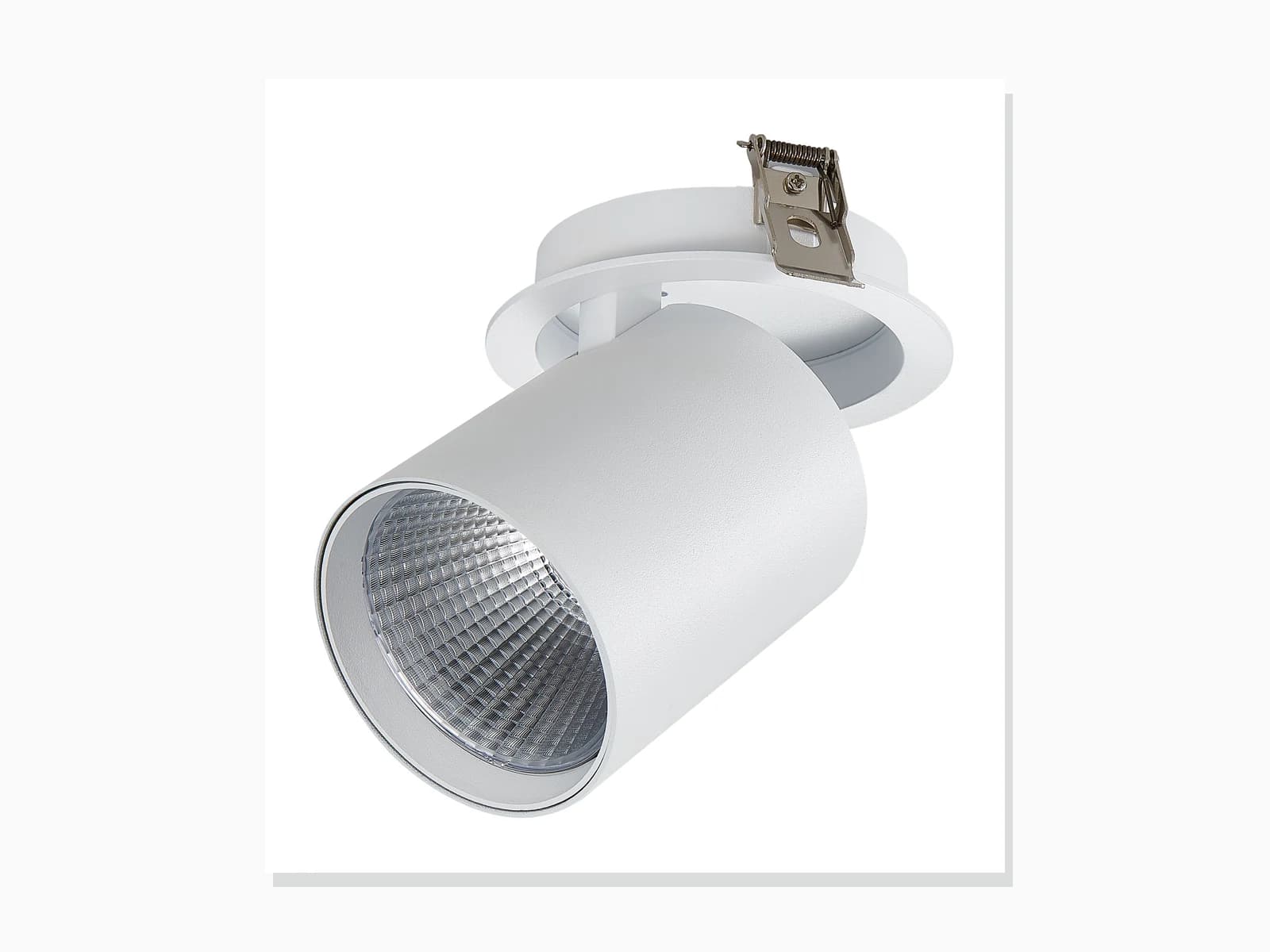
MET-TD2406
Two catalogue families
The category is a first filter. The exact configuration row and application conditions decide the shortlist.
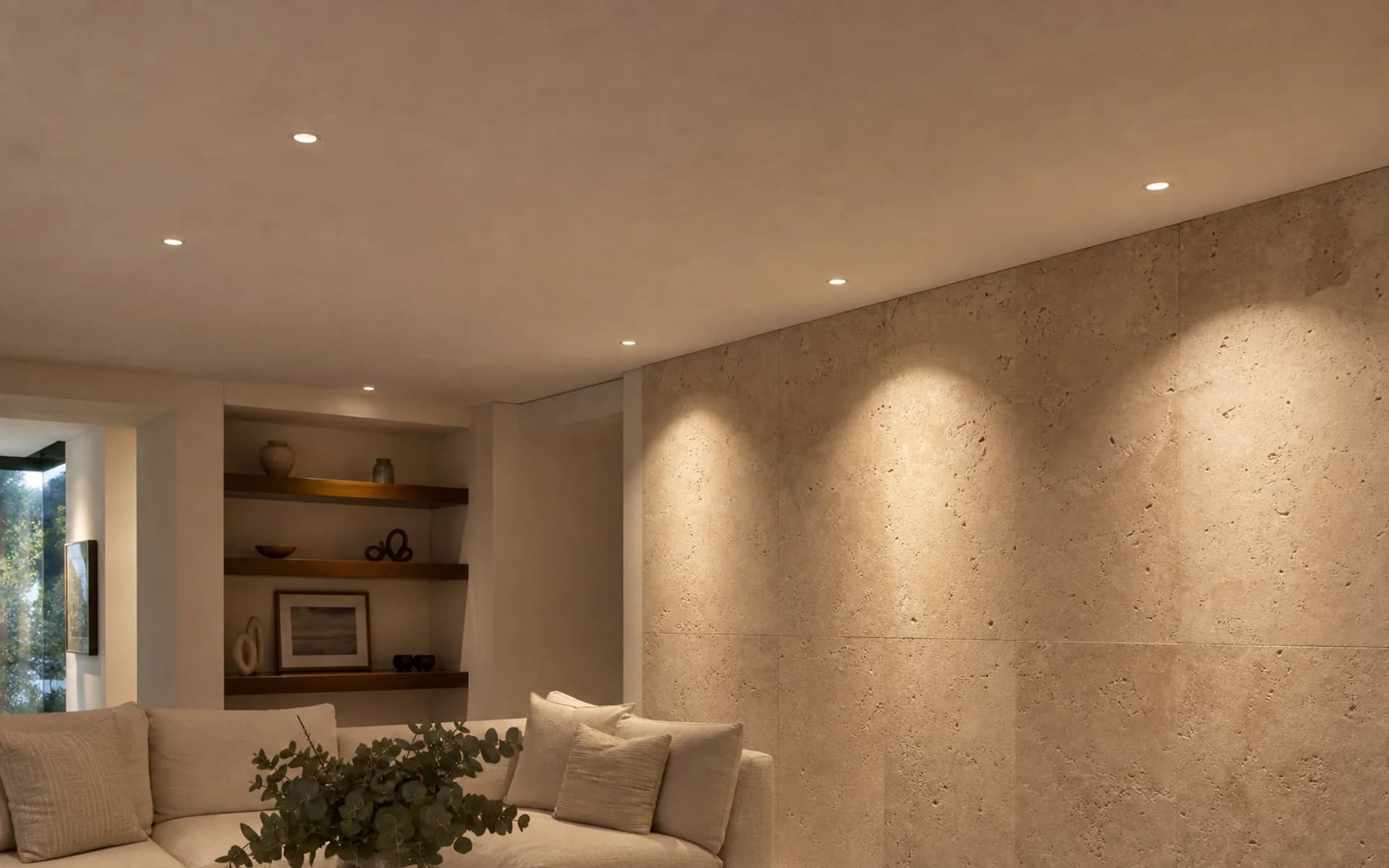
Downlights / 5 families
Recessed and surface-mounted families for general, anti-glare and wet-area ceiling schedules.
View downlights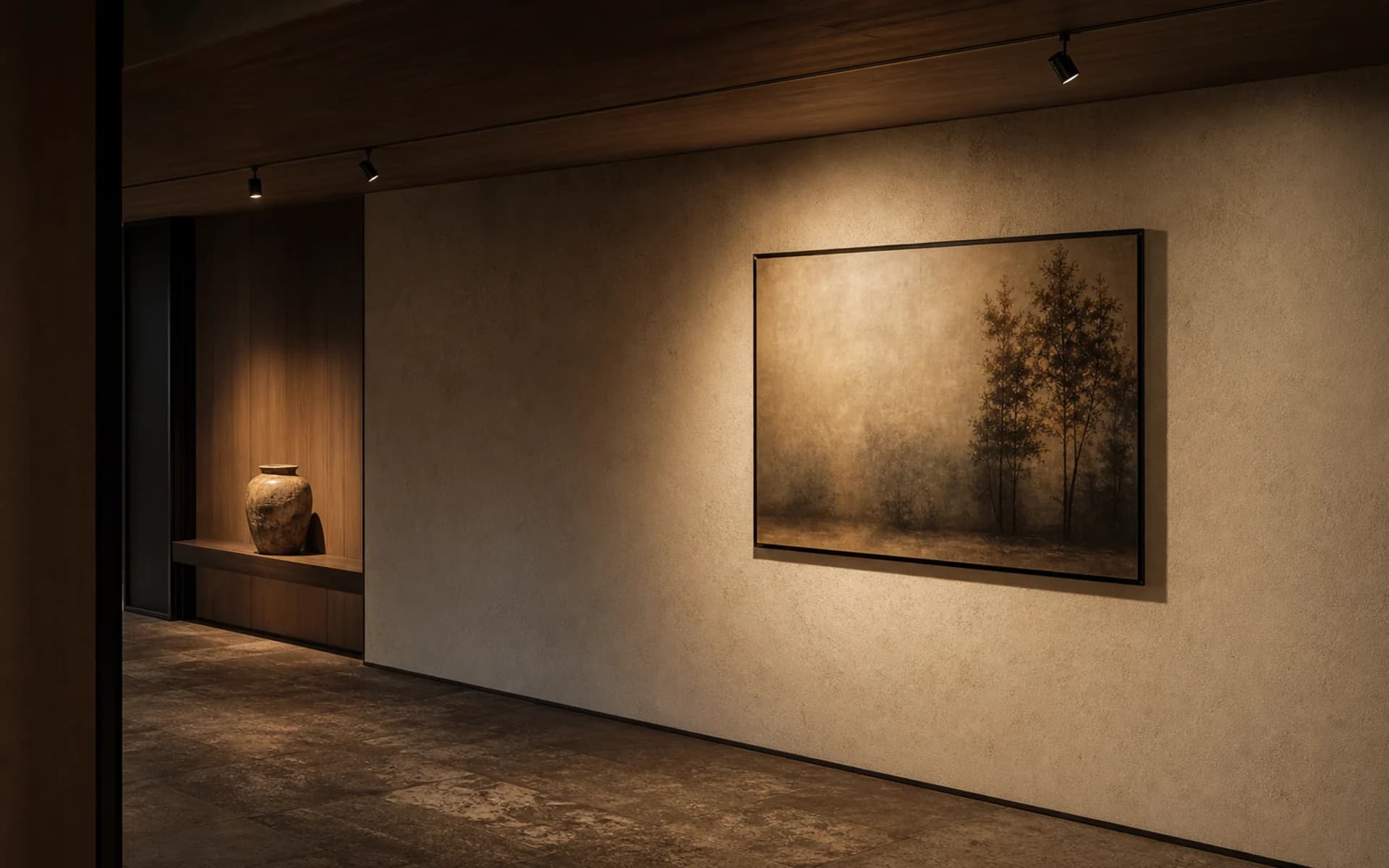
Spotlights / 7 families
Fixed, adjustable, wall-wash, pull-out, foldable and eyeball families for aiming-led specifications.
View spotlightsProduct filters
Use the result as a shortlist, then add output, glare, control and document needs to the RFQ.
Product information
Quotation brief
Common questions
Practical answers for product selection, quotation and project coordination.
Published power, dimensions, cut-out, beam, CCT, CRI, voltage, source and material fields.
Yes. Add the selected model and configuration plus the required file types to the RFQ.
Include the ceiling condition, quantity, output or lux target, glare criteria, controls, required files and delivery window.